Free Git Tutorial Course

Git Tutorial

star 4.54  Beginner level 3.0 learning hrs 23 Learners

For learners exploring Git Tutorial, this free course brings logic, syntax, and debugging into one path, making the basics easier to understand and use.

Key Highlights

Get free course content

Master in-demand skills & tools

Test your skills with quizzes

About this course

A beginner-focused free git tutorial course can reduce confusion by connecting ideas with situations learners actually recognize. The course introduces setup, syntax, core logic, and debugging in a way that shows how the pieces work together. Instead of treating git tutorial as a list of terms, it explains what to look for, how to reason through common tasks, and why the subject appears in real projects, teams, or business decisions.


The course is a good fit if you want to build small working examples and explain the logic behind them. You can use it to prepare for assignments, interviews, workplace conversations, or a first hands-on project depending on your goal. After finishing, you should be able to explain the core idea of git tutorial, recognize when it is relevant, and choose a sensible next step such as practice exercises, deeper tools, related frameworks, or a more advanced course.

Stand out with an industry-recognized certificate

10,000+ certificates claimed, get yours today!

Get noticed by top recruiters

Share on professional channels

Globally recognised

Land your dream job

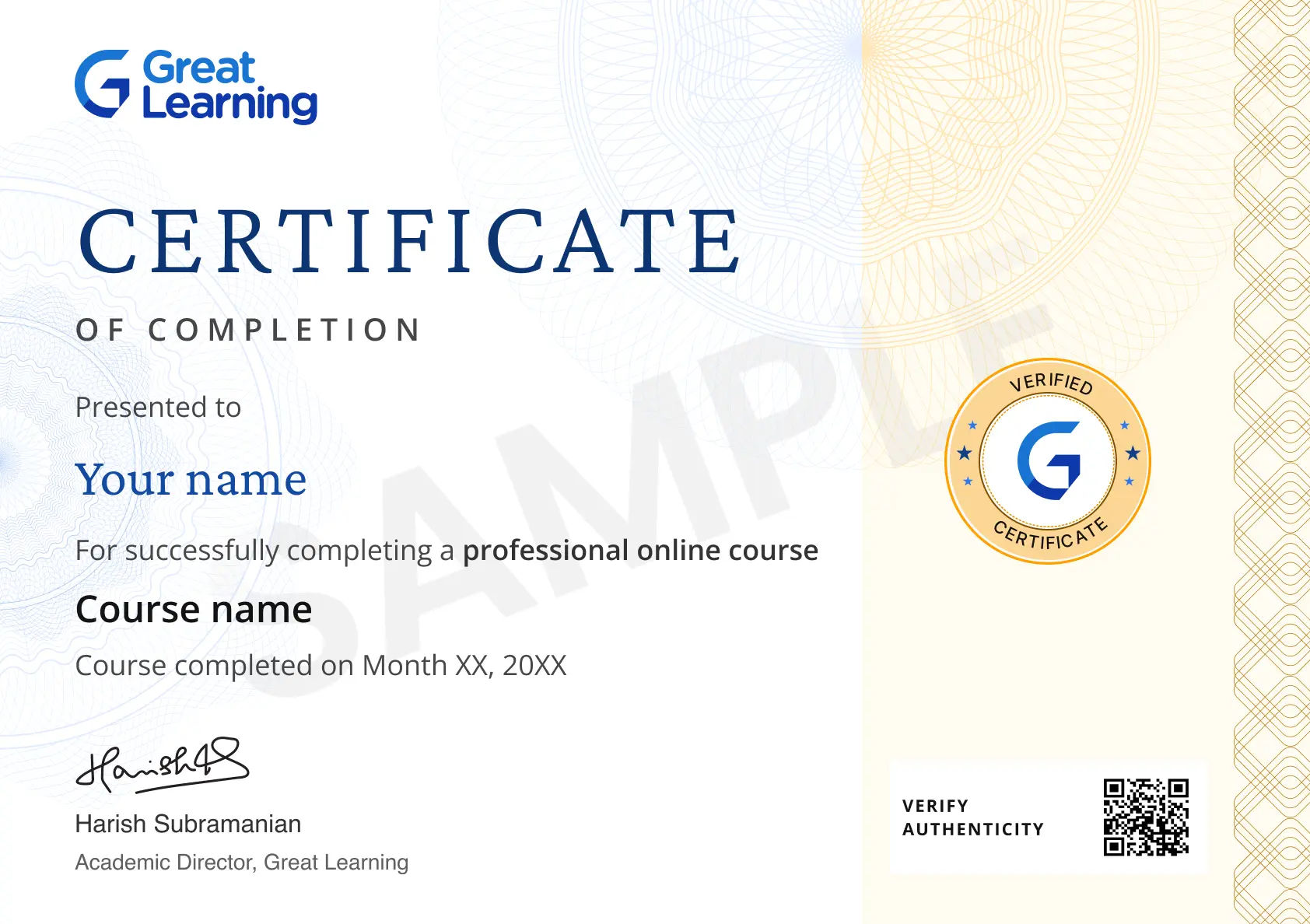
Certificate Image

Course outline

What is Git?

Git is a distributed version control type used for software development and other version control tasks. This module helps you comprehend Git and the lifecycle of the code within Git.

Introduction to Hive Hands-On

Hive is a data warehouse used to support interaction between the user and HDFS. This course will give you a demonstration using sample problem statements for your better understanding.

What is Version Control?

Version control is a part of software configuration management. It is responsible for managing changes to computer programs or any kind of information.

Git Workflow

Benifits of VCS

Git Lifecycle

Getting started with github

Installing and configuring Git

Basic Commands in Git

Git Branches

Merging

Git Merge Conflicts

Git Rebasing

Get access to the complete curriculum once you enroll in the course

Git Tutorial

rating icon 4.54

3.0 Hours

Beginner

23 learners enrolled so far

Get free course content

Master in-demand skills & tools

Test your skills with quizzes

Level up with advanced skills & become job ready with Pro+

Subscribe to Pro+ today to build skills with 50+ Pro courses and prep for jobs with advanced AI tools.

PRO
Pro+ course thumbnail image
Version Control using Git and GitHub
1 project 5 hrs video content

Practice exercises

Guided Projects

AI Resume Builder

AI mock interviews

Start 7-Day Free Trial

Trusted by 10 Million+ Learners globally

Learner reviews of the Free Courses

4.54
67%
27%
5%
0%
1%
Reviewer Profile

5.0

India
“Great experience "I just wanted to share how grateful I am for the incredible learning experience! The material was engaging, and the way complex concepts were broken down made”
"I just wanted to share how grateful I am for the incredible learning experience! The material was engaging, and the way complex concepts were broken down made everything feel approachable and achievable. The interactive elements and real-world examples truly brought the learning to life. Thank you for creating such an enriching environment—I feel inspired and much more confident in my abilities!"
Reviewer Profile

5.0

United States
“Its really good at learning with great learning ”
Its is easy to follow the instructor and also very user friendly i can understand well thank you
Reviewer Profile

5.0

India
“Comprehensive and Practical Git & GitHub Learning Experience”
I really enjoyed the well-structured curriculum, which covered both foundational and advanced Git and GitHub concepts. The practical exercises made it easy to apply what I learned, and the course was easy to follow, even for beginners. The hands-on approach helped me gain confidence in using version control in real-world projects.
Reviewer Profile

5.0

United Kingdom
“github tutorial with all in depth knowledge of github like git commands git workflow git lifecycle etc”
i like the way instructor explained the points and dept of topics
Reviewer Profile

5.0

Mexico
“I want to express my appreciation for this course on version control and Git. The learning videos are well-structured, making complex topics easily digestible.”
The part I enjoyed the most was the section on Git Branches. It was fascinating to learn how branching allows for parallel development, enabling multiple team members to work on different features simultaneously without interfering with each other's code. The explanation of how to create, manage, and merge branches was clear and provided practical insights that I can apply in real projects. This section really highlighted the power of Git in enhancing collaboration and workflow efficiency.
Reviewer Profile

5.0

France
“The instructor taught us git in a very good way. Best experience with great learning. Great learning provides a platform in which anyone can learn something from IT. ”
The instructor taught us git in a very good way. Best experience with great learning. Great learning provides a platform in which anyone can learn something from IT. And it's your way to pay or learn free.
Reviewer Profile

5.0

“Being able to follow along, The videos were short and precise.”
I was able to follow along with the instructor which gave me a better understanding of the overall course
Reviewer Profile

5.0

India
“I easily catch the concept by their explaination”
The Git course provided by Great Learning was comprehensive and covered all the essential topics such as version control, branching, merging, and collaboration. The course also explained distributed version control concepts clearly and how to work with repositories on platforms like GitHub. The examples and practical exercises were very helpful in understanding how Git works in real-world scenarios.
Reviewer Profile

5.0

Indonesia
“Quick and Easy To Understand Material”
i like the way of the usage simulation but maybe use a newer version if possible
Reviewer Profile

5.0

“Excelente curso didactico para el buen uso de repositorios”
Excelente curso didactico para el buen uso de repositorios

What our learners enjoyed the most

Frequently Asked Questions

Will I receive a certificate upon completing this free course?

Yes, upon successful completion of the course and payment of the certificate fee, you will receive a completion certificate that you can add to your resume.

Is this course free?

Yes, you may enroll in the course and access the course content for free. However, if you wish to obtain a certificate upon completion, a non-refundable fee is applicable.

Does Git Tutorial require prior experience?

Most learners can start without deep prior experience. Basic curiosity and time for examples are enough to use this free course as a first foundation. It also keeps the learning focused on practical next steps.

How can Git Tutorial improve interview preparation?

It gives you simple explanations, examples, and vocabulary around coding logic and syntax patterns, which helps when interview questions test beginner understanding. It also keeps the learning focused on practical next.

Git Tutorial: what should I practice first?

Practice one small task that uses coding logic and syntax patterns. Then explain the result in your own words so the learning becomes easier to reuse. It also keeps the learning focused on practical next steps.

Is Git Tutorial better for beginners or experienced learners?

The course is mainly useful for beginners and refreshers who want a structured introduction before deeper projects, tools, or role-specific practice. It also keeps the learning focused on practical next steps.

What comes after learning Git Tutorial online?

Move into a project, advanced course, or adjacent skill that uses coding logic and syntax patterns. The free course helps you choose that next step more clearly. It also keeps the learning focused on practical next.

How does Git Tutorial connect with real work?

Real work often requires understanding purpose, limits, and tradeoffs. This course shows how coding logic and syntax patterns fit those decisions. It also keeps the learning focused on practical next steps.

Git Tutorial: what comparisons make the subject clearer?

Compare the purpose, inputs, outputs, and limits of each idea. That habit helps you understand Git Tutorial as a working skill, not just a topic name. It also keeps the learning focused on practical next steps.

In Git Tutorial, what should beginners understand first?

Begin with coding logic, syntax patterns, and the purpose behind the topic. This free course gives you that starting point before you move into harder examples or tools. It also keeps the learning focused on practical.

Subscribe to Academy Pro+ & get exclusive features

$29/month

No credit card required

Learn from 40+ Pro courses

Access 500+ certificates for free

700+ Practice exercises & guided projects

Prep with AI mock interviews & resume builder

Recommended Free Git courses

FREE
Git Tutorial
star   4.54 13.6K+ Learners
2 hrs
FREE
Git Tutorial in Hindi
star   4.42 6.5K+ Learners
2 hrs

Related IT & Software Courses

50% Average salary hike
Explore degree and certificate programs from world-class universities that take your career forward.
Personalized Recommendations
checkmark icon
Placement assistance
checkmark icon
Personalized mentorship
checkmark icon
Detailed curriculum
checkmark icon
Learn from world-class faculties
  • Personalized Recommendations

    Placement assistance

    Personalized mentorship

    Detailed curriculum

    Learn from world-class faculties

    50% Average salary hike
  • Know More

Enroll For Free