Free Video Editing Course
Learn Video Editing for Content Creators
 4.3
Beginner level
2.25 learning hrs
4.3
Beginner level
2.25 learning hrs
Learn design fundamentals like composition, typography, and color theory. Enroll in this free Graphic Design course and gain hands-on experience with Adobe Photoshop to create stunning visuals.




What you'll learn


About this course
This free video editing course is designed to guide you through the essentials of video production, with hands-on exercises to solidify your learning. You’ll explore key topics such as video planning, storyboarding, pacing, and editing techniques. You will also learn professional software, such as Adobe Premiere Pro, and master techniques like cutting, trimming, adding effects, and color correction.
A significant focus will be on enhancing your videos with professional-level finishing touches, utilizing insider tips and shortcuts to streamline your workflow. By the end of the course, you’ll have the skills and confidence to edit videos like a professional, laying a strong foundation for your video editing career.
While you're here, don't forget to check out our Design Thinking Course for a well-rounded skillset!
Course outline
Introduction to Video Editing
Learn what is Video Editing and the types of Video Editing. Get familiar with the Careers and Applications of Video Editing and Video Editing Jargon.
Basic Fundamentals of Video Editing
Learn basic fundamentals of Video Editing to understand how videos are made step by step.
Creating a Video in Premiere Pro
Learn to create a video in Premiere Pro through a hands-on approach.
Get access to the complete curriculum once you enroll in the course
This course is ideal for
- Beginners wanting to learn video editing basics.
- Students and job seekers exploring content creation roles.
- Working professionals who create videos for marketing.
- Learners who want a certificate for their resume.
 4.3
4.3
Level up with advanced skills & become job ready with Pro+
Subscribe to Pro+ today to build skills with 50+ Pro courses and prep for jobs with advanced AI tools.
 PRO
PRO
.png "course thumbnail")

Practice exercises
Guided Projects
AI Resume Builder
AI mock interviews











What our learners enjoyed the most
Skill & tools
65% of learners found all the desired skills & tools
Frequently Asked Questions
Will I receive a certificate upon completing this free course?
Is this course free?
Is the Video Editing Basics course a certification course?
What are the prerequisites required to learn a Video Editing Basics course?
To Learn the Video Editing Basics course, you just need to have a creative mind and an interest in Video Editing. There is no formal requirement to take a Video Editing course.
How long does it take to complete this free Video Editing Basics course?
This free Video Editing Basics course contains 1.5 hours of video content and a quiz which should not take more than 2 hours to complete both.
Will I have lifetime access to the free Video Editing Basics course?
Yes. The learners once enrolled in the free Video Editing Basics course, will get lifetime access to it.
What are my next learning options after this Video Editing Basics course?
After completing this Video Editing Basics course, the learners can opt for the professional Design Thinking course to discover various career options. CHECK OUT NOW.
Is it worth learning Video Editing Basics?
Yes. Video Editing is a useful skill for personal as well as professional use. Learning Video Marketing is the next big thing. Today Videos are used to make an impact on 80% of the World Wide Web traffic. Learning Video Editing Basics can help you make the most of your career as a Video Editor.
What is Video Editing Basics used for?
Video Editing Basics are used to understand types of video editing and the tips and tricks to create an impactful video for various purposes.
Why is the Video Editing Basics course so popular?
The Video Editing Basics course is popular because it teaches the fundamentals of video editing that every video editor should know in order to excel in their career. The job markets for film and videos are exploding. The way in which information is exchanged through videos can be a game changer and that is why learning different tips and tricks become important to be a successful video editor.
What jobs demand that you learn Video Editing Basics?
These are some of the jobs that demand you to learn Video Editing Basics:
- Film Editor
- Cinematographer
- Television Studio Editor
- Animator
- Marketing Video Editor
- Advertisement
Will I get a certificate after completing this Video Editing Basics course?
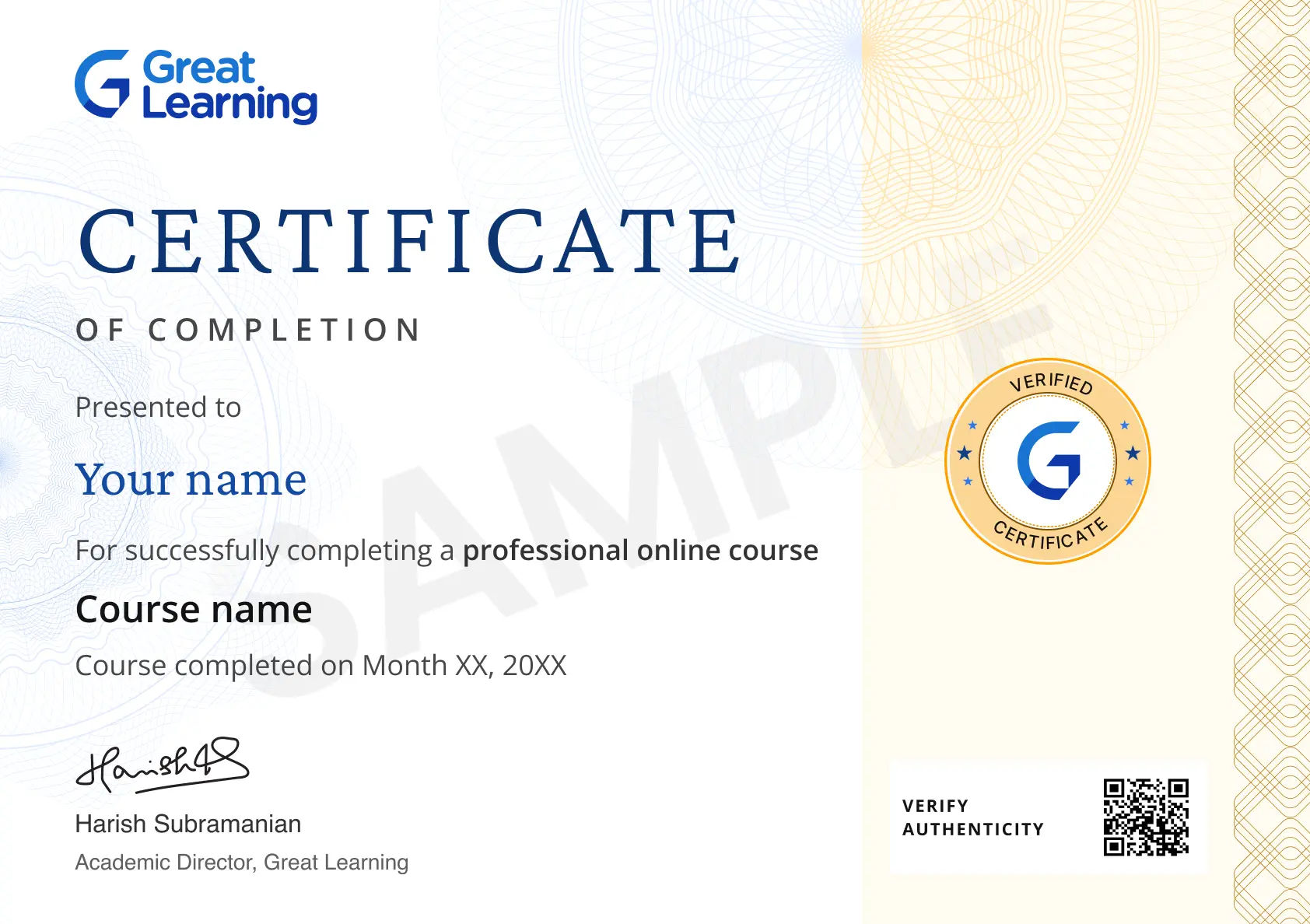
Definitely. After the course completion, you will receive a Certificate of Completion stating that you have successfully completed a free online course. The certificate will be provided by Great Learning Academy and it will be available in your dashboard within 24 hours of successful course completion.
What knowledge and skills will I gain upon completing this Video Editing Basics course?
Upon completing this Video Editing Basics course, you will gain:
- Knowledge about What is Video Editing, Types of Editing, Careers and Applications of Video Editing.
- Skills of Cutting, Trimming and Splicing the video clips.
- Skills of creating a video in Premiere Pro.
How much does this Video Editing Basics course cost?
This Video Editing Basics course is free of cost. A learner can enroll in the course without paying anything.
Is there a limit on how many times I can take this Video Editing Basics course?
Yes, you can sign up for multiple courses from Great Learning Academy at the same time. There is no limit for the same.
Can I sign up for multiple courses from Great Learning Academy at the same time?
Yes, you can simultaneously sign up for multiple courses from Great Learning Academy, and there is no limit.
Who is eligible to take this Video Editing Basics course?
Anyone with an interest in video making and editing can enroll into this course. Even college students can enroll into this free course and learn the Basics of Video Editing.
What are the steps to enroll in this course?
These are the steps to enroll in the Video Editing Basics course:
- Visit Great Learning Academy
- Sign up or Log In to the Great Learning Academy.
- Visit the Course Page.
- Click on ENROLL FOR FREE
- Start Learning
Will I receive any career services with the Video Editing Basics course?
No. You will not receive any career services with the Video Editing Basics course. However, if you take up our Degree and Certificate Programs, you will get personalized Guidance, Dedicated Career Support, Networking and Program Support.




Recommended Free UX Design courses
-
FREE

-
FREE
-
FREE
 FREE
FREE

.jpg "Course thumbnail image")

Similar courses you might like
-
FREE
-
FREE
-
FREE
-
FREE