Microsoft 365 Copilot Free Course
Introduction to Microsoft 365 Copilot
 4.65
Beginner level
2.25 learning hrs
4.65
Beginner level
2.25 learning hrs
Learn how to use Microsoft 365 Copilot to boost productivity across Word, Excel, PowerPoint, Outlook, and Teams. Enroll in this Microsoft Copilot free course to explore Copilot features, streamline workflows, and work efficiently.
Instructor:
Pragya P


What you'll learn


About this course
This is a free Microsoft 365 Copilot course that will help you get familiar with the AI assistant within the Microsoft office applications. You will start with its features, evolution, and contribution towards enhancing productivity. The course addresses the architecture, the major building blocks and privacy and compliance considerations of Copilot. With practical demonstrations, you will know how to use Copilot in Word, Excel, PowerPoint, outlook and Teams and you will have practical skills to be efficient and productive in various types of work and in different industries.
Course outline
Introduction to Microsoft 365 Copilot
In this module, you will explore Microsoft 365 Copilot from basics by understanding it's features, it's evolution since it was first time launched and it's importance in increasing productivity.
Architecture and Working of Microsoft 365 Copilot
In this module, you will cover the architecture behind this AI tool exploring its core components and also the privacy and compliance features which this AI tool offers.
Applications and Use Cases of Microsoft 365 Copilot
Here, you will learn by practising the demonstrations on how to use Microsoft 365 Copilot across different platforms, including Word, Excel, PowerPoint, Outlook, and Teams, along with understanding how this tool is helping increase productivity across various industries.
Get access to the complete curriculum once you enroll in the course
This course is ideal for
- Beginners wanting to learn Microsoft 365 Copilot basics.
- Students and job seekers building AI productivity skills.
- Working professionals using Word, Excel, and Outlook daily.
- Learners who want a Microsoft 365 Copilot certificate.
 4.65
4.65


















Our course instructor

Pragya P
ChatGPT and Generative AI Expert


Frequently Asked Questions
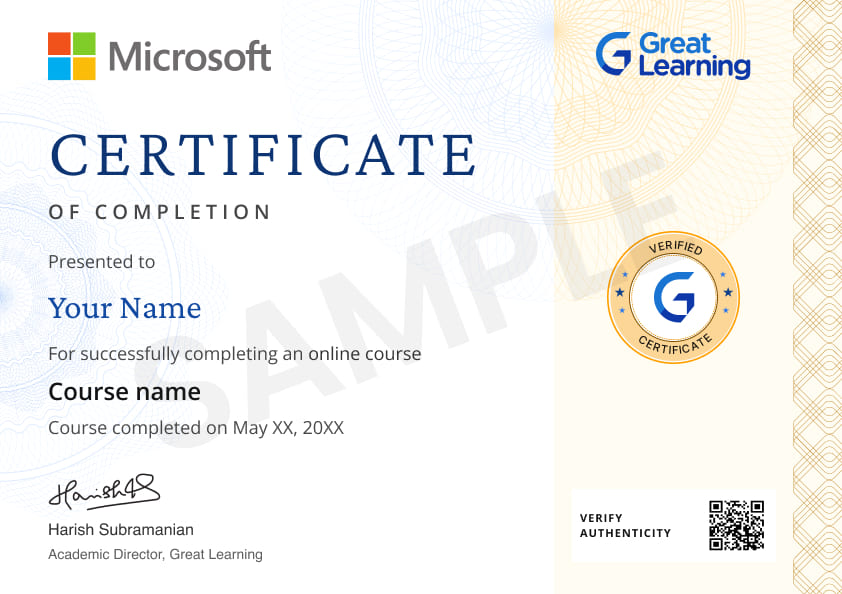
Will I receive a certificate upon completing this free course?
Is this course free?
Who should take this Microsoft Copilot free course?
The course is aimed at anyone who wants to improve productivity using Microsoft 365 Copilot in Office applications. It is particularly helpful to professionals, office employees, managers, and tech-lovers who wish to make use of AI in their operations
What will I learn in this free Microsoft 365 Copilot course?
You will know how to use Microsoft 365 Copilot in Word, Excel, PowerPoint, outlook, and Teams. The course includes Copilot capabilities, system orchestration, Microsoft Graph implementation, and real-world applications to make it more efficient and accurate.
Do I need any prior knowledge to enroll in this course?
No prior experience is required. The course begins with the fundamentals of Copilot and slowly expands on your knowledge of what Copilot can do within Microsoft 365.
Why is Microsoft 365 Copilot important for productivity?
Copilot automates routine tasks, assists in content creation, improves accuracy, and helps you work faster across Microsoft Office apps. It enhances collaboration and decision-making, saving time and effort in daily office tasks.
What modules are included in this free online Microsoft 365 Copilot course?
The course includes:
- Introduction to Microsoft 365 Copilot
- Architecture and Working
- Applications and Use Cases
What skills will I gain after completing this free Microsoft 365 Copilot training course?
You’ll gain skills in using Copilot for Word, Excel, PowerPoint, Outlook, and Teams. You’ll also learn about Microsoft Graph, large language models, system orchestration, and applying AI tools in real-world workflows.
How does this course help in real-world scenarios?
At the conclusion of the course, you will be able to use Copilot to automate workflows, make content, work together, and implement AI-based solutions in various industries.




Recommended Free Generative AI courses
-
FREE

-
FREE
-
FREE
-
FREE
-
FREE
-
FREE
-
FREE
-
FREE
 FREE
FREE

.jpg "Course thumbnail image")




.jpeg "Course thumbnail image")

Related ChatGPT and Generative AI Courses

-
6 Weeks · Online · Weekend
Money Back GuaranteeKnow More
-
Johns Hopkins University
Certificate Program in AI Business Strategy10 weeks · Online
Know More
-
Walsh College
MS in Artificial Intelligence & Machine Learning2 Years · Online
Know More