Free Microsoft 365 Course

Microsoft 365 Essentials

Beginner level 3.0 learning hrs

The free Microsoft 365 course follows everyday work from an email or meeting to the files a team shares. Join to learn how to organize that work, review changes with colleagues, and choose where a document belongs.
Key Highlights

Get free course content

Master in-demand skills & tools

Test your skills with quizzes

About this course

This free Microsoft 365 course helps you understand how familiar office tasks fit across the apps. You learn to manage messages and meetings in Outlook, then prepare documents in Word with styles, comments, and tracked changes. Excel lessons give you ways to organize information and compare it using formulas, tables, and charts. These tasks help you see which app suits the work you need to do.


Collaboration changes what happens after you save a file. You compare OneDrive and SharePoint, study permission levels, and learn how version history helps when several people edit a document. Teams brings conversations, meetings, and shared files into that workflow. Security lessons also introduce multifactor authentication and phishing awareness. For beginners, the course provides a way to make everyday office work easier to find, review, and share.

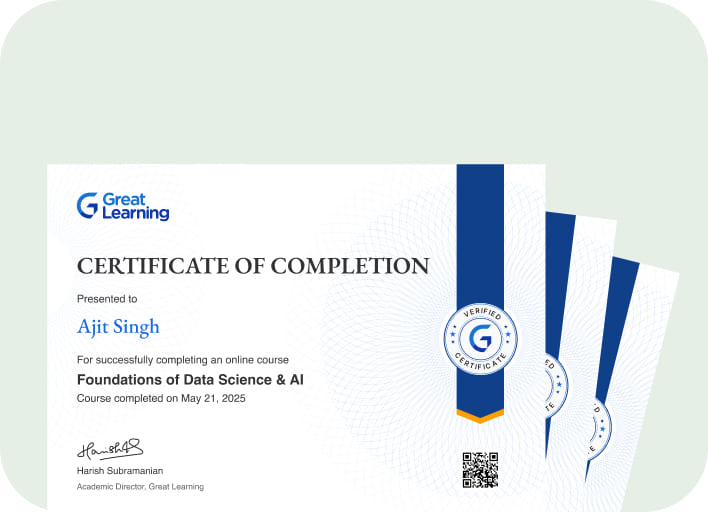
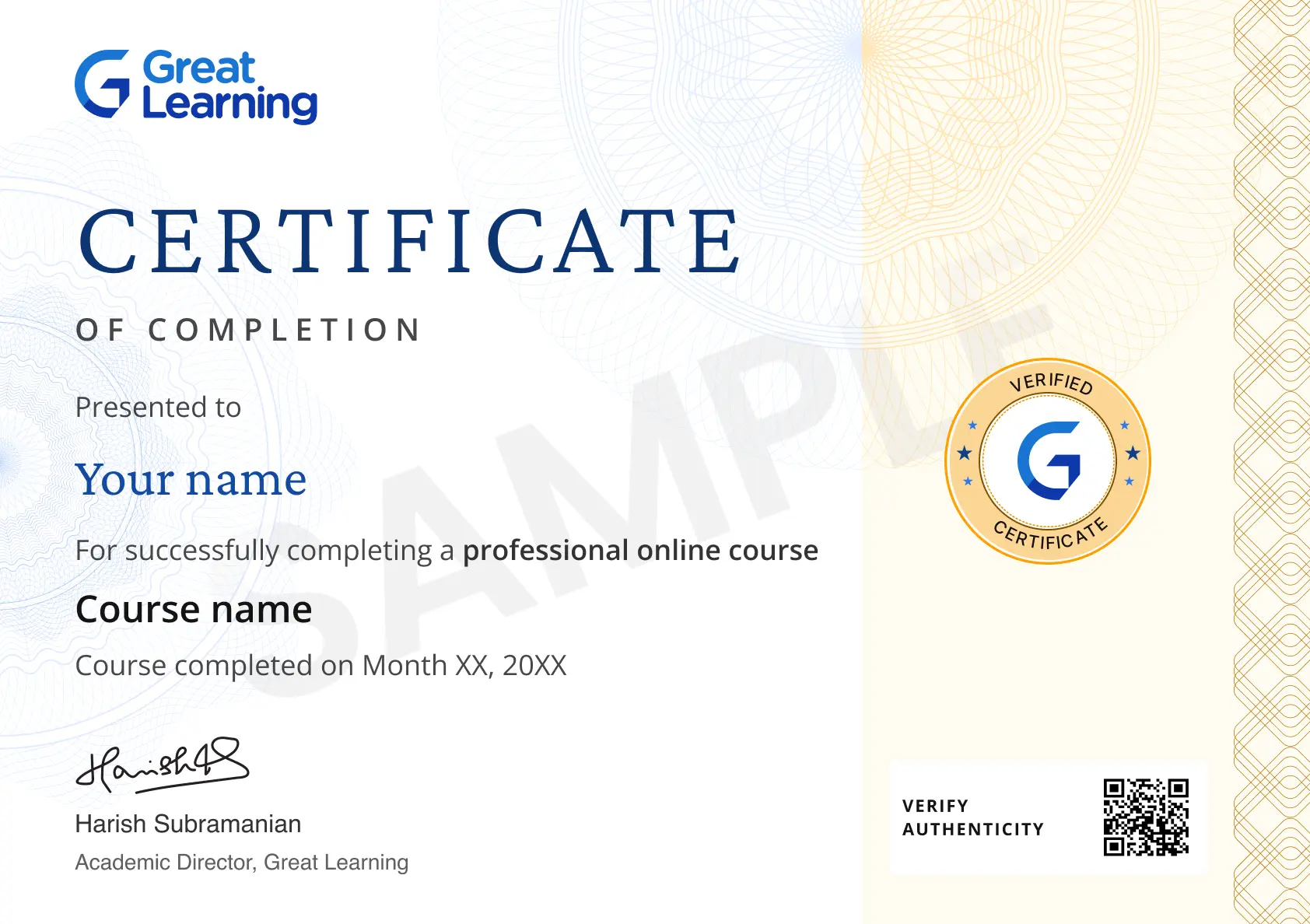
Stand out with an industry-recognized certificate

10,000+ certificates claimed, get yours today!

Get noticed by top recruiters

Share on professional channels

Globally recognised

Land your dream job

Certificate Image

Microsoft 365 Essentials

3.0 Hours

Beginner

Get free course content

Master in-demand skills & tools

Test your skills with quizzes

Trusted by 10 Million+ Learners globally

Frequently Asked Questions

Does the free Microsoft 365 course cover working across apps?

You study how email, documents, spreadsheets, meetings, and shared files fit into everyday work. The course helps you choose an app for a task and understand how colleagues can work with the result.

How can Outlook rules help you manage email?

The Outlook lessons show how rules and folders organize incoming messages. You learn to connect those tools with managing a calendar and contacts so important work is easier to find and follow up.

What can tracked changes in Word help you review?

Tracked changes makes edits visible during a document review. The course pairs it with comments and co-authoring so you can understand what changed and discuss revisions with the people involved.

How do Excel tables and filters help with a worksheet?

You organize data into a consistent structure and focus on the records you need. The spreadsheet lessons help you see why that preparation makes formulas, summaries, and charts easier to use.

When would a PivotTable be useful in the Excel lessons?

A PivotTable lets you summarize records by categories. You learn how it can help answer a question about a dataset, such as comparing groups, before deciding what a chart should show.

What do the PowerPoint lessons add beyond slide layouts?

You study how charts, speaker notes, and Presenter View support a presentation. These tools help you decide what the audience needs to see and what information is better kept as a prompt for the speaker.

How are Teams channels different from individual chats?

Channels organize conversations and files around shared work. The Teams lessons help you see when a discussion belongs with a team's ongoing work and when a direct chat is a more focused place to respond.

How do you choose between OneDrive and SharePoint for files?

The file management lessons compare personal work storage with shared sites and libraries. You learn to consider who needs the file, how it will be shared, and where the team expects to find it.

What can version history help you recover?

Version history lets you review earlier saved versions of a shared file. The course shows why this is useful when several people contribute and the team needs to understand or revisit a change.

Which security habits are introduced for Microsoft 365 users?
You learn about multifactor authentication and recognizing phishing attempts. The lessons connect those habits with everyday use of email and shared information so you can identify when a request needs closer attention.

Subscribe to Academy Pro+ & get exclusive features

$29/month

No credit card required

Learn from 40+ Pro courses

Access 500+ certificates for free

700+ Practice exercises & guided projects

Prep with AI mock interviews & resume builder

Related IT & Software Courses

50% Average salary hike
Explore degree and certificate programs from world-class universities that take your career forward.
Personalized Recommendations
checkmark icon
Placement assistance
checkmark icon
Personalized mentorship
checkmark icon
Detailed curriculum
checkmark icon
Learn from world-class faculties
  • Personalized Recommendations

    Placement assistance

    Personalized mentorship

    Detailed curriculum

    Learn from world-class faculties

    50% Average salary hike
  • Know More

Enroll For Free