Free Motion Graphics Course
Motion Graphics and Animation
Motion graphics turn design into movement through timing, layout, and animation choices. Join this free motion graphics course to create clearer visual stories.




What you'll learn


About this course
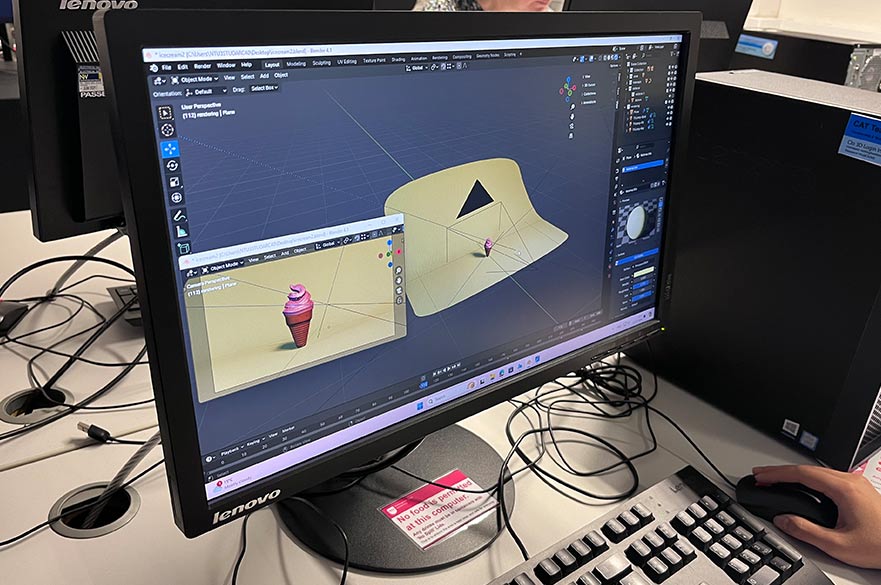
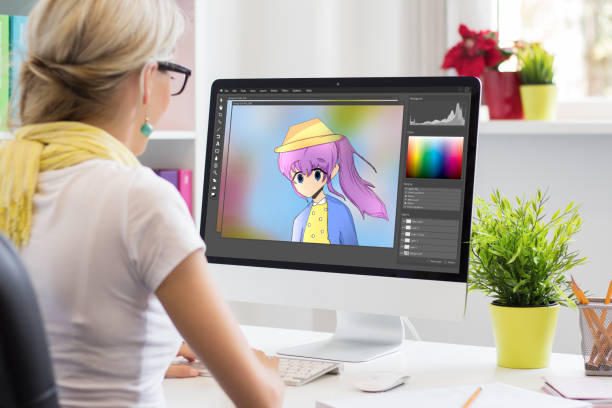
This free motion graphics course introduces how static designs become moving visuals for videos, ads, explainers, social posts, and digital presentations. You learn beginner concepts such as timing, keyframes, layout, movement, transitions, hierarchy, and visual storytelling. The course keeps motion graphics and animation clear for learners who are new to design or editing.
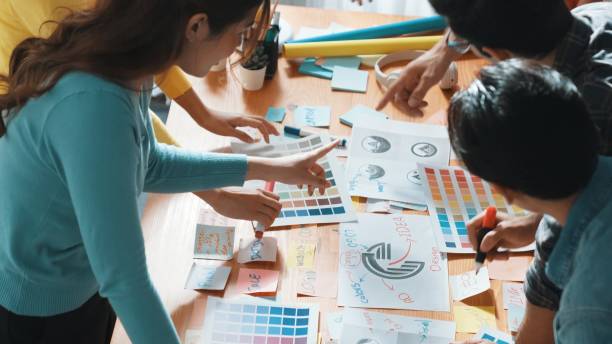
You also study how pacing, typography, color, composition, and simple animation choices affect viewer attention. These lessons help you plan cleaner animated visuals, understand motion design feedback, and prepare for deeper practice with design tools, video editing software, or portfolio projects once you choose the tools you want to use.
Course outline
The Core Principles Behind Great Motion Design
In this module, you'll learn the 12 principles of animation, how timing and easing actually work, and how to build a solid creative brief.
Setting Up Your Motion Design Toolkit
In this module, you'll learn to navigate industry-standard software, work with keyframes and the graph editor, and set up an efficient project workflow.
Bringing Words to Life with Kinetic Typography
In this module, you'll learn to animate text with range selectors, sync it to voiceover, and build titles and animated logos that actually land.
Mastering Shapes, Layers, and Visual Composition
In this module, you'll learn shape layers, trim paths, masks, and how to build seamless loops, infographics, and explainer sequences.
Designing and Rigging Characters for Motion
In this module, you'll learn to design animation-ready characters and rig them for movement, from limbs and joints to facial and walk-cycle rigs.
Animating Characters That Tell a Story
In this module, you'll learn to block poses, animate walk cycles, add secondary motion, and sync lip movement to dialogue with real emotion.
Finishing the Scene: Compositing, Effects, and Sound
In this module, you'll learn color grading, chroma keying, and how to layer in sound design so every scene feels finished and immersive.
From Final Render to Launching Your Motion Design Career
In this module, you'll learn export settings for every platform, how to price projects, build a demo reel, and pitch your work to clients.
Get access to the complete curriculum once you enroll in the course
This course is ideal for
- Beginners turning static designs into moving visuals
- Students aiming for junior motion designer roles
- Social media managers creating animated posts and ads
- Freelance video editors adding explainer animations for clients




What our learners enjoyed the most
Curriculum
100% of our learners found our curriculum helpful
Easy to Follow
100% of learners found the course easy to follow
Frequently Asked Questions
What will I learn in this free motion graphics course?
Is this motion graphics and animation course beginner-friendly?
Does the course teach animation principles?
Will I learn keyframes in this motion design course?
Does this course cover visual storytelling?
Do I need design experience before this course?
What practical projects can this course support?
Does the course require a specific software tool?
Who should take this free motion graphics training?
What should I study after motion graphics basics?




Recommended Free Creative Arts and Design courses
-
FREE
 2.5 hrs
 -
FREE
2.5 hrs
-
FREE
2.5 hrs
-
FREE
2.5 hrs
-
FREE
-
FREE
-
FREE
2 hrs
-
FREE
 FREE
FREE