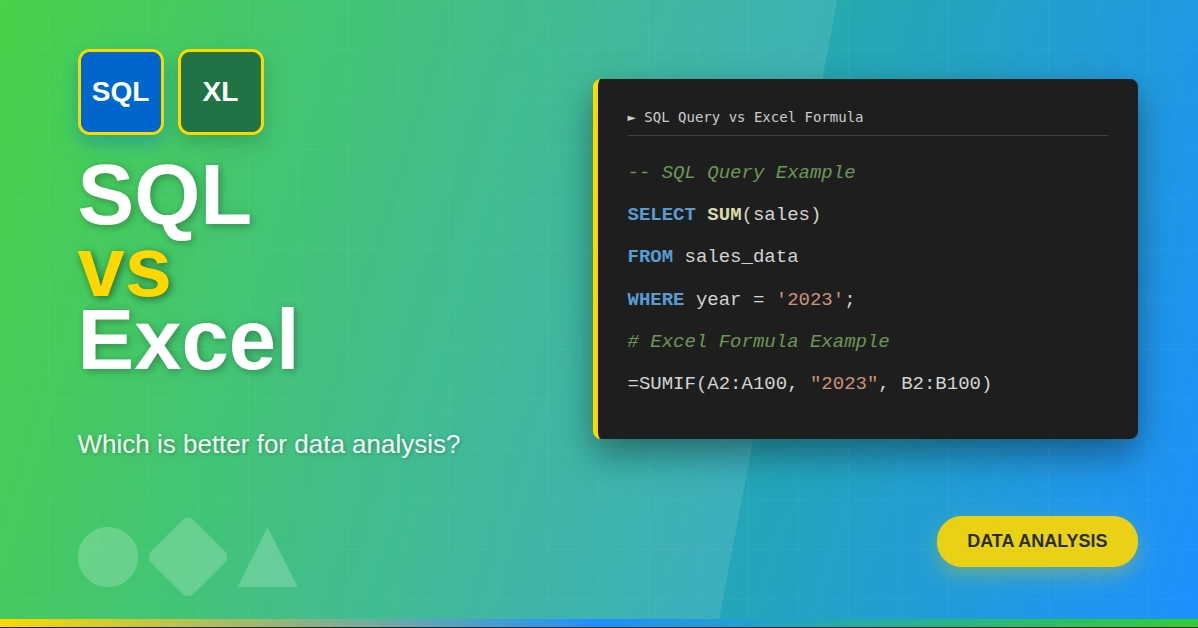
Do you ever feel lost with Excel formulas and calculations? Or maybe you're already comfortable with Excel, but want to learn advanced-level formulas?
This guide explains the formulas with examples, starting from the basics that everyone should know to more advanced levels that will help you solve complex calculations.
Learn Excel the smart way! Our course teaches you all the essential tools and techniques to master spreadsheets, from formulas to charts, and improve your workflow in every task you do.
What are Excel Formulas?
Excel formulas are expressions that we use to perform calculations or manipulate data within a spreadsheet. They are made using predefined functions, mathematical operators, and cell references. Excel formulas are the backbone of data analysis. They help with tasks from basic operations like addition, multiplication, and subtraction to advanced statistical analysis.
Excel for Beginners Free Course
Learn essential Excel skills for data analysis, including functions, formulas, and data visualization techniques. Master cell referencing, sorting, and creating charts and presentations.
Important Note:
- Formulas in Excel always start with an equal sign (=).
- If you make changes to the cell data that is referenced in the formula, Excel automatically re-calculates and updates the new result.
Excel Formulas List
Frequently Asked Questions
Q: Can Excel formulas handle large datasets?
A: Yes, Excel formulas are designed for working with big data. They can make calculations on thousands of rows at a time. However, when you have massive datasets, your computer's speed and memory might affect performance. Consider using Excel's built-in tools for large datasets or explore alternative solutions if necessary.
Q: I have a large dataset and need to find a specific value. What can I do?
A: Consider using VLOOKUP. It searches a table for a specific value in one column and returns data from a different column in the same row. (Note: VLOOKUP has limitations, use INDEX and MATCH for more complex scenarios.)
Q: My formula displays errors! What's wrong?
A: There can be several reasons. Check for typos, incorrect cell references, or data inconsistencies. Excel's =ISERROR function can also help identify error cells.
Q: Can formulas eliminate manual data analysis?
A: Excel formulas are powerful tools that reduce the need for manual calculations. They should, however, not replace data analysis completely. Instead of eliminating it, they make your manual analysis more efficient and accurate.
If you want to enhance Excel productivity and efficiency by reducing the need for manual mouse clicks, then you should know about the Most Used Excel Shortcuts.
Q: Are Excel formulas universal across all Excel versions?
A: The core Excel formulas you rely on remain consistent across most versions. However, newer versions often introduce additional functions and improved features to enhance your experience.
Q: Can I use formulas to format cells based on certain conditions?
A: Yes! Conditional formatting lets you apply formatting rules based on formula results. For example, highlight cells exceeding a value with a specific color.