Free Building Information Modeling Course

Building Information Modeling Fundamentals

Beginner level 3.0 learning hrs

In this free building information modeling course, you follow a model from design decisions to construction coordination. Enroll to see how teams share information, check clashes, and keep track of issues that need a response.
Key Highlights

Get free course content

Master in-demand skills & tools

Test your skills with quizzes

About this course

The free building information modeling course shows you how a project team uses a model as a source of shared information. You start with BIM terms and levels of development, then learn why a model needs clear information requirements and a plan for how people will use it. A common data environment helps you understand how work is shared and reviewed before others rely on it.


Coordination lessons bring models from different disciplines together so you can see where designs conflict. You follow an issue from clash detection through a recorded response, then look at how model information supports quantities, costs, and construction sequencing. The course also introduces handover information for operating the finished building. This gives beginners a view of BIM as a working process across a project and helps them decide which modeling or coordination skills to develop next.

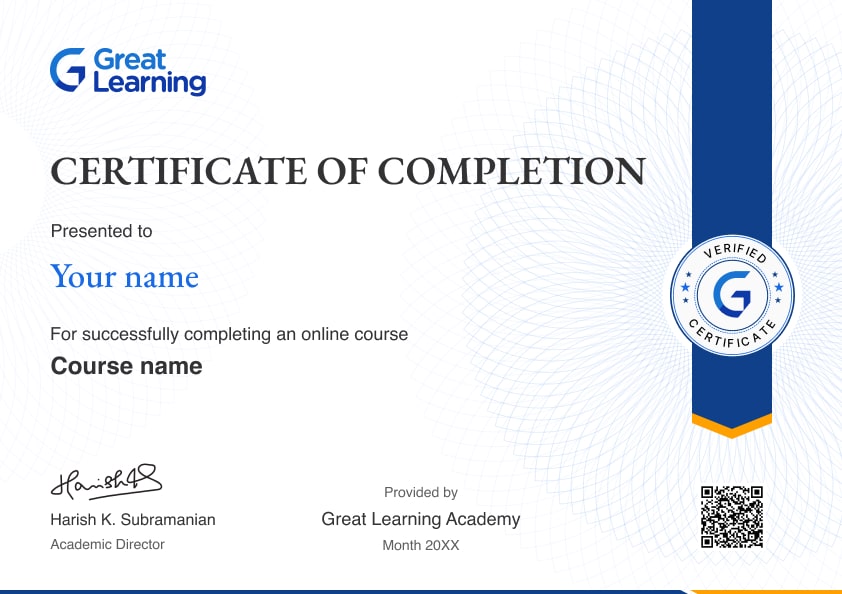
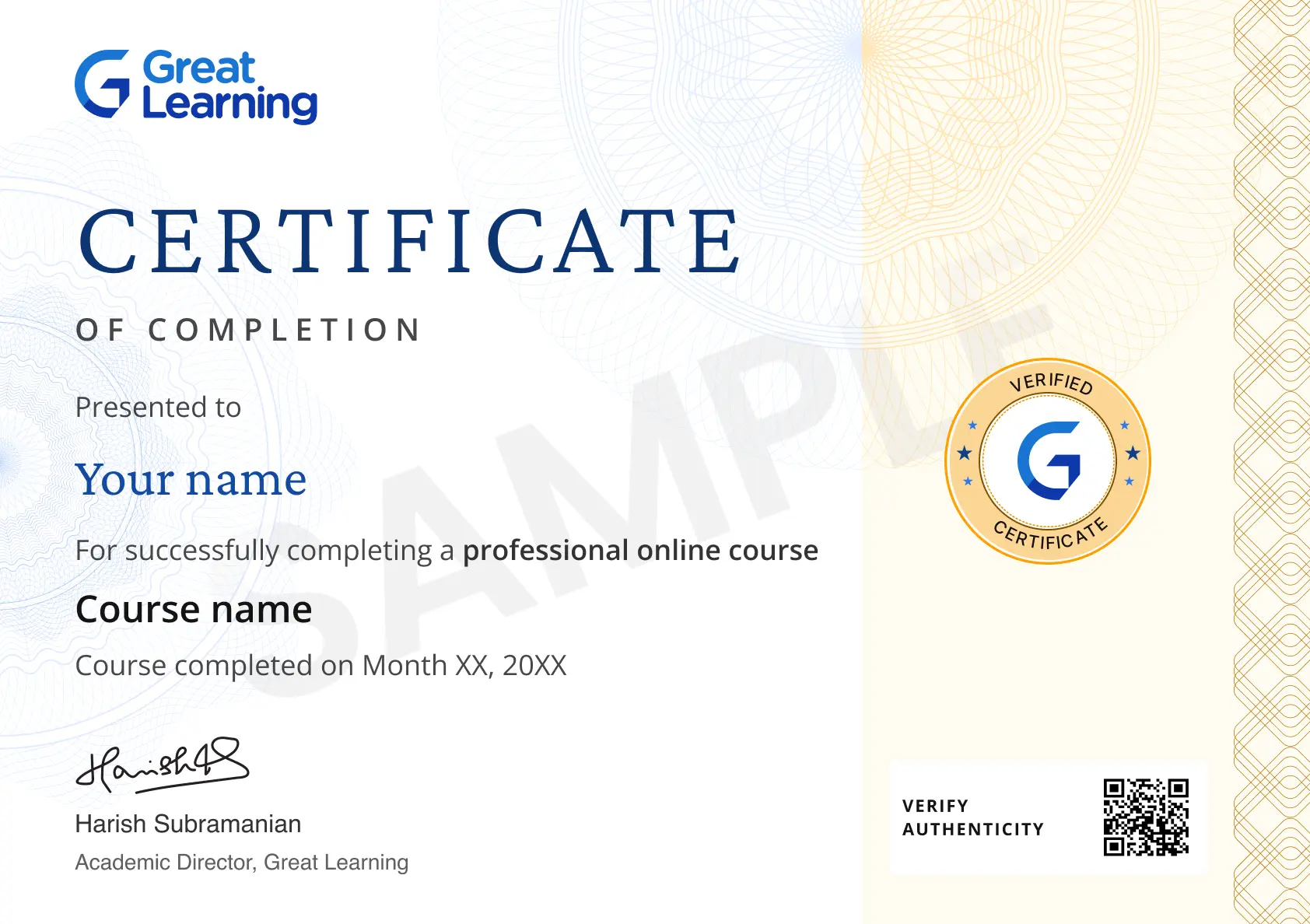
Stand out with an industry-recognized certificate

10,000+ certificates claimed, get yours today!

Get noticed by top recruiters

Share on professional channels

Globally recognised

Land your dream job

Certificate Image

Building Information Modeling Fundamentals

3.0 Hours

Beginner

Get free course content

Master in-demand skills & tools

Test your skills with quizzes

Trusted by 10 Million+ Learners globally

Frequently Asked Questions

What does the free building information modeling course teach beyond a 3D model?

You study how a project team organizes and uses information throughout the building lifecycle. The lessons show why the model, its data, and the way people share work all matter in a BIM process.

What does a level of development communicate?

It helps a team discuss how much detail and reliability to expect from model elements. You learn why that expectation matters when someone wants to use the model for a quantity, a decision, or coordination.

How do information requirements guide a BIM project?

The requirements describe what information people need and when they need it. The course connects those needs with a BIM execution plan so model work has a purpose beyond adding more detail.

What is the role of a common data environment?

It provides a managed setting for sharing and reviewing project information. You study workflow states and version control to understand when another team can rely on a file or model that has been shared.

Why combine models from different disciplines?

A federated model brings related designs together for coordination. You learn how comparing architectural, structural, and building services information can reveal an issue that was harder to see in one model.

How are hard and soft clashes different?

A hard clash involves elements occupying the same space. A soft clash concerns a clearance or other required space. You study both to understand why coordination needs more than checking for visible overlaps.

What does issue tracking add after clash detection?

A detected clash still needs someone to investigate and respond. The course introduces BCF-based issue tracking so you can understand how comments, responsibilities, and resolutions stay connected to the model.

How do 4D and 5D uses change what you can ask of a model?

You look at linking model information with time and cost. These lessons help you see how a team can examine sequencing or quantities while still checking that the model information suits the decision.

What can field information add during construction?

The execution lessons discuss scanning, site use, and as-built reconciliation. You learn why observations from the work need to be compared with the model before information is carried forward to handover.

What information can support facilities management after handover?

You study asset information, tagging, and maintenance planning as uses of BIM after construction. The lessons help you see why the people operating the building need usable records as well as a model.

Subscribe to Academy Pro+ & get exclusive features

$29/month

No credit card required

Learn from 40+ Pro courses

Access 500+ certificates for free

700+ Practice exercises & guided projects

Prep with AI mock interviews & resume builder

Enroll For Free