Free QuickBooks Course
QuickBooks Essentials
Learn QuickBooks setup, invoicing, sales, expenses, bills, reconciliation, reports, bookkeeping workflows, automation, and payroll basics. Join this free QuickBooks course to manage business finances with confidence.




What you'll learn


About this course
The free QuickBooks training online equips you with the practical skills to set up and manage everyday bookkeeping tasks with confidence. You’ll learn the differences between QuickBooks Online and Desktop, how to create a company file, record income through invoices and sales, track expenses and bills, reconcile accounts, and generate financial reports. These skills will help you maintain accurate records and understand a business's financial position. You’ll also learn how to build efficient bookkeeping workflows, establish consistent accounting routines, and use automation to reduce repetitive work. The course introduces advanced QuickBooks features and payroll, and shows how these skills support career growth. By the end of this free QuickBooks training course, you’ll be able to manage core bookkeeping activities, produce reliable reports, improve financial organization, and apply QuickBooks skills in small-business, accounting, or administrative roles.
Course outline
What QuickBooks Is and Why Businesses Use It
In this module, you'll learn what QuickBooks is, the difference between Online and Desktop versions, and the core areas it manages.
Setting Up Your QuickBooks Company
In this module, you'll learn to create a company file, choose business settings, set up the chart of accounts, and connect bank accounts.
Recording Income — Invoices and Sales Receipts
In this module, you'll learn to create invoices, record sales receipts, and track paid, overdue, and outstanding balances.
Recording Expenses and Paying Bills
In this module, you'll learn to enter vendor bills, record expenses, and schedule bill payments to avoid late fees.
Bank Reconciliation and Key Financial Reports
In this module, you'll learn to reconcile bank statements and read the Profit and Loss report and Balance Sheet.
Building Your Own QuickBooks Workflow Step by Step
In this module, you'll learn to map your business workflow, set a weekly routine, and use reminders to stay current.
Next Steps After Mastering QuickBooks Basics
In this module, you'll learn about QuickBooks Payroll, Inventory, and add-ons, plus how certification supports your career.
Get access to the complete curriculum once you enroll in the course
This course is ideal for
- Beginners wanting to learn QuickBooks bookkeeping basics.
- Students and job seekers exploring bookkeeping roles.
- Working professionals who manage small-business finances.
- Job seekers adding a QuickBooks certificate to their CV.




Frequently Asked Questions
What will I learn in this free QuickBooks course?
You’ll learn how to set up QuickBooks, understand the differences between QuickBooks Online and Desktop, create a company profile, record invoices and sales, track bills and expenses, reconcile accounts, and generate financial reports. The course also introduces bookkeeping workflows, automation, advanced features, and payroll basics.
Is this QuickBooks training for beginners suitable for someone with no accounting experience?
Yes, the course is designed for beginners and assumes no previous QuickBooks or bookkeeping experience.
What skills will I gain from free online QuickBooks training?
You’ll gain the following skills:
QuickBooks setup
QuickBooks invoicing
QuickBooks expense tracking
QuickBooks reconciliation
QuickBooks reports
QuickBooks automation
Will thi course teach invoicing and expense tracking?
Yes, you’ll learn how income is recorded through invoices and sales and how business spending is documented through expenses and bills. These skills help businesses track money coming in and going out, maintain accurate records, and reduce bookkeeping errors.
Does the best QuickBooks online training include bank reconciliation and reporting
A strong beginner course should explain both reconciliation and financial reporting, and this course covers these topics. You’ll learn how reconciliation helps confirm that QuickBooks records match account activity and how reports provide a clearer view of business finances
How long does this free course take to complete?
This free QuickBooks online course designed for beginners takes 1 hour to complete.
Will this beginner course help me create better bookkeeping workflows
Yes, the course explains how to review bookkeeping workflows, build consistent routines, and use automation to reduce repetitive tasks. These practices can help you keep records up to date, improve accuracy, save time, and make month-end financial reviews easier.
Does this free online QuickBooks training cover financial reports?
Yes, the course teaches how reporting helps you understand a business's financial state. You’ll learn why accurate income, expense, bill, and reconciliation records are necessary for producing useful financial reports and making informed business decisions.
What career outcome can I expect from this QuickBooks course with certificate?
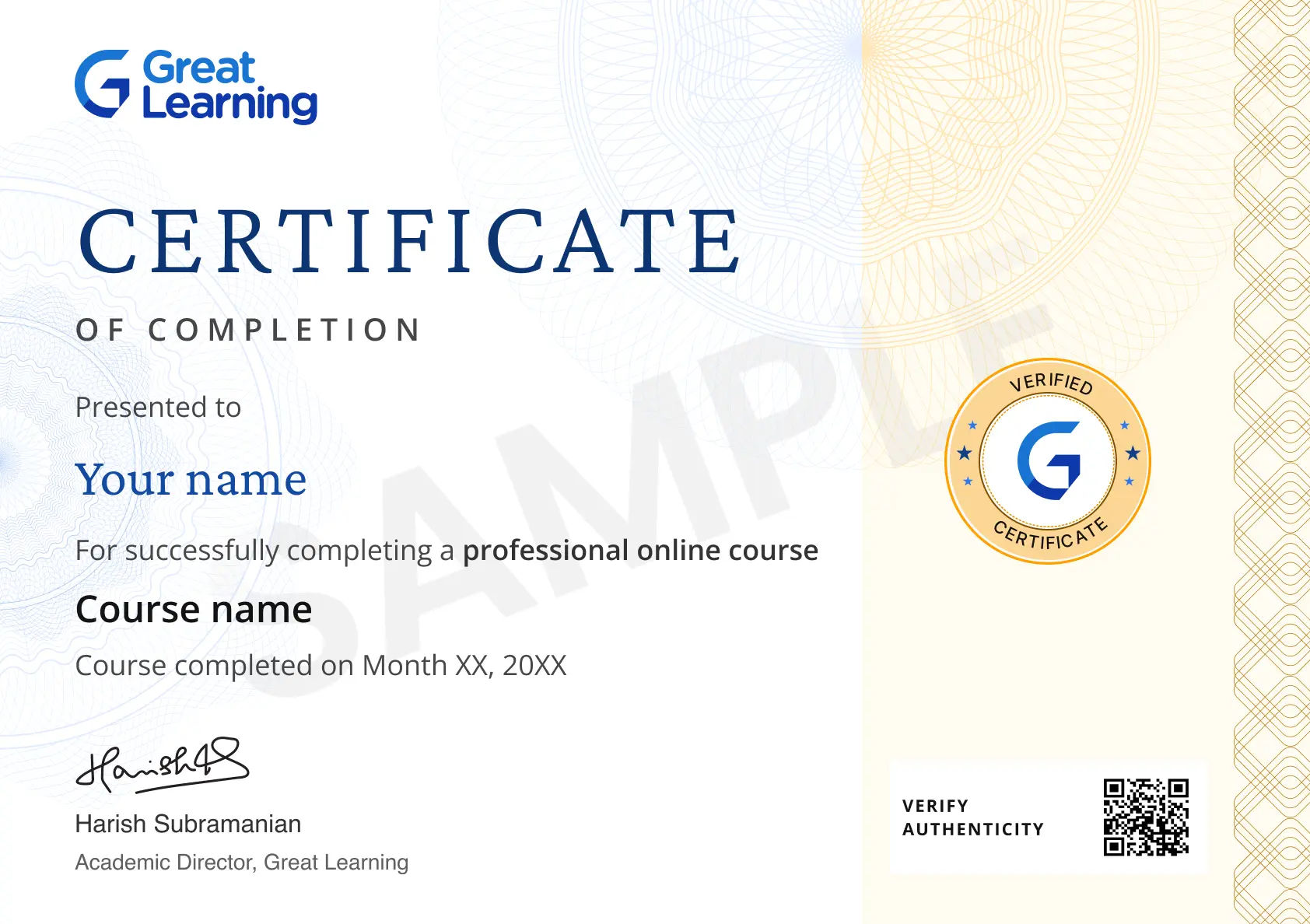
By the end, you’ll be able to explain how QuickBooks supports bookkeeping and complete core tasks such as setup, invoicing, expense tracking, reconciliation, and reporting. The certificate can showcase your foundational skills as you explore roles in bookkeeping, accounting support, administration, or small business finance.




Recommended Free Enterprise Software (ERP/CRM) courses
 FREE
FREE
.jpeg "Course thumbnail image")