Free SharePoint Document Management Course

SharePoint Document Management

Beginner level 3.0 learning hrs

SharePoint document management training connects libraries, metadata, permissions, sites, workflows, and governance for shared work. Join this free course to organize files, support approvals, and maintain a usable team.
Key Highlights

Get free course content

Master in-demand skills & tools

Test your skills with quizzes

About this course

The free SharePoint Document Management course helps beginners connect essential concepts with the tasks and decisions they support. SharePoint Document Management brings connected decisions into one practical learning path. This free SharePoint Document Management course begins with understanding sharepoint fundamentals and navigation, then develops the foundations needed to understand how the work is organized and why each step matters. The connected sequence also helps you distinguish core concepts from advanced options and plan practice with confidence.


The remaining lessons extend that foundation into practical control and review. You will examine collaborating with teams, outlook, and office, automating workflows with power automate, from site setup to sustained governance, connecting daily actions with quality, security, collaboration, compliance, or recovery as the curriculum requires. This supports deliberate practice.

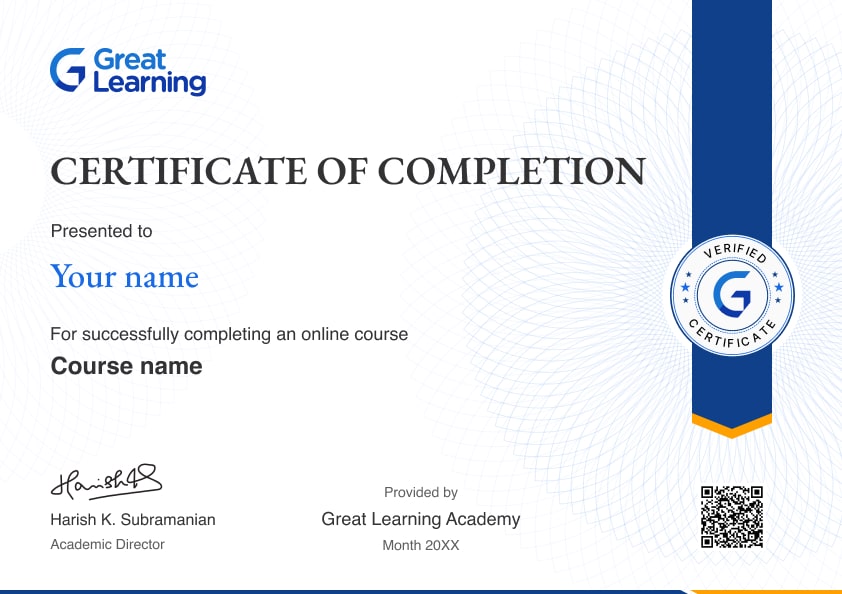
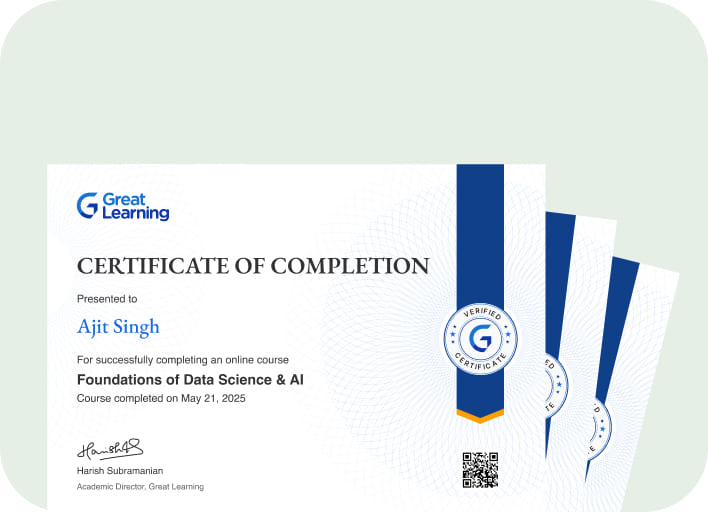
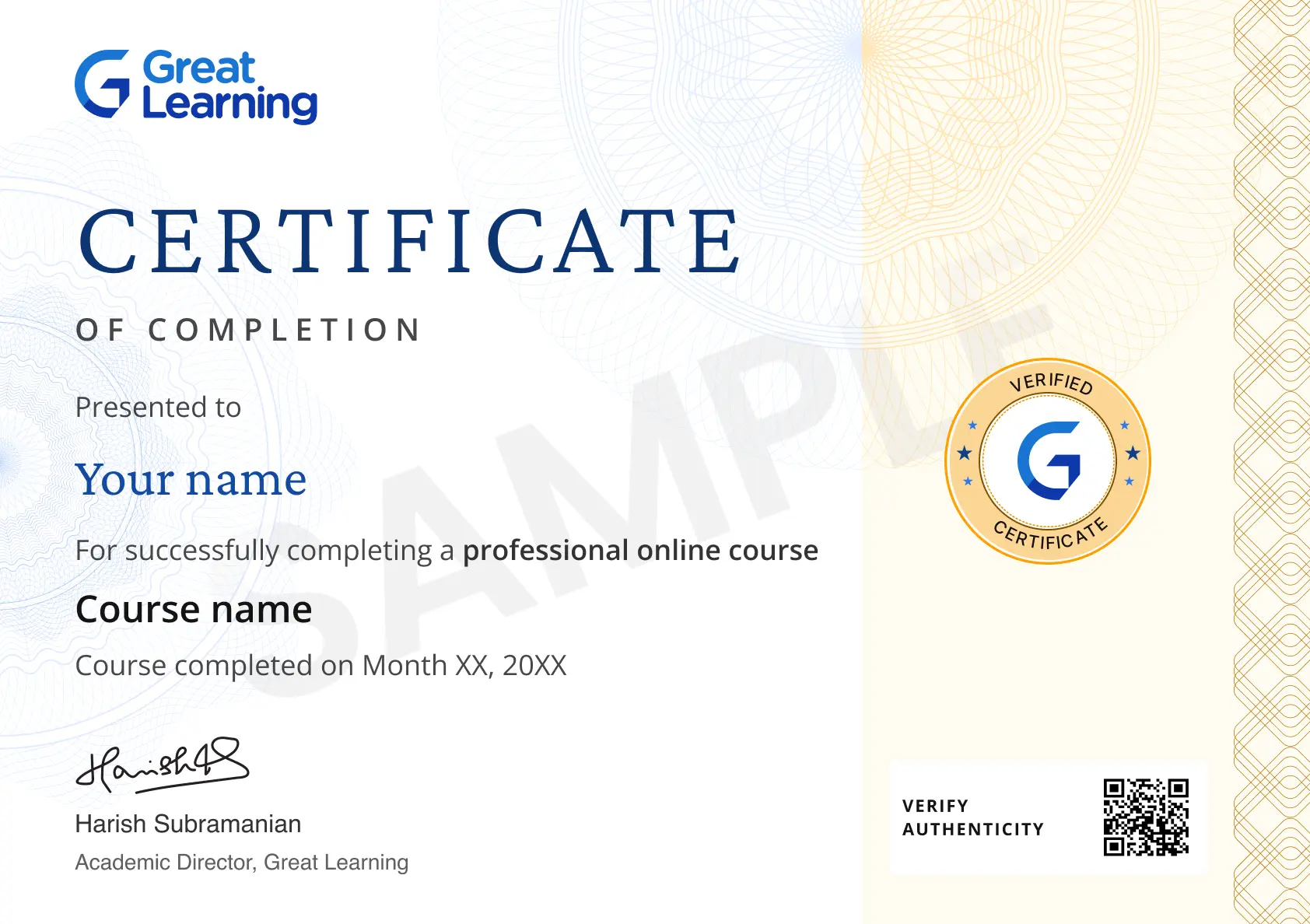
Stand out with an industry-recognized certificate

10,000+ certificates claimed, get yours today!

Get noticed by top recruiters

Share on professional channels

Globally recognised

Land your dream job

Certificate Image

Course outline

Understanding SharePoint Fundamentals and Navigation

In this module, you'll learn what SharePoint is and why organizations use it, the difference between SharePoint Online and Server, core concepts like sites, libraries, and lists, site collections and hubs, team sites versus communication sites, and how to navigate the SharePoint interface and search.

Building and Organizing Document Libraries

In this module, you'll learn to create and organize document libraries, upload and manage files and folders, check documents in and out, track version history, co-author documents in real time, apply metadata and custom views, and sync libraries with OneDrive.

Structuring Content with Lists and Metadata

In this module, you'll learn to create and configure SharePoint lists, choose column types, apply content types, build lookup columns, sort and filter list data, import data from Excel, and manage metadata with the term store.

Creating and Customizing SharePoint Sites

In this module, you'll learn to plan a site structure, create team sites and communication sites, add and arrange web parts, customize navigation and themes, publish news posts, build modern pages, and associate sites with a hub.

Managing Permissions and Security

In this module, you'll learn SharePoint permission levels, permission inheritance versus unique permissions, managing SharePoint groups, sharing sites and files securely, external sharing controls, sensitivity labels, and auditing site access.

Collaborating with Teams, Outlook, and Office

In this module, you'll learn to integrate SharePoint with Microsoft Teams and Outlook, co-edit Office documents, use OneDrive alongside SharePoint, embed content in Teams tabs, manage calendars and tasks, and connect SharePoint across Microsoft 365 apps.

Automating Workflows with Power Automate

In this module, you'll learn to build Power Automate flows for SharePoint, create document approval workflows, automate list notifications, use workflow templates, connect flows to Outlook and Teams, and customize list forms with Power Apps.

From Site Setup to Sustained Governance

In this module, you'll learn site owner and member roles, site lifecycle management and naming conventions, storage quotas, governance planning, retention and archiving policies, usage monitoring, and best practices for sustaining SharePoint adoption.

Get access to the complete curriculum once you enroll in the course

SharePoint Document Management

3.0 Hours

Beginner

Get free course content

Master in-demand skills & tools

Test your skills with quizzes

Trusted by 10 Million+ Learners globally

Frequently Asked Questions

What does the SharePoint Document Management course teach about understanding sharepoint fundamentals and navigation?

The course explains in this module, you'll learn what SharePoint is and why organizations use it, the difference between SharePoint Online and Server, core concepts like sites, libraries, and lists, site collections.

What does the SharePoint Document Management course teach about building and organizing document libraries?

The course explains in this module, you'll learn to create and organize document libraries, upload and manage files and folders, check documents in and out, track version history, co-author documents in real time,.

What does the SharePoint Document Management course teach about structuring content with lists and metadata?

The course explains in this module, you'll learn to create and configure SharePoint lists, choose column types, apply content types, build lookup columns, sort and filter list data, import data from Excel, and manage.

What does the SharePoint Document Management course teach about creating and customizing sharepoint sites?

The course explains in this module, you'll learn to plan a site structure, create team sites and communication sites, add and arrange web parts, customize navigation and themes, publish news posts, build modern.

What does the SharePoint Document Management course teach about managing permissions and security?

The course explains in this module, you'll learn SharePoint permission levels, permission inheritance versus unique permissions, managing SharePoint groups, sharing sites and files securely, external sharing.

What does the SharePoint Document Management course teach about collaborating with teams, outlook, and office?

The course explains in this module, you'll learn to integrate SharePoint with Microsoft Teams and Outlook, co-edit Office documents, use OneDrive alongside SharePoint, embed content in Teams tabs, manage calendars.

What does the SharePoint Document Management course teach about automating workflows with power automate?

You build Power Automate flows for SharePoint, create document approvals, automate list alerts, use workflow templates, and connect Outlook or Teams to common review steps. This supports focused practice.

What does the SharePoint Document Management course teach about from site setup to sustained governance?

The course explains in this module, you'll learn site owner and member roles, site lifecycle management and naming conventions, storage quotas, governance planning, retention and archiving policies, usage monitoring,.

How can I use the course sequence to plan further study?

Use the module order as a checklist: review the foundations first, then choose the process, control, or specialist topic that best matches the workflow you want to understand next.

What practical habit should I build while studying this course?

Keep a short example beside each lesson and note the decision it supports, the risk it addresses, and the evidence you would review when applying the idea in a real setting. during study.

Subscribe to Academy Pro+ & get exclusive features

$29/month

No credit card required

Learn from 40+ Pro courses

Access 500+ certificates for free

700+ Practice exercises & guided projects

Prep with AI mock interviews & resume builder

Related IT & Software Courses

50% Average salary hike
Explore degree and certificate programs from world-class universities that take your career forward.
Personalized Recommendations
checkmark icon
Placement assistance
checkmark icon
Personalized mentorship
checkmark icon
Detailed curriculum
checkmark icon
Learn from world-class faculties
  • Personalized Recommendations

    Placement assistance

    Personalized mentorship

    Detailed curriculum

    Learn from world-class faculties

    50% Average salary hike
  • Know More

Enroll For Free