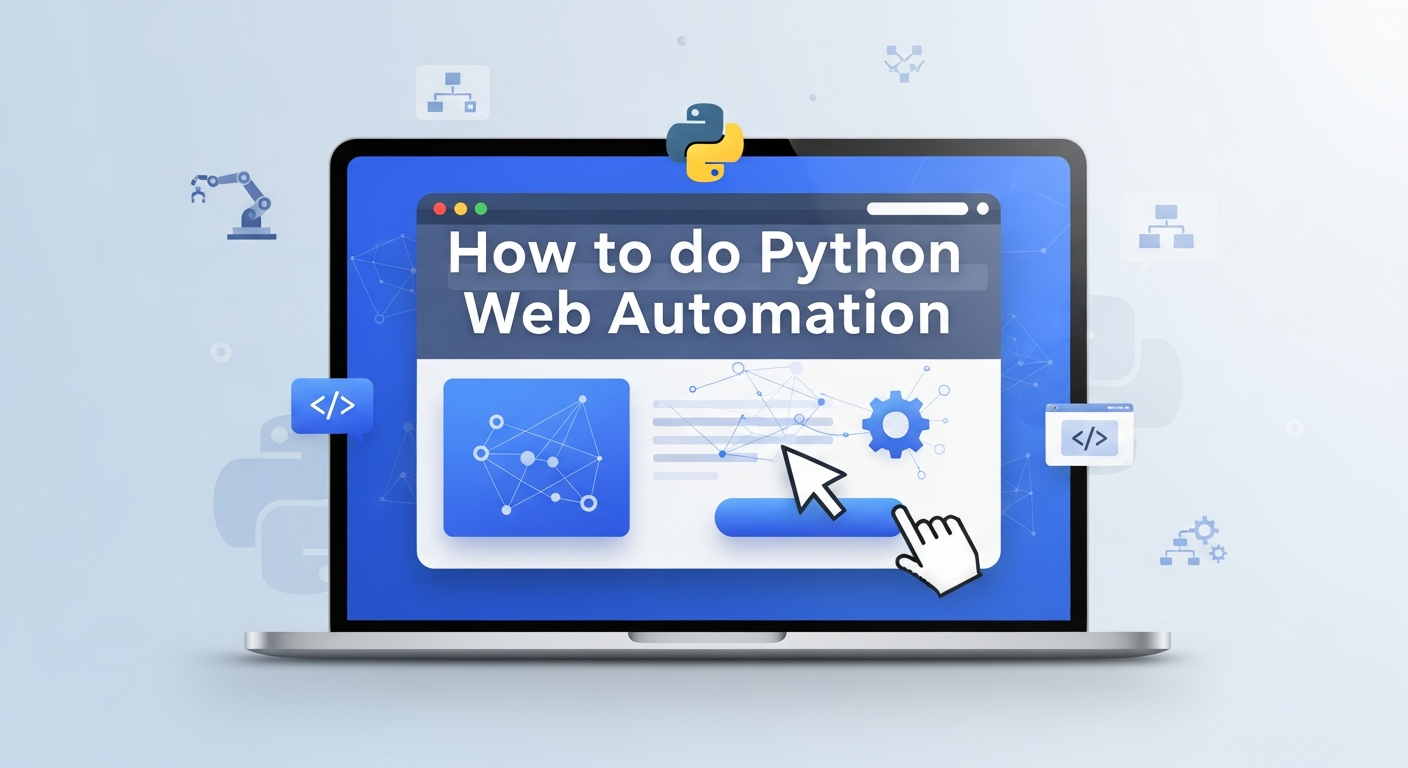
Python web automation has become essential for testing, data extraction, and workflow efficiency. With modern tools like Playwright and Selenium, developers can automate browsers faster and more reliably than ever.
This guide explains how to set up a clean Python environment, choose the proper automation framework, write stable selectors, handle dynamic content, and use advanced techniques to avoid detection and improve script reliability.
Establish a Robust Python Environment
Successful automation scripts demand a pristine, isolated workspace. Avoid relying on the system-wide Python installation, as this approach often leads to dependency conflicts.
Mixing specific versions of Excel libraries (like Pandas or Xlwings) in a shared space can break existing tools. Instead, you must generate a dedicated virtual environment for each new project to ensure stability.
- Isolate Dependencies: By creating a virtual environment, you ensure that your automation dependencies remain contained and do not interfere with other system-level packages.
- Installation Steps:
- Install the latest stable version of Python.
- Open your terminal and target your project directory.
- Run python -m venv venv to create the environment.
- Activation: Activate the environment using the command specific to your OS:
- Windows: venv\Scripts\activate
- Mac/Linux: source venv/bin/activate
If you are completely new to Python or struggling with the basic setup, you should Master Python Programming to build a strong foundation before diving into complex automation environments.
In this course, you will learn the fundamentals of Python: from basic syntax to mastering data structures, loops, and functions. You will also explore OOP concepts and objects to build robust programs.
Choose Playwright for Modern Speed and Reliability
Playwright has firmly established itself as the superior choice for modern Python website automation in 2025. Microsoft developed this library to address the common pain points of older tools, specifically flakiness and slow execution speeds. Unlike its predecessors, Playwright uses a WebSocket connection rather than the HTTP-based WebDriver protocol, allowing for faster and more stable interactions.
- Key Advantages:
- Auto-waiting: Playwright automatically waits for elements to be actionable before performing clicks or checks, reducing the need for explicit sleeps.
- Browser Support: It supports Chromium (Chrome/Edge), WebKit (Safari), and Firefox out of the box.
- Trace Viewer: It includes powerful debugging tools that capture screenshots, snapshots, and network logs for every step of your script.
Getting Started:
- Install the library:
pip install playwright
- Install browsers:
playwright install
Important Note:
Do not try to run this code in online Python compilers like JupyterLite or Programiz. You will see errors like ModuleNotFoundError: ssl or browser launch failures. This is because automation tools need full access to your computer to control the browser binaries, which online editors do not allow. You must run this locally on your machine.
from playwright.sync_api import sync_playwright
import time


def run():
    with sync_playwright() as p:
        # headless=False allows you to see the browser action
        browser = p.chromium.launch(headless=False)
        page = browser.new_page()

        page.goto("https://example.com")

        # Interaction: Type into a search bar (example)
        # Note: 'example.com' doesn't have a search bar, so this line is commented out
        # page.get_by_placeholder("Search").fill("Automation")

        # Take a screenshot
        page.screenshot(path="example.png")

        # Pause for 3 seconds so you can see the browser before it closes
        time.sleep(3)

        browser.close()


if __name__ == "__main__":
    run()
Leverage Selenium for Legacy Compatibility
While Playwright captures the spotlight for new projects, Selenium remains a critical tool in the ecosystem. It is particularly important for enterprise environments that require broad compatibility with older browsers or specific integration with legacy grids. Many large organizations have established Python ui automation frameworks built entirely around Selenium.
- When to Use Selenium:
- You need to test on legacy browsers like Internet Explorer (via IE mode).
- Your organization uses a specific Selenium Grid setup.
- You require integration with specific cloud device farms that historically support Selenium better.
- Set up Essentials:
- Set up Essentials: Modern Selenium (v4.6+) includes 'Selenium Manager', which automatically installs browser drivers.
- You no longer need to download drivers or use third-party managers manually. Simply install the library and run your script:
from selenium import webdriver


# Modern Selenium (v4.6+) handles drivers automatically
driver = webdriver.Chrome()


driver.get("https://google.com")


# Optional: Keep browser open to verify
input("Press Enter to close...")
driver.quit()
Master Locator Strategies for Stable Interactions
The most common point of failure in web automation using Python is the inability of a script to find the correct element on a webpage. Modern web applications are dynamic; element IDs change, classes are randomized by build tools, and structures shift as content loads.
- Avoid Brittle Selectors: Do not use XPath selectors that trace the full document hierarchy (e.g., /html/body/div[2]). These break with even minor UI updates.
- User-Facing Locators: Using get_by_role is more stable because even if developers change the underlying or class names, a button remains a 'button' to the user.
- get_by_role("button", name="Submit") targets elements by their semantic role.
- get_by_text("Welcome") targets visible text.
- get_by_label("Username") targets input fields associated with specific labels.
- Resilient Attributes: When using Selenium, prefer data-test-id attributes if developers have added them. These are specifically designed to remain static during testing.
Implement Smart Waits to Handle Dynamic Content
Scripts often fail because they attempt to interact with an element that has not yet appeared on the screen. Beginners frequently resort to time.sleep(), forcing the script to pause for a fixed number of seconds. This practice makes automation slow and unreliable.
- Why time.sleep() Fails: If you sleep for 5 seconds but the page loads in 6, the script crashes. If it loads in 1 second, you wasted 4 seconds.
- Playwright’s Approach: It auto-waits for checks, ensuring elements are attached to the DOM, visible, and stable before interaction.
- Selenium’s Explicit Waits: Use WebDriverWait to pause execution only until a specific condition is met.
from selenium.webdriver.common.by import By
from selenium.webdriver.support.ui import WebDriverWait
from selenium.webdriver.support import expected_conditions as EC

# Wait up to 10 seconds for the element to be clickable
element = WebDriverWait(driver, 10).until(
    EC.element_to_be_clickable((By.ID, "submit-button"))
)
element.click()
Bypassing Detection with Stealth Techniques
Anti-bot measures are inevitable when automating data extraction from public websites. Technologies like Cloudflare or Akamai actively scan your browser's "fingerprint" to identify non-human traffic. To successfully automate these sites, you must conceal your script's automated signature.
- Browser Fingerprinting: Standard automation drivers broadcast properties (like navigator.webdriver = true) that immediately signal "robot" to security systems.
- SeleniumBase: If you prefer Selenium, use SeleniumBase's "UC Mode" (Undetected Chromedriver). This mode automatically modifies the driver to hide common automation flags, effectively bypassing many standard checks.
- Playwright Stealth: For Playwright users, plugins like playwright-stealth patch browser properties (such as the navigator object) to mimic a human user's environment more closely.
- Residential Proxies: For scraping at scale, rotate your requests using Residential Proxies. Unlike data center IPs, these addresses are assigned to real home devices, making it significantly harder for anti-bot systems to justify banning them.
from seleniumbase import SB

with SB(uc=True) as sb:
    sb.open("https://nowsecure.nl") # A site that checks for bots
    sb.assert_text("OH YEAH, you passed!", "h1")
Automate Complex UIs with the Page Object Model
As your automation suite grows, keeping all your code in a single file becomes unmanageable. The Page Object Model (POM) is a design pattern that solves this by creating a separate class for each page of your application. This is a standard best practice in professional Python UI automation.
- Separation of Concerns:
- Page Classes: Contain the selectors (locators) and methods (actions) specific to that page (e.g., LoginPage, CheckoutPage).
- Test Scripts: Contain the test logic, calling methods from the Page Classes.
- Maintenance Benefits: If a button on the Login page changes, you update it in one place (the LoginPage class), and every test script that uses that page is automatically fixed.
- Readability: Your test scripts read like plain English (e.g., login_page.enter_credentials()), making them easier to review.
Integrate AI Agents for Self-Healing Scripts
The frontier of automation in 2025 involves integrating Large Language Models (LLMs). Traditional scripts are imperative; you tell the computer exactly how to click. AI agents enable declarative automation: you tell the computer what you want to achieve.
- Self-Healing Capabilities: If a selector breaks due to a UI change, an AI agent can analyze the HTML context and deduce which new element serves the same purpose.
- Tools: Libraries such as ScrapeGraphAI or LaVague use LLMs to interpret the DOM dynamically.
- Implementation: You provide a prompt such as "Find the checkout button," and the AI scans the page structure to execute the action, regardless of the underlying ID or Class.
Debugging and Tracing Your Automation
Writing the script is only half the battle; understanding why it failed is the other. Modern tools provide rich debugging capabilities that go far beyond simple error logs.
- Playwright Trace Viewer: This tool records the entire execution context.
- Time Travel: You can scroll through a timeline of your script's execution.
- Snapshots: View the DOM and a screenshot for every single click or action.
- Network Logs: Inspect API calls to see if a backend failure caused the front-end issue.
- Usage: Run your tests with the --trace on flag and open the resulting zip file in the viewer to diagnose issues instantly.
Optimizing for Headless Execution and CI/CD
When running automation locally, you typically want to see the browser to verify actions. However, when deploying your scripts to a server or a Continuous Integration (CI) pipeline, you must run in "headless mode."
- Headless Mode: The browser runs in the background without a graphical user interface. This consumes fewer resources and is faster.
- Configuration:
- In Playwright, set headless=True in the launch options.
- In Selenium, use options.add_argument("--headless").
- CI Considerations:
- Python website automation in CI pipelines (like GitHub Actions) often requires specific container images that include browser dependencies.
- Be aware that some websites detect headless browsers more aggressively; you may need to combine this with stealth techniques.
Conclusion
Effective Python web automation requires the right setup, dependable tools, and thoughtful design. By using virtual environments, modern automation frameworks, stable locators, smart waits, and structured patterns like POM, you can create scripts that perform reliably across dynamic websites. With these best practices in place, your automation becomes easier to scale, debug, and integrate into real-world workflows.