- 1. Dragon Professional v16 (The "Deep Work" Professional)
- 2. Otter.ai (The Meeting "Agent")
- 3. SuperWhisper / OpenAI Whisper (The Privacy & Tech King)
- 4. Wispr Flow (The "Flow" State Tool)
- 5. Heidi Health / OmniMD (The Medical Specialist)
- 6. Google Cloud Speech-to-Text (The Developer's Powerhouse)
- 7. Apple Voice Control (The "Good Enough" Freebie)
- Summary Comparison Table
- The Next Step
Searching for the perfect dictation tool is frustrating. Most software misses context, fails at formatting, or creates security risks.
But 2026 has brought a massive shift.
We are no longer just looking at "speech-to-text." We are looking at Voice AI Agents that understand context, clean up messy thoughts, and run locally on devices for privacy.
This guide ranks the top 7 speech recognition tools available right now. This list is based on accuracy, workflow integration, and specific use cases ranging from legal drafting to medical charting.
Here is the breakdown.
1. Dragon Professional v16 (The "Deep Work" Professional)
Best For: Lawyers, Authors, and RSI (Repetitive Strain Injury) sufferers requiring hands-free control.
If the goal is heavy-duty document creation, Dragon Professional v16 remains the undisputed king. While newer AI tools focus on summarization, Dragon focuses on precise command and control.
The Pain Point: Users often feel limited by tools that dictate text but fail to edit. They need to format documents without touching a mouse.
Why It Is #1:
Dragon is the only software that truly understands command context alongside dictation. It distinguishes between the text to be typed and the action to be taken. A user can say, "Bold that, go to the end of the line, insert signature," and the software executes it instantly.
Cloud-based AI models (like ChatGPT) suffer from latency that makes this real-time command loop impossible. Dragon handles it locally and instantly.
Tip: Most users make the mistake of installing it and immediately dictating. Do not do this. Go to
Vocabulary > Learn from specific documents. Feed the software the last 50 sent emails or reports. It will scan these files to learn specific acronyms, proper nouns, and writing styles in minutes.
2026 Outlook: Dragon is pivoting away from general consumer usage to a strictly enterprise and professional niche. For Windows users who write for a living, there is no substitute.
Free Generative AI for Beginners
Enroll in our free Generative AI course for beginners, covering AI fundamentals, machine learning, neural networks, deep learning, and more. Dive into the world of Generative AI today!
2. Otter.ai (The Meeting "Agent")
Best For: Teams, Managers, and Salespeople.
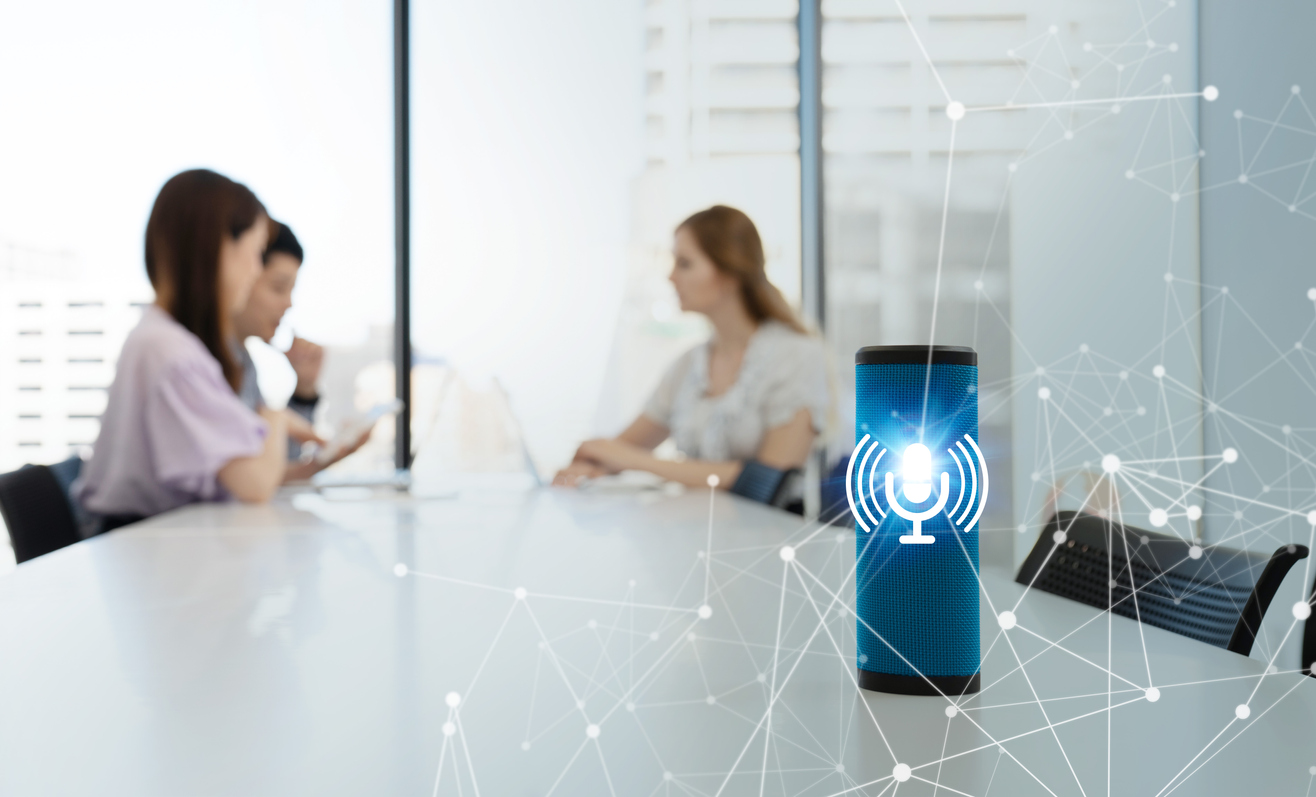
Otter.ai has evolved from a simple transcriber into a full-fledged meeting participant.
The Pain Point: Losing focus during long meetings and missing critical action items.
Why It Is #2:
In 2026, Otter functions as an "Agent." It sits in Zoom or Teams calls autonomously. If a user joins a meeting 10 minutes late, they can privately ask the Otter bot, "Catch me up - what did I miss?" The bot provides an instant summary of the last 10 minutes without disrupting the speaker.
The Warning: Otter records everything to the cloud. It is not recommended for highly classified or NDA-restricted conversations unless the Enterprise plan (with data governance) is active.
Tip: Connect Otter to the calendar and toggle "Auto-Join" for specific meeting types only. For sales teams, use the Salesforce integration. It automatically populates CRM fields based on what the client said, rather than relying on manual data entry.
3. SuperWhisper / OpenAI Whisper (The Privacy & Tech King)
Best For: Developers, Privacy Advocates, and tech-savvy users.
For those who demand 99% accuracy without sending data to Big Tech, Whisper models are the answer.
The Pain Point: The fear of voice data being stored on Google or Amazon servers, and the dislike of monthly subscriptions.
Why It Is #3:
This tool runs OpenAI’s "Whisper" model locally on the device. It is uncannily accurate, even with heavy accents and background noise. Unlike older tools that rely on phonetics, Whisper uses the context of the whole sentence to "guess" the correct word.
2026 Outlook: On-device AI is the dominant trend. This represents the future of dictation: zero latency and zero data leaks.
Tip:
- Mac Users: Purchase SuperWhisper. It is a wrapper app that allows switching between "Pro" (fast) and "Ultra" (high accuracy) models and dictates directly into any app.
- PC/Dev Users: Do not pay. Install it manually via Python (
pip install openai-whisper). Running thelarge-v3model with a GPU beats Dragon in raw accuracy for mixed-language speakers.
4. Wispr Flow (The "Flow" State Tool)
Best For: ADHD brains, creative writers, and "messy" thinkers.
Wispr Flow is not just for dictation; it is for translation - from messy thoughts to clear prose.
The Pain Point: Many people speak in run-on sentences, use "um" and "uh," or ramble, resulting in messy text that requires heavy editing.
Why It Is #4:
Standard dictation types exactly what is said. Wispr Flow uses Large Language Models (LLMs) to rewrite spoken thoughts instantly. A user can "vomit" words into the microphone, and the AI pastes a polished, professional email.
Tip: Configure the "Persona." Instruct the AI: "Always format my dictation as bullet points" or "Make me sound more professional." It acts as a live editor, correcting the voice input in real-time.
5. Heidi Health / OmniMD (The Medical Specialist)
Best For: Doctors and Clinicians.
General tools like Dragon or Otter are often illegal or unsafe for patient data due to HIPAA regulations. Heidi Health solves this by acting as an "ambient scribe."
The Pain Point: Clinicians spending 2+ hours every night finishing charts (EMR/EHR).
Why It Is #5:
The device is left on the desk during a patient visit. It listens, ignoring small talk, and automatically generates a SOAP note structured perfectly for medical records.
2026 Outlook: "Ambient computing" is replacing active dictation in healthcare. Notes are no longer dictated; they are generated automatically from the conversation.
Tip: This tool does more than transcribe; it codes. It suggests ICD-10 codes based on the conversation context, saving significant time on billing and administration.
6. Google Cloud Speech-to-Text (The Developer's Powerhouse)
Best For: Developers building apps and SaaS founders.
The Pain Point: The need to transcribe terabytes of audio cheaply while supporting over 125 languages.
Why It Is #6:
Google's Chirp models (Universal Speech Model) lead the industry in "accent handling." For apps targeting a global audience (e.g., India, Africa, SE Asia), Google's API handles diverse dialects significantly better than Azure or AWS.
Tip: Utilize "Model Adaptation" (biasing). If the audio involves niche technical terms like "Kubernetes" or "SQL," send those keywords in the API request. This boosts the probability that the AI hears "SQL" instead of the word "sequel."
PG Program in AI & Machine Learning
Master AI with hands-on projects, expert mentorship, and a prestigious certificate from UT Austin and Great Lakes Executive Learning.
7. Apple Voice Control (The "Good Enough" Freebie)
Best For: Casual users and total Mac ecosystem integration.
The Pain Point: The reluctance to install third-party software or pay subscriptions.
Why It Is #7:
It is already installed on every Mac and iPhone. Unlike "Siri Dictation," which has a 60-second limit and sends data to the cloud, Voice Control is an accessibility feature that runs completely offline with no time limits.
Tip: Enable "Show Grid". This overlays a numbered grid on the screen. Saying "Tap 4" clicks a button even if it has no name. It provides mouse-level control entirely through voice, for free.
Summary Comparison Table
| Software | Best For | Privacy | Key Feature | Cost Model |
|---|---|---|---|---|
| Dragon Pro v16 | Formatting/Editing | High (Local) | Voice Macros | One-time License ($$$) |
| Otter.ai | Meetings/Teams | Low (Cloud) | "Catch me up" Agent | Subscription |
| SuperWhisper | Tech/Privacy | Max (Local) | 99% Accuracy | One-time / Low Sub |
| Wispr Flow | Rambling/Drafting | Medium | Auto-Rewriting | Subscription |
| Heidi Health | Doctors | HIPAA | Ambient SOAP Notes | Subscription |
| Google Cloud | Developers | Enterprise | Accent Biasing | Pay-per-second |
| Apple Voice Control | Mac Users | High (Local) | Screen Grid Control | Free |
The Next Step
Choosing the right tool depends entirely on the workflow. Here is the action plan:
- To start today without spending money:
Download the free version of "MacWhisper" (if on Mac) or set up "Apple Voice Control." - To invest in meeting productivity:
If the primary work involves talking to people, get Otter.ai. - To invest in drafting documents:
If the primary work involves talking to documents, get Dragon (Windows) or SuperWhisper (Mac).