Free Graphic Designing Course Online

Intro to Graphic Design with Photoshop

star 4.39  Beginner level 1.5 learning hrs 481.8K+ Learners

Explore design fundamentals like composition, typography, and color theory. Enroll in our free Graphic Design course and gain hands-on experience with Adobe Photoshop to create stunning visuals and build a solid design foundation.

Instructor:

Saurabh Mukherjee
Key Highlights

Get free course content

Master in-demand skills & tools

Test your skills with quizzes

About this course

This free online graphic design course will equip you with the essential skills to create professional, impactful designs. You’ll gain a strong understanding of core design principles, such as composition, typography, and color theory, enabling you to produce visually engaging designs that communicate effectively.


You’ll start with the Fundamentals of Graphic Design, where you’ll explore key concepts like layout, font choices, and color schemes. Then, you’ll be introduced to the Photoshop Hands-on, where you’ll learn to use Adobe Photoshop to create stunning visuals. This course covers both foundational design principles and practical Photoshop techniques, giving you the tools to bring your creative ideas to life, whether you're starting from scratch or refining your existing skills.


Ready to take your design journey further? Don't miss the chance to explore our Post Graduate Program in User Experience Design. Unleash your creativity and elevate your design skills - enroll today!
 

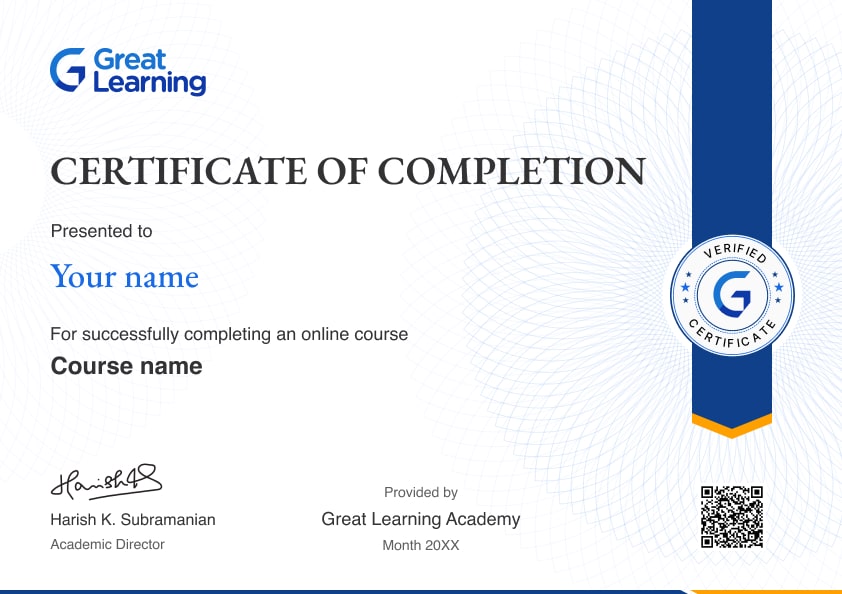
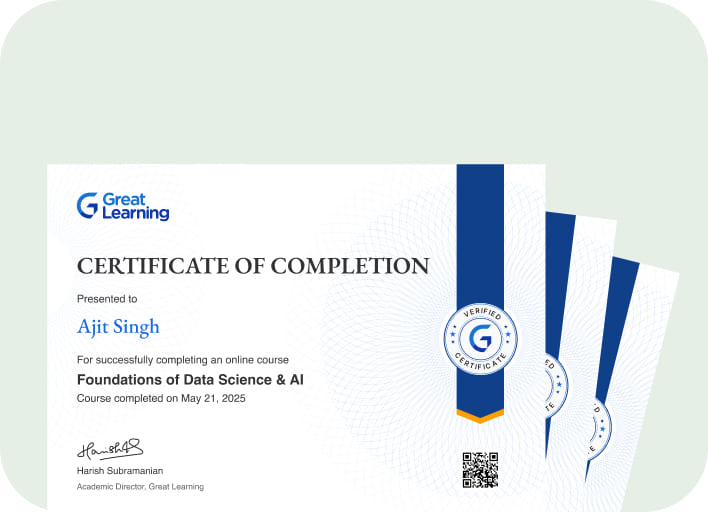
Stand out with an industry-recognized certificate

10,000+ certificates claimed, get yours today!

Get noticed by top recruiters

Share on professional channels

Globally recognised

Land your dream job

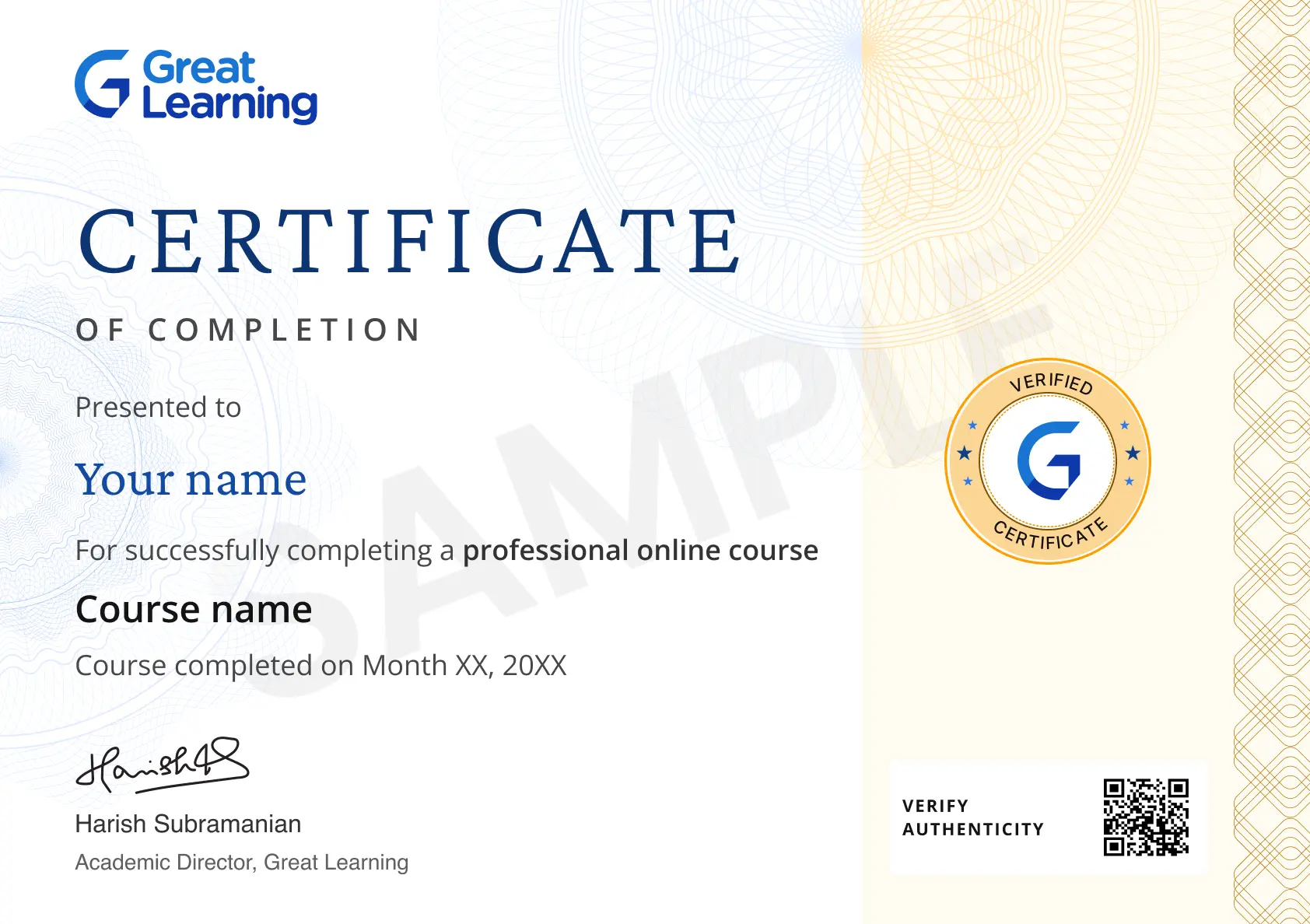
Certificate Image

Course outline

Introduction to Graphic Design

This section gives the definition of graphic designing and explains its basics with examples. It includes concept of visual communication with examples. This section also discusses career opportunities and applications of graphic designing. 


Fundamentals of Graphic Design

This section explains various graphic elements in designing and discusses characteristics like the layout, elements, typography and color of the graphics and helps you choose its best properties that suits the best to design a motion or an image. 


Photoshop Hands on

This section gives you a demonstration to work on the aforementioned characteristics of graphic designing. 


Get access to the complete curriculum once you enroll in the course

This course is ideal for

  • Beginners wanting to learn graphic design fundamentals.
  • Students and job seekers exploring design careers.
  • Working professionals who create visuals in Photoshop.
  • Job seekers who need certified proof of the skill.

Intro to Graphic Design with Photoshop

rating icon 4.39

1.5 Hours

Beginner

481.8K+ learners enrolled so far

Get free course content

Master in-demand skills & tools

Test your skills with quizzes

Earn certificates from world-renowned universities

Learn from top faculty with live mentorship and hands-on learning.

UNIVERSITY

Program course thumbnail image
partner logo

McCombs School of Business at The University of Texas at Austin

Post Graduate Program in User Experience Design

6 Months · Online

Career support

for your dream job

Industry-ready curriculum

designed by faculty

Mentorship

from industry experts

Hands-on learning

with real-world scenarios

View Program

Trusted by 1 Crore+ Learners globally

Learner reviews of the Free Courses

4.39
★★★★
★ ☆
★
★
★
★
★
63%
★
★
★
★
☆
25%
★
★
★
☆
☆
8%
★
★
☆
☆
☆
1%
★
☆
☆
☆
☆
3%
Reviewer Profile

5.0

★★★★ ★
India
“Learning the Best Topics in Graphics Photoshop”
If you're looking to understand the structure of graphic design in Photoshop, particularly when working with titles and graphs, here's a breakdown of key concepts and tools: 1. Layers Structure Layers Panel: Photoshop's Layers Panel is essential for organizing your design elements. Each element (like titles, text, shapes, and images) should be placed on its own layer. This makes it easier to edit and manage different parts of your design independently. Grouping Layers: Group related layers (like all elements of a graph) together. This helps keep your workspace organized and allows for easier editing. 2. Typography (Titles) Text Tool: Use the Text Tool (T) to create and edit titles. You can choose from various fonts, sizes, and colors to ensure your title stands out. Character and Paragraph Panels: These panels allow you to control the spacing, alignment, and other typographic settings to ensure your title is visually appealing. Text Effects: Apply layer styles like shadows, gradients, and strokes to enhance the title’s visibility and aesthetic appeal. 3. Creating Graphs Shape Tools: Use the Shape Tools (like the Rectangle, Line, and Ellipse Tools) to create the basic structure of a graph. Each element (bars, lines, axes) can be created as a separate shape layer. Pen Tool: For more complex graphs, the Pen Tool allows you to create custom shapes and paths, perfect for line graphs or charts with curves. Smart Objects: Convert elements of your graph into Smart Objects to preserve quality when scaling or transforming, and to apply non-destructive filters. 4. Color Management Colour Picker: Use the Colour Picker to select colors for your titles, shapes, and other design elements. Make sure to choose colors that complement each other and enhance readability. Gradients: Apply gradients to give your graph a more dynamic look. The Gradient Tool can be used to create smooth color transitions. Swatches Panel: Save frequently used colors in the Swatches Panel for consistency throughout your design. 5. Alignment and Distribution Align and Distribute Tools: Use these tools to ensure your titles, text, and graph elements are perfectly aligned and evenly spaced. This is crucial for maintaining a professional and clean layout. 6. Visual Hierarchy Size and Weight: Use larger fonts for titles to establish hierarchy. Important data points in graphs can also be emphasized with bolder lines or larger shapes. Contrast: Ensure there is enough contrast between your titles and background, as well as between different elements of your graph, to make the information easy to read and understand. 7. Exporting Export Options: Once your design is complete, export it in the appropriate format (e.g., PNG, JPEG, PDF) depending on the final use (web, print, etc.). Resolution: Ensure that your document’s resolution is set correctly for its intended use. For print, 300 DPI is standard, while 72 DPI is typical for web images. By organizing your layers, carefully choosing colors and fonts, and using alignment tools, you can create a well-structured and visually appealing graphic design in Photoshop.
Reviewer Profile

5.0

★★★★ ★
India
“This Course is Perfect for Beginners!”
The lessons are well-structured and easy to follow, with a great balance of theory and hands-on practice. The instructor explains basic design principles like color theory, typography, and layout in a way that’s really easy to understand. The practical exercises help reinforce the concepts, and by the end of the course, I felt much more confident in using tools like Photoshop and Illustrator. Highly recommend for anyone starting out in graphic design!
Reviewer Profile

4.0

★★★ ★ ☆
India
“Insightful and Engaging: A Great Intro to Graphic Design with Photoshop”
Fantastic beginner-friendly course that introduces the fundamentals of graphic design while teaching essential Photoshop skills. The course covers key design principles such as typography, color theory, and composition, all within the context of practical, hands-on projects. The lessons are easy to follow, and the instructor provides clear explanations and useful tips, making it accessible even for those with no prior experience. By the end, you'll have a solid foundation in both design theory and Photoshop tools, making it a great starting point for aspiring designers.
Reviewer Profile

5.0

★★★★ ★
India
“The "Intro to Graphic Design with Photoshop" Course Was Fantastic!”
I liked how the course was well-structured, making Photoshop tools and techniques easy to grasp. The hands-on projects were engaging and practical, providing real-world experience. The instructor’s clear explanations and helpful feedback were also standout features.
Reviewer Profile

5.0

★★★★ ★
India
“Clarity and Structure: A Well-Organized Course with Clear Objectives”
Clarity and Structure: A well-organized course with clear objectives and easy-to-follow steps makes it enjoyable and efficient. Engagement: Interactive elements, such as quizzes or hands-on exercises, help reinforce learning and keep things interesting. Practical Application: Learning that can be immediately applied to real-world scenarios tends to be most valuable. Practical examples or case studies are always a plus. Pacing: A balanced pace where concepts are introduced gradually allows for better retention without feeling rushed or overwhelmed.
Reviewer Profile

5.0

★★★★ ★
India
“Comprehensive and Engaging Course on Graphic Design”
I appreciated the in-depth coverage of Photoshop tools and techniques. The instructor explained each concept clearly, and the quizzes helped reinforce my learning. The course was easy to follow, making it perfect for beginners and those looking to enhance their design skills.
Reviewer Profile

4.0

★★★ ★ ☆
Nigeria
“Great Course! Lessons on Photoshop Were Clear and Practical”
I really enjoyed the practical approach of the course. The in-depth Photoshop tutorials and real-world projects made learning engaging and effective. The clear explanations and creative challenges helped me develop a solid foundation in graphic design, and I appreciated the flexibility to learn at my own pace.
Reviewer Profile

4.0

★★★ ★ ☆
India
“Graphic Design: The Art of Creating Visual Content”
Graphic design combines art and technology to communicate ideas visually. It involves creating and arranging visual elements such as typography, images, colors, and layouts to convey messages effectively. Graphic designers work on various projects, including logos, branding, advertisements, websites, and packaging. They use tools like Adobe Photoshop, Illustrator, and InDesign to craft designs that capture attention, evoke emotions, and ensure clarity. Good graphic design enhances user experience, reinforces brand identity, and improves communication by making complex information accessible and engaging. It blends creativity with problem-solving to address specific goals and audience needs.
Reviewer Profile

5.0

★★★★ ★
“Creative Exploration and Practical Skills”
The hands-on projects allowed me to experiment with various design tools and concepts, deepening my understanding of color theory and layout. I also appreciated the opportunity to receive feedback and refine my work, which significantly boosted my confidence and proficiency in graphic design.
Reviewer Profile

4.0

★★★ ★ ☆
India
“Introduction to Graphic Design with Photoshop”
Great Learning's "Introduction to Graphic Design with Photoshop" course offers a solid foundation for beginners. The course covers fundamental design principles, color theory, typography, and practical application through hands-on exercises in Photoshop. While some learners may find the pace a bit quick, the clear explanations and step-by-step demonstrations make it accessible to those with no prior experience. However, for a more in-depth learning experience, additional practice and exploration beyond the course material is recommended.

What our learners enjoyed the most

Our course instructor

instructor img

Saurabh Mukherjee

Assistant Manager

UI/UX Design Expert

learner icon
481.8K+ Learners
video icon
1 Courses
Saurabh Mukerjee is an Assistant Manager in Video Content Production, specializing in creating high-quality learning and marketing videos for educational programs. Although details about his academic background were not provided, his career reflects strong expertise in video production and content strategy. At Great Learning, he manages the organization’s YouTube channel, which has over 850K subscribers, and oversees video content delivery for programs developed in collaboration with leading global universities such as MIT, Stanford, and Northwestern. Prior to this, he led digital video production at Carrot Films, where he handled major projects for clients including Amazon and the World Bank. He has also served as the Videography Lead at McKinley & Rice, directing creative content for their YouTube channel and supporting key market entry strategies. With more than 1,000 hours of learning content produced, Saurabh manages complex video workflows and has extensive experience creating localized, multilingual content for teams across Latin America, Europe, and India.

Frequently Asked Questions

Will I receive a certificate upon completing this free course?

Yes, upon successful completion of the course and payment of the certificate fee, you will receive a completion certificate that you can add to your resume.

Is this course free?

Yes, you may enroll in the course and access the course content for free. However, if you wish to obtain a certificate upon completion, a non-refundable fee is applicable.

What will I learn in this free graphic design course?

You’ll learn graphic design fundamentals, visual communication, design elements, layout, typography, color theory, and how to apply these concepts using Photoshop.

Is this graphic design course suitable for beginners?

Yes. The course introduces graphic design concepts from the basics and includes Photoshop demonstrations, making it suitable for beginners.

Will I get hands-on experience with Photoshop in this course?

Yes. The Photoshop hands-on module demonstrates how to apply graphic design principles, including layout, typography, color, and other visual elements.

Is the Introduction to Graphic Design with Photoshop course a certification course?

This Introduction to Graphic Design with Photoshop course awards a certificate of completion, not a professional certification.

What graphic design fundamentals are covered in the course?

You’ll explore visual communication, graphic elements, layout principles, typography, color selection, and the characteristics of effective graphic design.

Will I learn to use colors and typography in Course?

You’ll understand the characteristics of colors and typography and how to select suitable options to create effective visual compositions.

Can I learn visual communication through this graphic design course online?

Yes. The course explains visual communication with examples and shows how graphic design elements help convey ideas through images and layouts.

What career opportunities can I explore after learning graphic design?

The introductory module discusses career opportunities and applications of graphic design, helping you understand where these skills can be used.

What practical skills will I develop through graphic designing training?

You’ll build foundational skills in selecting design elements, arranging layouts, working with typography and colors, and applying these principles in Photoshop.

Will this course teach me how to create effective graphic designs?

Yes. You’ll learn how to combine layout, typography, color, and other design elements to create clear and visually effective graphics.

What software is covered in this graphic design course for beginners,?

The course includes hands-on demonstrations using Adobe Photoshop to show how graphic design fundamentals can be applied in practice.

Is this the best free graphic design course for learning Photoshop basics?

This course is a useful starting point for understanding graphic design fundamentals and seeing how they are applied through Photoshop demonstrations.

Where can I sign up for free online certificate courses?

Dive into Great Learning Academy's free online certificate courses, where you'll find educational resources on in-demand subjects like Artificial Intelligence, Machine Learning, Data Science, and Cybersecurity.

What are the steps to enroll in this course?

You need to follow the steps below to enroll in this course:

1. Visit the Great Learning Academy homepage.
2. Search for the course in ‘Graphic Design with Photoshop’.
3. Now click on the ‘Enroll for Free’ button.
4. Register yourself with Great Learning Academy to enroll in any course by providing the required details and start learning the course for free. 
 

Can I sign up for multiple courses from Great Learning Academy at the same time?

Yes, there are 1000+ free courses you can enroll in and start learning. You can sign up for as multiple courses as you want to enroll in simultaneously with Great Learning Academy. 
 

What knowledge and skills will I gain upon completing this course?

This free course will help you to understand the fundamental concepts of Graphic Designing and imparts skills in Photoshop to work with different signs, typography, drawing, graphic design, illustration, industrial design, advertising, animation, color, electronic resources, and designing. 
 

Will I have lifetime access to this free course?

Yes, the Great Learning Academy free course comes with lifetime access. Any learner who wants to brush up on their skills can revisit and retake the course.

Subscribe to Academy Pro+ & get exclusive features

$29/month

No credit card required

Learn from 40+ Pro courses

Access 500+ certificates for free

700+ Practice exercises & guided projects

Prep with AI mock interviews & resume builder

Similar courses you might like

Enroll For Free