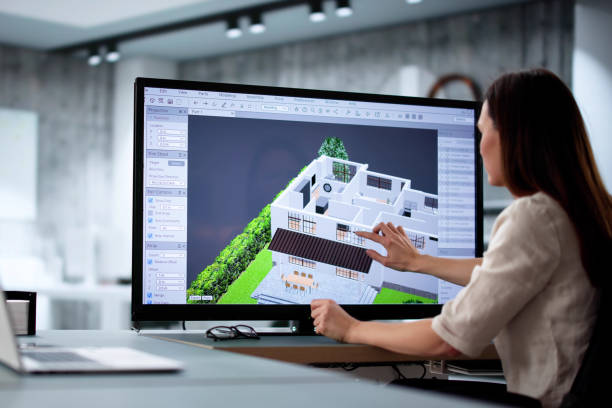


Free SolidWorks Course
SolidWorks 3D Modeling and Design
Learn how a sketch controls a part in this free SolidWorks course. Enroll to connect dimensions, features, and assemblies so a design change makes sense before you prepare a drawing or move into further modeling practice.
Level
Learning hours
Skills you will learn
About this Course
A free SolidWorks course helps you understand the decisions behind a model instead of only remembering which button to click. You begin with sketches and dimensions, then see how features turn a controlled profile into a three-dimensional part. Parametric modeling lessons explain why relationships matter: changing one value can affect several features later in the design.
The SolidWorks course for beginners connects parts with assembly mates and manufacturing drawings. You study how movement, interference, and dimensions influence whether components fit together, then meet sheet metal, surfacing, and introductory validation topics. Engineering drawing training links the model with information another person needs to interpret a design. The source does not confirm an included software license or version. You gain a starting workflow for further CAD practice, rather than professional design approval or proof of competency with every feature.




Frequently Asked Questions
What makes a sketch important in the free SolidWorks course?
Can I begin the SolidWorks course without CAD experience?
Does the course provide a SolidWorks license or a specific version?
How do parametric modeling lessons explain design changes?
What part-modeling features are introduced?
How do assembly mates control a model?
What will I learn about engineering drawings?
Are sheet metal and surface modeling included?
How should I interpret the simulation topics?
How can I use the course before deeper CAD training?




Recommended Free Engineering & Technical Trades courses
-
FREE
 2.5 hrs
-
FREE
-
FREE
-
FREE
2.5 hrs
-
FREE
-
FREE
2.5 hrs
-
FREE
-
FREE
 FREE