Free Playwright Course

Playwright Test Automation

Beginner level 3.75 learning hrs

This free Playwright course shows you how browser tests can check behavior reliably. Start learning to choose clear locators, write useful assertions, and investigate timing problems instead of adding delays to every test.
Key Highlights

Get free course content

Master in-demand skills & tools

Test your skills with quizzes

About this course

The free Playwright course introduces browser automation through tests that explain what an application should do. With basic JavaScript knowledge, you learn to locate controls, perform actions, and check outcomes using assertions. Browser testing lessons connect these steps with reusable fixtures and test organization, helping you distinguish a useful check from a script that merely clicks through a page.


Playwright automation training then addresses timing problems, network responses, and debugging with traces. You study why retries alone do not solve an unreliable test and how controlled test data can make failures easier to understand. Continuous integration topics connect the suite with reports and parallel execution as a project grows. You gain a workflow for further automation practice; the source does not promise a provided development environment or that every application can be tested reliably without project-specific setup.

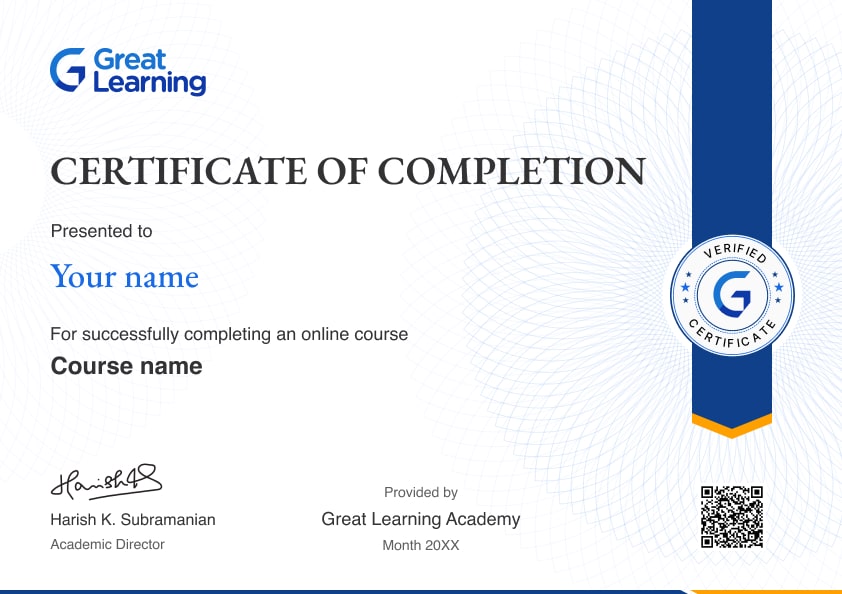
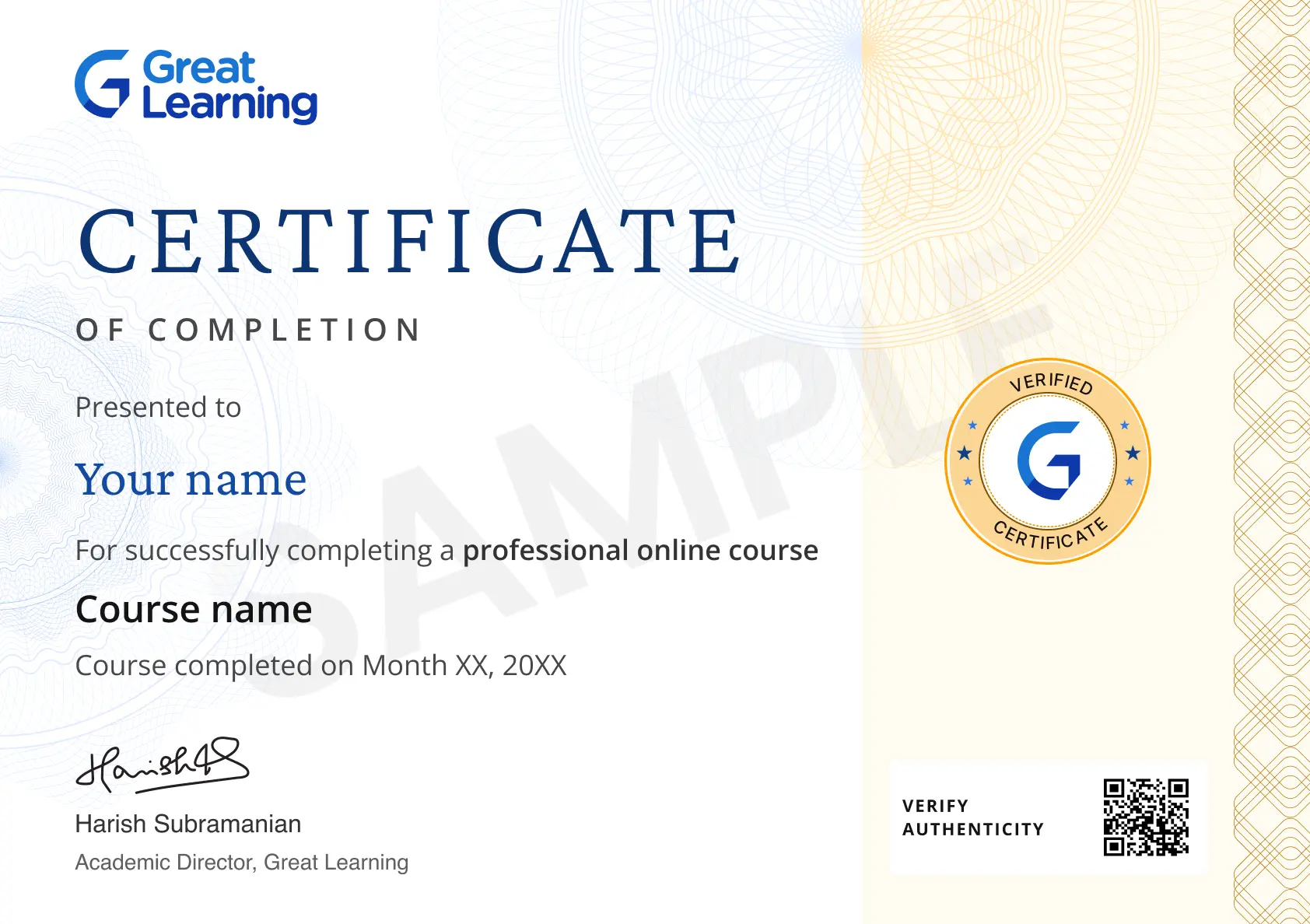
Stand out with an industry-recognized certificate

10,000+ certificates claimed, get yours today!

Get noticed by top recruiters

Share on professional channels

Globally recognised

Land your dream job

Certificate Image

Playwright Test Automation

3.75 Hours

Beginner

Get free course content

Master in-demand skills & tools

Test your skills with quizzes

Trusted by 10 Million+ Learners globally

Frequently Asked Questions

What programming knowledge is needed for the free Playwright course?

The source expects basic JavaScript but no previous Playwright experience. You start with setup and a first script before connecting tests with locators, assertions, and reusable structures in a larger suite.

How do locator lessons improve browser tests?

You study role- and text-based locators, filtering, and common page interactions. The aim is to select the intended control clearly rather than rely on a fragile position or an implementation detail that often changes.

What do assertions add beyond clicking through a page?

Assertion lessons connect an action with an expected result. You learn why a script that runs without an error still needs meaningful checks to show whether the application behaved as intended.

How does the Playwright course address flaky tests?

Timing lessons explain auto-waiting, actionability, and investigation with traces. You study why a failure needs diagnosis instead of adding long fixed delays or assuming repeated retries make the test reliable.

What are fixtures in the test automation lessons?

Fixtures organize reusable setup and resources around a test. You learn how shared preparation can keep tests clearer while still considering isolation and the data each check needs to run consistently.

Will I learn network mocking as well as browser interaction?

The curriculum includes request interception, controlled responses, and API tests. You study how these approaches create specific conditions without assuming that a mocked response proves the live service works correctly.

How is the Page Object Model used in the course?

Test organization topics introduce the Page Object Model as one way to structure repeated page interactions. You consider maintainability rather than assume every small test needs a large framework of abstractions.

What will I learn from Playwright traces?

Debugging lessons introduce Trace Viewer alongside timing and network information. You learn to examine what happened during a failure instead of diagnosing it only from the final screenshot or a short error message.

Does browser testing training include continuous integration?

The source includes GitHub Actions, Jenkins, reports, and sharding. You learn how a suite can run within a development pipeline without a promise of included hosted accounts or a ready-made production configuration.

Are visual checks treated like functional checks?
The course introduces screenshot comparisons, thresholds, and baselines as separate testing concerns. You learn why a visual difference needs review and why matching an image alone does not prove every behavior is correct.

Subscribe to Academy Pro+ & get exclusive features

$29/month

No credit card required

Learn from 40+ Pro courses

Access 500+ certificates for free

700+ Practice exercises & guided projects

Prep with AI mock interviews & resume builder

Enroll For Free