Free Revit Course

Revit BIM Modeling

Beginner level 3.75 learning hrs

See how a building model becomes coordinated drawings in this free Revit course. Join to connect elements, views, and schedules so a design change can be understood across the information used by a project team.
Key Highlights

Get free course content

Master in-demand skills & tools

Test your skills with quizzes

About this course

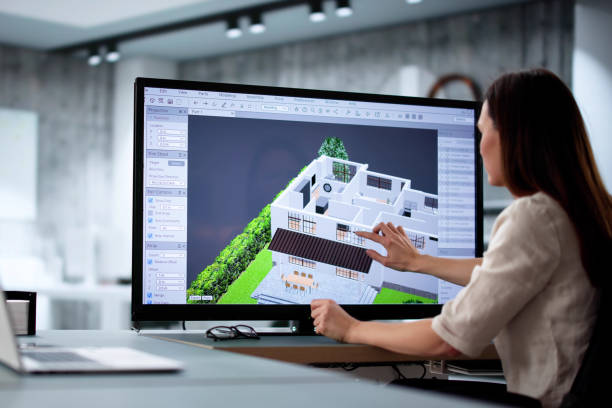
The free Revit course introduces a building model as connected information rather than a collection of separate drawings. You learn to create basic elements and organize levels, then see how views describe the same model in different ways. BIM modeling lessons help you understand why a change needs consistent information across plans, sections, and schedules.


The Revit course for beginners connects families and parameters with documentation, sheets, and revisions. You study how quantities and labels relate to the model before looking at rendering and coordination between disciplines. Worksharing topics introduce the care needed when several people contribute to a project. No included license or software version is confirmed in the source, so check access before planning hands-on practice. You gain a starting workflow for further BIM learning without assuming that introductory study qualifies you to deliver or approve a construction project independently.

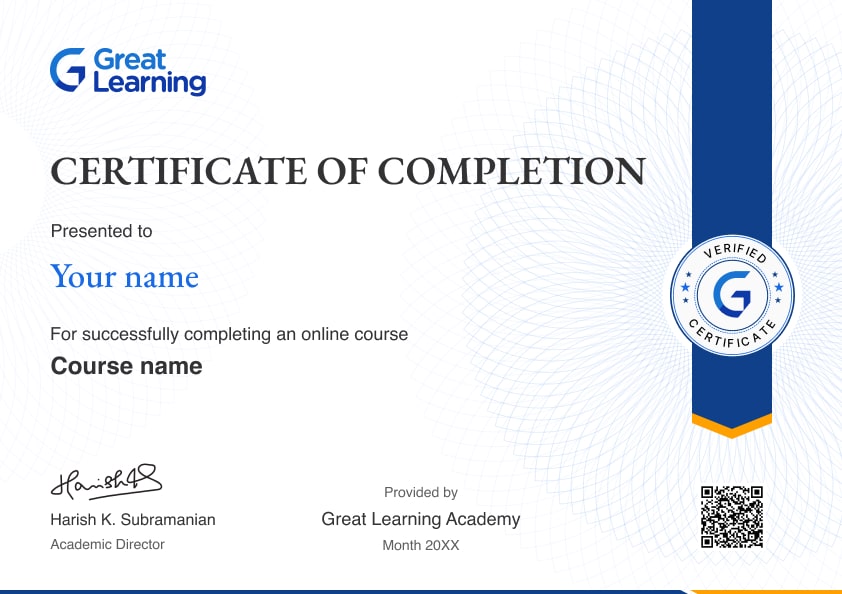
Stand out with an industry-recognized certificate

10,000+ certificates claimed, get yours today!

Get noticed by top recruiters

Share on professional channels

Globally recognised

Land your dream job

Certificate Image

Revit BIM Modeling

3.75 Hours

Beginner

Get free course content

Master in-demand skills & tools

Test your skills with quizzes

Trusted by 10 Million+ Learners globally

Frequently Asked Questions

How does the free Revit course explain BIM?

You study a model whose elements support views, schedules, and documents. The lessons connect information across a project rather than present BIM as simply drawing a building in three dimensions.

Can I begin the Revit course without previous Revit experience?

The source starts with the interface, templates, levels, and common views. You can use that introduction to understand the workflow, while practical confidence develops through exercises and further modeling experience.

Does the course include a Revit license or a confirmed version?

The source does not specify a supplied license or software version. Verify access separately and check feature compatibility before assuming that every curriculum topic works identically in your own installation.

What building elements are introduced in BIM modeling lessons?

The curriculum includes walls, floors, roofs, ceilings, and curtain walls. You learn how parametric elements relate to the model rather than treat each shape as an independent drawing that must be edited separately.

What are families in Revit training?

Family lessons introduce types, instances, and parameters alongside doors and windows. You learn why reusable components need controlled properties rather than creating a new object for every small design variation.

How are levels and grids connected with a building model?

The course introduces levels, grids, structure, and site information. You study how these references organize a model without treating the lessons as structural design instruction or approval for a real project.

What will I learn about schedules?

Documentation topics connect door, window, room, and material schedules with model information. You learn why a schedule needs reliable underlying data rather than assuming a table is correct because the software generated it.

How do views become a construction document set?

The lessons connect plans, sections, annotations, sheets, and revision records. You learn to organize information for review without assuming an introductory set meets every professional or contractual documentation requirement.

Does the course introduce collaboration between disciplines?

Worksharing and linked models are included alongside coordination topics. You learn why team contributions need agreed procedures and review rather than assume that combining files automatically resolves design conflicts.

How is rendering different from model validation?

Visualization lessons concern materials, cameras, and presentation. You learn that an attractive image communicates appearance but does not establish that quantities, coordination, or construction information are complete and correct.

Subscribe to Academy Pro+ & get exclusive features

$29/month

No credit card required

Learn from 40+ Pro courses

Access 500+ certificates for free

700+ Practice exercises & guided projects

Prep with AI mock interviews & resume builder

Enroll For Free