Free CSS Course for Beginners
Front End Development - CSS
 4.51
Beginner level
2.25 learning hrs
4.51
Beginner level
2.25 learning hrs
Learn CSS fundamentals, including selectors, styling methods, colors, backgrounds, borders, and the box model. Enroll in this free CSS course to build practical webpage styling skills.
Instructor:
Mr. Faizan Parvez





About this course
This free CSS course will help you learn the fundamentals of Cascading Style Sheets and understand how CSS works with HTML to style webpages. You’ll start with an introduction to CSS, explore its history, and learn about CSS editors and basic syntax, including selectors, properties, and values. You’ll also understand how comments are used in code and compare inline, internal, and external CSS. These CSS fundamentals will help you build a foundation in webpage styling.
You’ll then learn how to apply styles using element, class, ID, universal, and descendant selectors. The course also covers colors, background properties, borders, and the CSS box model, including content, padding, margin, and border. Through examples and code demonstrations, this CSS basics course will help you understand how to control webpage appearance and organize styles more effectively.
Course outline
What is CSS?
This section answers what Cascading Style Sheets are. It also says how HTML is associated with CSS and how JavaScript codes are imbibed in CSS snippets.
History of CSS
This section gives insights into what was used before CSS was explicitly released as a tool and also includes history of how it was developed.
CSS Editors
This section includes a brief on several CSS editors, like Atom, Brackets, Espresso, Notepad++, Komodo Edit, and Sublime Text, which you can use to style your HTML codes in CSS. You can choose from the pool after learning which tool is best suited for what purpose.
Basic Structure of CSS
This section helps you understand the basic structure of CSS. It includes the syntax to define selectors, attributes, and values to make the code well designed.
Comments in CSS
Comments are not the display part on the website or the webpage but make the critical part of codes. It helps understand what and why the particular chunk of code is written for. You will understand briefly about comments in this section.
Inline CSS
This section introduces you to every styling that was dependent on inline CSS previously. It demonstrates how inline CSS is applied and also speaks about its advantages and disadvantages with examples.
Internal CSS
This section helps you eliminate the redundancy in the code using internal CSS and explains how the styling is still not organized with demonstrated examples.
External CSS
This section will brief you on external CSS and explains how it eliminates the limitations that are otherwise encountered in inline and internal CSS.it also illustrates the features and functionalities of styling with a demonstrated example.
CSS Selectors
This section briefly talks about different selectors such as element selectors, ID selectors, and class selectors, and the priority between them. Further, you will also understand a few advanced selectors such as Universal selector and Descendant Combinator selector.
CSS Color
This section gives you insights into the different color schema used in CSS and explains two commonly used techniques with sample code chunks. It also discusses how it impacts the style of the webpage when used for a particular value.
CSS Background
Background attributes can manipulate HTML elements such as color, repeat, image, attachment, and position. This module includes the description of where all the background attributes can reflect to add to the visuals of the webpage.
CSS Border
This section demonstrates how the border attribute sets margins to the HTML elements and describes the width, style, color, and radius properties used to set CSS borders with code snippets.
CSS Box Model
This module demonstrates an example of how to manipulate the HTML elements using a box model. Later, it speaks about content, padding, margin, and border edge, and also explains the basic structure to define each of these elements.
Get access to the complete curriculum once you enroll in the course
 4.51
4.51
Level up with advanced skills & become job ready with Pro+
Subscribe to Pro+ today to build skills with 50+ Pro courses and prep for jobs with advanced AI tools.
 PRO
PRO


Practice exercises
Guided Projects
AI Resume Builder
AI mock interviews













What our learners enjoyed the most
Skill & tools
61% of learners found all the desired skills & tools
Our course instructor

Mr. Faizan Parvez
IT & Software Expert


Frequently Asked Questions
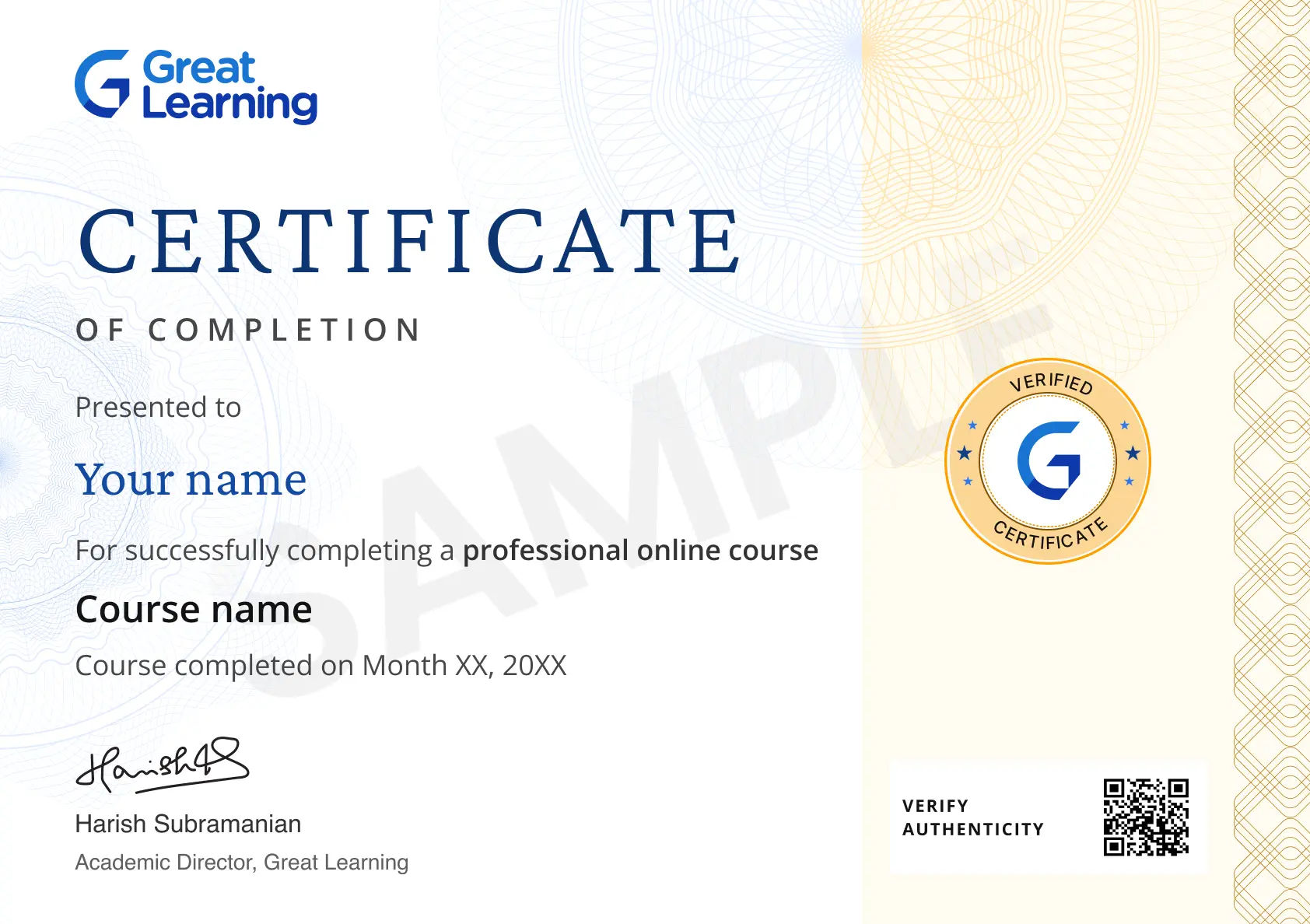
Will I receive a certificate upon completing this free course?
Is this course free?
What will I learn in this free CSS course?
You’ll learn CSS syntax, editors, comments, styling methods, selectors, colors, backgrounds, borders, and the box model.
Is this CSS course for beginners suitable for new learners?
Yes. The course starts with an introduction to CSS and gradually covers styling techniques and properties through examples.
What will I learn from the introduction to CSS?
You’ll understand what CSS is, how it works with HTML, and how it helps control the appearance of webpages.
What are the main CSS fundamentals covered in this course?
You’ll learn CSS syntax, selectors, inline and external styling, colors, backgrounds, borders, and the box model.
Will I learn the difference between inline, internal, and external CSS?
Yes. You’ll explore all three styling methods, their characteristics, and how external CSS helps address limitations of inline and internal styles.
Will I learn how to use CSS selectors?
Yes. You’ll work with element, ID, class, universal, and descendant selectors and learn about selector priority.
Can I learn how to style webpage backgrounds and colors?
Yes. You’ll explore CSS color techniques and background properties such as color, repeat, image, attachment, and position.
Will this course teach me how to style borders and webpage elements?
Yes. You’ll learn border properties such as width, style, color, and radius, along with how borders relate to the CSS box model.
What will I learn about the CSS box model?
You’ll learn how content, padding, margin, and borders work together to determine the layout and spacing of webpage elements.
Can I learn CSS online through practical examples?
Yes. The course uses examples and code demonstrations to explain CSS syntax, styling methods, selectors, and visual properties.
Will I learn which CSS editor to use?
Yes. You’ll explore editors such as Atom, Brackets, Espresso, Notepad++, Komodo Edit, and Sublime Text and learn about their use in CSS styling.
What are the prerequisites required to learn this Front End Development - CSS course?
You only need to have knowledge of computer science to learn this course. But if you are not already good at HTML, then we recommend you do a little homework to understand the concepts of HTML and handling files to learn frontend development faster and to understand the development of the skeleton of any webpage.
Will I have lifetime access to the free course?
Yes, once you enroll in the course, you will have lifetime access to any of the Great Learning Academy’s free courses. You can log in and learn whenever you want to.
What knowledge and skills will I gain upon completing this course?
You will gain the foundational knowledge of CSS Front End Development through this course, where you will get familiar with structuring several tools and techniques used to develop a frontend application and understand the functions, elements, and attributes that are used to develop a user-friendly interface.
Is there any limit on how many times I can take this free course?
Once you enroll in the CSS Frontend Development course, you have lifetime access to it. So, you can log in anytime and learn it at your leisure.
Can I sign up for multiple courses from Great Learning Academy at the same time?
Yes, you can enroll in as many courses as you want from Great Learning Academy. There is no limit to the number of courses you can enroll in at once, but since the courses offered by Great Learning Academy are free, we suggest you learn one by one to get the best out of the subject.
What are the steps to enroll in this Front End Development - CSS course?
To enroll in this course, you'll need to complete a few steps:
1. Click on the “ENROLL FOR FREE” button at the top of the page.
2. Create an account by filling out the necessary information.
3. Once you're enrolled, you'll have access to all of the course materials and can begin learning!




Recommended Free Front End Development courses
-
FREE

-
FREE
-
FREE
-
FREE
-
FREE
-
FREE
-
FREE
-
FREE
 FREE
FREE
.jpg "Course thumbnail image")





Similar courses you might like
-
FREE
-
FREE
-
FREE
-
FREE
.jpg "Course thumbnail image")

Related IT & Software Courses

-
McCombs School of Business at The University of Texas at Austin
Post Graduate Program in Cyber Security20 weeks · Online
Know More