
Free Intermediate Excel Course with Certificate
Excel for Intermediate Level
 4.54
Intermediate level
4.5 learning hrs
4.54
Intermediate level
4.5 learning hrs
Learn excel at intermediate level in this free online training. Excel intermediate course is taught hands-on by experts. Learn the data mapping data visualization and conditional formating in details. Enroll for free now!
Instructor:
Mr. Aniruddha Kalbande


What you'll learn


About this course
Excel for Intermediate Level course is a continuation of Excel for Beginners, which provides you with the skill sets to make the most effective use of Microsoft Excel. Microsoft Excel is an industry-leading spreadsheet software and a robust analysis and data visualization tool. This will enable you to create, calculate and analyze your spreadsheet to fulfill your needs confidently. With Excel's modern templates, jump-start your budget, task list, accounting, or financial analysis. You will learn to use formulas to do intricate calculations to analyze your data. You will also get an extensive understanding of data cleaning, data visualization, Aggregation, and charts.
Great Learning offers multiple Post Graduate Programs in the field of Data Science. You can join our online data science course and Earn a Postgraduate Certificate in the top-rated Data Science and Business Analytics online course from Great Lakes in collaboration with the University of Texas. We have multiple PG Programs with various university partners such as Northwestern School of Professional Studies, SRM University, PES University. We aim to empower our learners with everything they need to succeed in their careers, resulting in 8000+ successful career transitions.
Course outline
Substrings
This module introduces text manipulation functions, focusing on how to extract, search, and modify substrings within text data in Excel.
Conditional Formating
This module covers conditional formatting, showing you how to automatically apply formatting to cells based on specific criteria or rules.
Data Mapping, Data Visualization, Data Aggregation
This module focuses on advanced data handling, including mapping, visualization, and aggregation techniques to summarize and present data effectively.
Charts in Excel
This module explores the creation and customization of various chart types, enabling you to visualize data trends and insights for better communication.
Get access to the complete curriculum once you enroll in the course
This course is ideal for
- Beginners who have completed an introductory Excel course.
- Students and job seekers building spreadsheet skills.
- Working professionals who analyze data in Excel daily.
- Job seekers who want a completion certificate.
 4.54
4.54
Level up with advanced skills & become job ready with Pro+
Subscribe to Pro+ today to build skills with 50+ Pro courses and prep for jobs with advanced AI tools.
 PRO
PRO



Practice exercises
Certificate from Microsoft
AI Resume Builder
AI mock interviews












What our learners enjoyed the most
Skill & tools
61% of learners found all the desired skills & tools
Our course instructor

Mr. Aniruddha Kalbande
AI & Data Science Educator
IT & Software Expert


Frequently Asked Questions
Will I receive a certificate upon completing this free course?
Is this course free?
Is the Excel for Intermediate Level course a certification course?
Will I get a certificate after completing this Excel for intermediate Level free course?
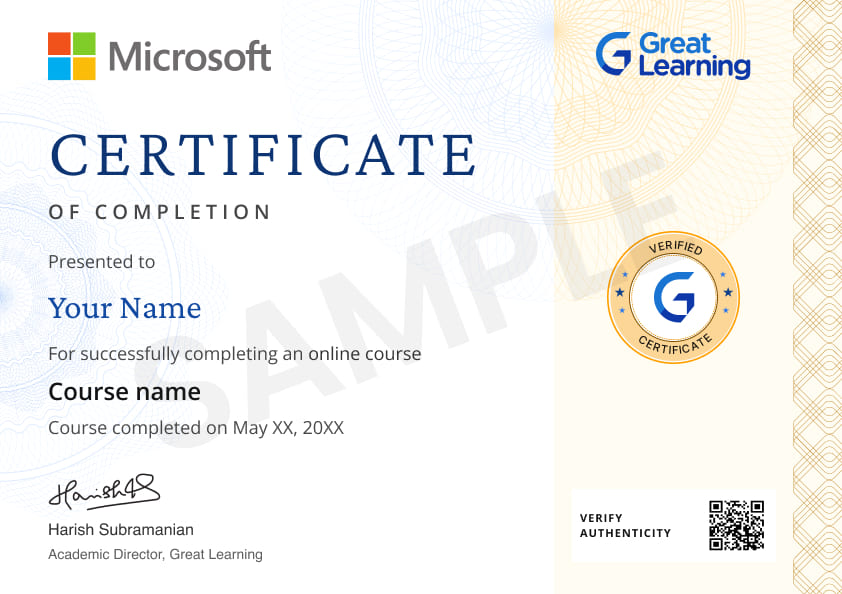
Yes, you will get a certificate of completion for Excel for intermediate Level after completing all the modules and cracking the assessment. The assessment tests your knowledge of the subject and badges your skills.
How much does this Excel for intermediate Level course cost?
It is an entirely free course from Great Learning Academy. Anyone interested in learning the basics of Excel for intermediate Level can get started with this course.
Is there any limit on how many times I can take this free course?
Once you enroll in the Excel for intermediate Level course, you have lifetime access to it. So, you can log in anytime and learn it for free online.
Can I sign up for multiple courses from Great Learning Academy at the same time?
Yes, you can enroll in as many courses as you want from Great Learning Academy. There is no limit to the number of courses you can enroll in at once, but since the courses offered by Great Learning Academy are free, we suggest you learn one by one to get the best out of the subject.
Why choose Great Learning Academy for this free Excel for intermediate Level course?
Great Learning Academy provides this Excel for intermediate Level course for free online. The course is self-paced and helps you understand various topics that fall under the subject with solved problems and demonstrated examples. The course is carefully designed, keeping in mind to cater to both beginners and professionals, and is delivered by subject experts. Great Learning is a global ed-tech platform dedicated to developing competent professionals. Great Learning Academy is an initiative by Great Learning that offers in-demand free online courses to help people advance in their jobs. More than 5 million learners from 140 countries have benefited from Great Learning Academy's free online courses with certificates. It is a one-stop place for all of a learner's goals.
What are the steps to enroll in this Excel for intermediate Level course?
Enrolling in any of the Great Learning Academy’s courses is just one step process. Sign-up for the course, you are interested in learning through your E-mail ID and start learning them for free online.
Will I have lifetime access to this free Excel for intermediate Level course?
Yes, once you enroll in the course, you will have lifetime access, where you can log in and learn whenever you want to.
What is an intermediate level of Excel?
Intermediate means a level-up more than what you just know about a thing, and the same applies to MS-Excel too. You may or may not be familiar with tables in Excel, but in the intermediate level, you’ll come across Pivot Tables, and more such features like Go to special, drop-down list, and many more.
What does an Intermediate Excel course cover?
The Intermediate Excel course covers the various tools and formulas you should know in your daily Excel work. The focus of the Intermediate course is more on the use of Excel tools and wizards to achieve your goals.
What Excel skills are considered advanced?
Advanced skills are referred to as the ones, wherein you have the complete hold over Excel. Some skills that are considered advanced in Excel are working with formulas, and charts, and conditional formatting, etc.
What Excel skills do employers look for?
The most common skills that employers look for in a potential employee/ a to be employee are:
• Knowledge of advanced functions
• Sorting of data, statistics, and related entries
• Formatting
• Shortcuts (Of course, no miss on that !)
What are the 5 functions in Excel?
Below given are the 5 types of functions in Microsoft Excel:
i) Excel Text Functions
ii) Excel Logical Functions
iii) Excel Information Functions
iv) Excel Date and Time Functions
v) Excel Lookup and Reference Functions
Can I learn Excel for free?
The answer is yes. There are a lot of online courses and sites, which are available for free. But, here’s the local twist. If you are good at anything, never do it for free. As well, good things are never free as well as cheap, so it’s better to go for paid courses if you want to excel at Excel.
How do I show my Excel skills on my resume?
You can simply put up on the skills section of your resume that you excel at Excel. Ok, jokes apart. It’s a good thing to highlight the things you master, in your resume. Same for Excel too. You can go for it.




Recommended Free Data Science courses
 FREE
FREE



Similar courses you might like