
Earn a certificate & get recognized
Getting Started with Dataiku
 4.55
Beginner level
2.25 learning hrs
4.55
Beginner level
2.25 learning hrs
Enrol now in 'Getting Started with Dataiku'—a free course that empowers you with essential data analysis and machine learning skills. Start today!
Instructor:
Ms. Sneha VK




About this course
Embark on your data journey with the free course 'Getting Started with Dataiku.' Dive into the basics with an Introduction to Dataiku, followed by a step-by-step guide to Installation. Explore the user-friendly Dataiku Interface and Workflow, mastering Data Ingestion and Preparation. Delve into Machine Learning and NLP, discovering the power of Dataiku Recipes. Learn the art of Collaboration and Sharing, which is essential in today's data-driven world.
Apply your skills to a real-world scenario in the Case Study on Customer Data Churn. Finish strong with insights on Dataiku Certification and avenues for Further Learning. Start your data adventure today!
Course outline
Introduction to Dataiku
In this module, you will gain an understanding of Dataiku's capabilities and its role in the data science workflow.
Installation of Dataiku
In this module, we will guide you through the step-by-step process of installing Dataiku and setting up your environment.
Dataiku Interface and Workflow
In this module, you will explore the Dataiku interface and learn how to navigate its workflow to manage and analyze data effectively.
Data Ingestion and Preparation on Dataiku
In this module, we will cover data ingestion techniques and data preparation methods using Dataiku's powerful tools and features.
Machine Learning with Dataiku
In this module, you will delve into the world of machine learning within Dataiku, learning how to build and evaluate predictive models.
NLP with Dataiku
In this module, you will focus on Natural Language Processing (NLP) tasks using Dataiku, from text data preprocessing to sentiment analysis.
Dataiku Recipes
In this module, you will master Dataiku's recipe functionality for data transformation, manipulation, and feature engineering.
Collaboration and Sharing
In this module, you will discover how to collaborate with team members, share projects, and work together efficiently within the Dataiku platform.
Case Study - Customer Data Churn
In this module, we will analyze a real-world case study involving customer data churn, applying the skills and techniques learned throughout the course.
Dataiku Certification and Further Learning
In this module, we will discuss Dataiku certification opportunities and suggest further learning resources to expand your expertise in the field.
Get access to the complete curriculum once you enroll in the course
 4.55
4.55











Our course instructor

Ms. Sneha VK
Machine Learning Expert


Frequently Asked Questions
Will I receive a certificate upon completing this free course?
Is this course free?
What prerequisites are required to enrol in this Free Getting Started with Dataiku course?
You do not need any prior knowledge to enrol in this Getting Started with Dataiku course.
How long does it take to complete this Free Getting Started with Dataiku course?
It is a 1.5 hour long course, but it is self-paced. Once you enrol, you can take your own time to complete the course.
Will I have lifetime access to the free course?
Yes, once you enrol in the course, you will have lifetime access to any of the Great Learning Academy’s free courses. You can log in and learn whenever you want to.
Will I get a certificate after completing this Free Getting Started with Dataiku course?
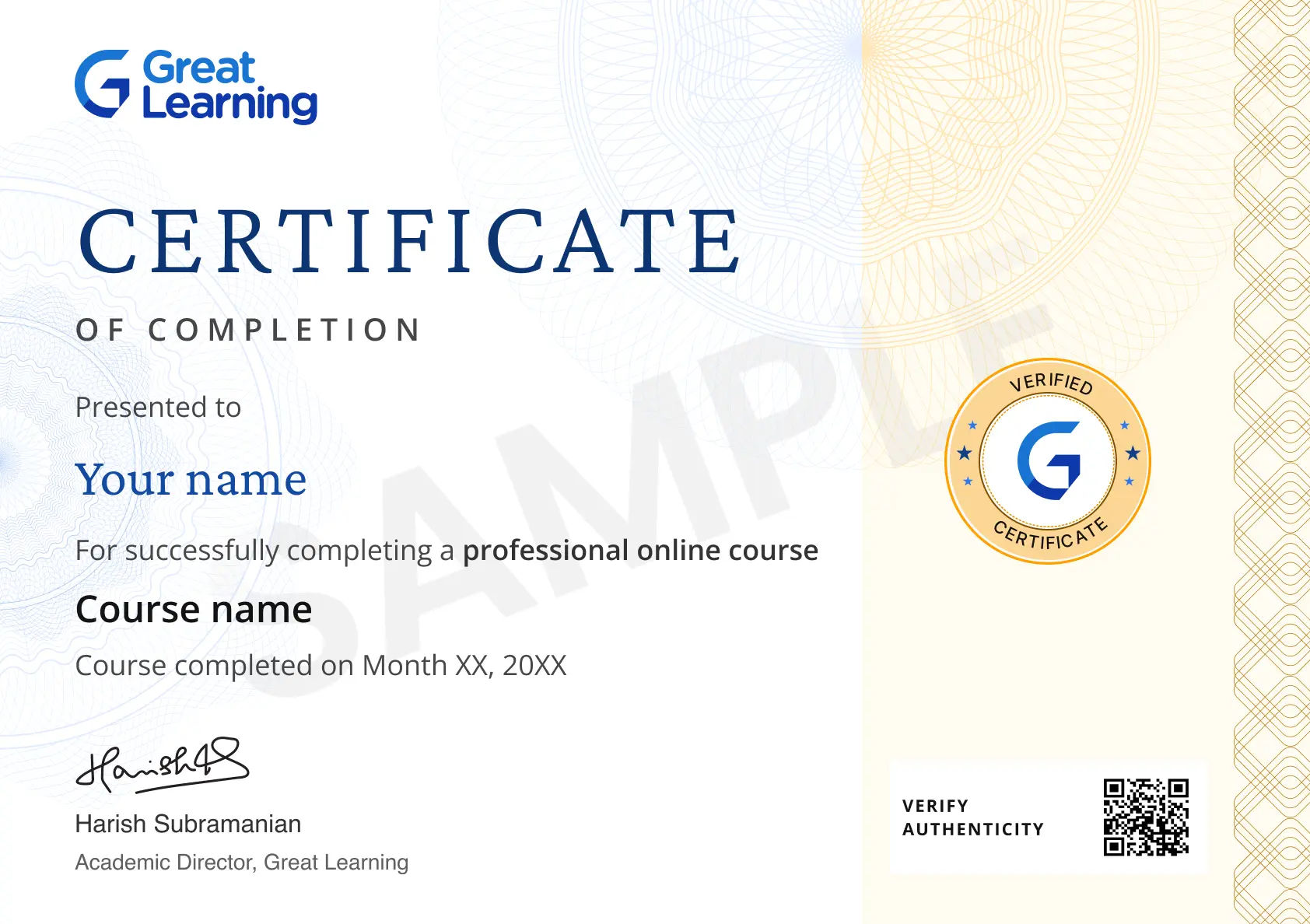
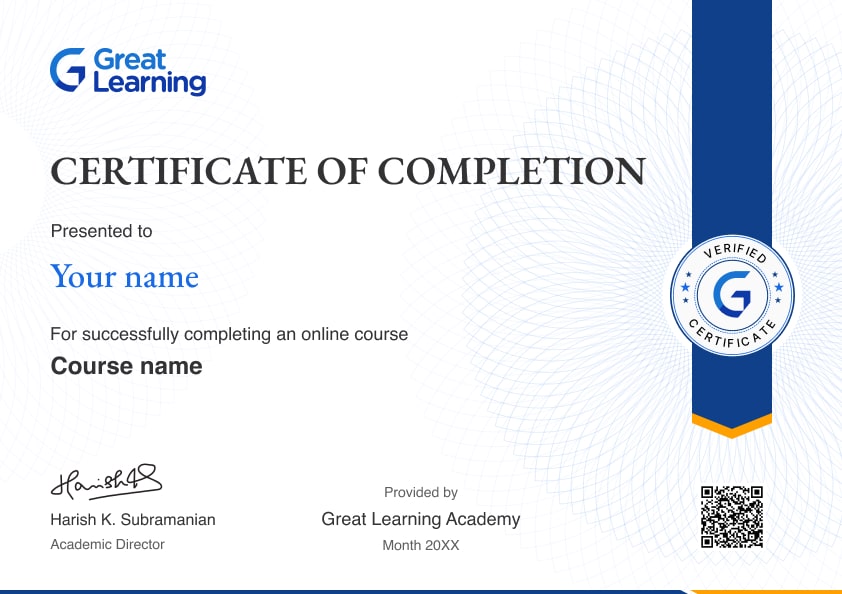
Yes, you will get a certificate of completion after completing all the modules and cracking the assessment.
How much does this Getting Started with Dataiku course cost?
It is an entirely free course from Great Learning Academy.
Is there any limit on how many times I can take this free course?
No. There is no limit. Once you enrol in the Free Getting Started with Dataiku course, you have lifetime access to it. So, you can log in anytime and learn it for free online.
Who is eligible to take this Free Getting Started with Dataiku course?
You do not need any prerequisites to take the course, so enroll today and learn it for free online.




Recommended Free Data Science courses
 FREE
FREE




Similar courses you might like


Related Machine Learning Courses

-

6 Weeks · Online · Weekend
Money Back GuaranteeKnow More
-
Johns Hopkins University
Certificate Program in AI Business Strategy10 weeks · Online
Know More
-
Walsh College
MS in Artificial Intelligence & Machine Learning2 Years · Online
Know More






Relevant Career Paths >



Getting Started with Dataiku: A Beginner's Guide
Installation and Setup
Getting started with Dataiku begins with the installation and setup process. You'll first need to download and install the Dataiku platform on your system. The installation can be done on your local machine for individual use or on a server to enable collaboration within a team. Dataiku offers a free edition, Dataiku Community Edition, suitable for learning and experimentation.
Creating a Project
Once Dataiku is installed, the next step is to create a new project. A project is a workspace where you can organize and centralize all your data, code, and models. During the project creation, you'll be prompted to give it a name and provide a brief description. You can also choose a location for your project, locally or on a server.
Importing Data
Dataiku supports various data sources, including CSV files, databases, and cloud storage. To get started, you can import your data into the Dataiku project. The "Datasets" tab is your gateway to this process. It will guide you through the steps to connect to your chosen data source, select the dataset you want to work with and import it into your project.
Exploring Data
After importing your data, Dataiku provides interactive data exploration tools that allow you to understand your dataset better. These tools include features for data visualization, cleaning, and transformation. Even for beginners, Dataiku's visual data preparation interface makes it easy to clean and preprocess data effectively.
Building Models
Dataiku is a versatile platform for building predictive models. You can use the "DSS Designer" to drag and drop components, making it suitable for beginners and experienced data scientists. Key steps include selecting the target variable, choosing features, and experimenting with various algorithms. Dataiku provides insights through explanations and visualizations to help you evaluate and understand your model's performance.
Evaluation and Validation
Model evaluation is an essential part of the data science process. Dataiku offers various metrics and visualizations to help you assess your model's performance. You can use these insights to fine-tune your model and ensure it meets your objectives. Techniques like cross-validation are supported to determine how well your model generalizes to unseen data.
Deployment
Once satisfied with your model, you can deploy it within Dataiku. Dataiku offers multiple deployment options, including creating web applications APIs or exporting the model for external systems. The deployment process is accessible for data scientists and engineers, making it versatile for different use cases.
Automation
Dataiku is not limited to model building; it also offers automation features to schedule and orchestrate workflows. This is particularly useful for automating data pipelines and ensuring that models are regularly retrained with fresh data.
Collaboration
Collaboration is made easy within Dataiku. Multiple team members can work on a project simultaneously, and you can track changes and access version control, ensuring that everyone is on the same page and that work is coordinated effectively.
Monitoring and Governance
Dataiku provides essential tools for monitoring and governance. You can track data lineage, audit data access, and ensure compliance with regulations, making it a robust choice for organizations with strict data governance requirements.
Learning Resources and Community Support
To maximize Dataiku, take advantage of the available learning resources, including documentation, tutorials, and a community forum. Engage with the Dataiku community to connect with other users, share your knowledge, and seek assistance if you encounter any challenges.