

VLOOKUP in Excel Free Course
VLOOKUP in Excel
 4.57
Beginner level
1.5 learning hrs
Learn to use Excel formulas and VLOOKUP to retrieve data from the same worksheet, other sheets, and separate workbooks. Enroll in this free VLOOKUP course to build practical spreadsheet skills.
Instructor:
Edwin Thomas


What you'll learn


About this course
This free VLOOKUP course introduces you to the Excel formulas and functions needed to work with spreadsheet data. You’ll learn how to enter, copy, edit, and hide formulas, understand the order of operations, and use functions within a workbook. The course then covers VLOOKUP in Excel, starting with its purpose and basic usage before showing you how to retrieve information from a table in the same worksheet, a different worksheet, or a separate workbook.
You’ll also learn how to copy a VLOOKUP formula and retrieve multiple values at once. The lessons cover finding the smallest and largest values in a dataset, helping you work with common spreadsheet calculations. By the end, you’ll be able to explain how Excel formulas and functions work, use VLOOKUP to look up and retrieve data across worksheets and workbooks, and apply basic formulas to find key values. This course is suitable for beginners who want to learn VLOOKUP and build practical Excel skills.
Course outline
Get access to the complete curriculum once you enroll in the course
This course is ideal for
- Beginners wanting to learn essential Excel formulas.
- Students and job seekers building spreadsheet skills.
- Working professionals who look up data in Excel daily.
- Learners who want a VLOOKUP in Excel certificate.
 4.57
Level up with advanced skills & become job ready with Pro+
Subscribe to Pro+ today to build skills with 50+ Pro courses and prep for jobs with advanced AI tools.
 PRO



Practice exercises
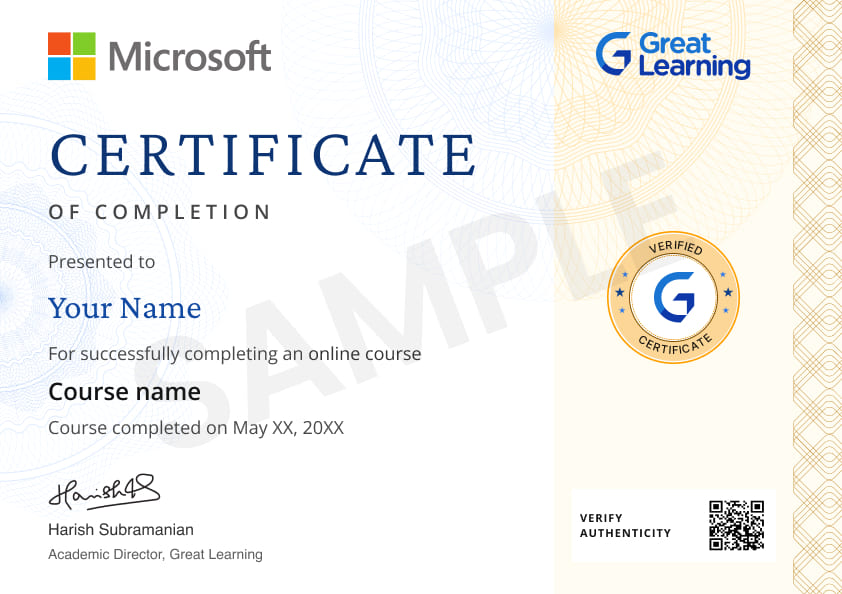
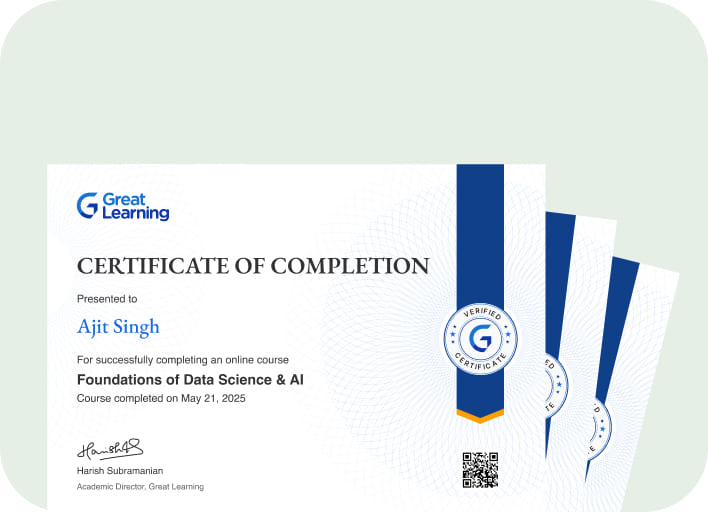
Certificate from Microsoft
AI Resume Builder
AI mock interviews















What our learners enjoyed the most
Skill & tools
64% of learners found all the desired skills & tools
Our course instructor

Edwin Thomas
Research Analyst
IT & Software Expert


Frequently Asked Questions
Will I receive a certificate upon completing this free course?
Is this course free?
What will I learn in this free VLOOKUP in Excel course?
You’ll learn Excel formula and function basics, how to use VLOOKUP to retrieve information, and how to work with data across the same worksheet, different worksheets, and separate workbooks. The course also covers copying VLOOKUP formulas, retrieving multiple values, and finding the smallest and largest values.
Is this VLOOKUP course suitable for beginners?
Yes. This is a free VLOOKUP in Excel course for beginners. It starts with the basics of Excel formulas and functions before introducing the VLOOKUP function and its applications. You don't need advanced Excel knowledge to follow the lessons.
Which topics are covered in this VLOOKUP training course?
The course covers entering, copying, editing, and hiding formulas; the order of operations; Excel functions; VLOOKUP basics; using VLOOKUP within the same sheet, across different worksheets, and across workbooks; retrieving multiple values; and finding the smallest and largest values.
What skills will I gain from this course?
You’ll develop skills in working with Excel formulas and functions, looking up and retrieving spreadsheet data, using VLOOKUP across sheets and workbooks, copying formulas, retrieving multiple values, and identifying the smallest and largest values in a dataset.
Will I learn how to use VLOOKUP across multiple Excel worksheets and workbooks?
Yes. You’ll learn how to apply VLOOKUP within the same worksheet, use VLOOKUP across sheets, and retrieve information from different Excel workbooks
Will I learn how to copy and reuse a VLOOKUP formula?
Yes. The course covers copying the VLOOKUP function so you can reuse the formula when retrieving information from spreadsheet data.
Will I learn how to use VLOOKUP to retrieve data from different Excel worksheets?
Yes. You’ll learn to apply VLOOKUP to find information within the same worksheet and retrieve matching data from other worksheets and workbooks.
Will I learn how to copy a VLOOKUP formula in Excel?
Yes. You’ll learn how to copy the VLOOKUP function and retrieve data using the copied formula
Will I learn to reuse VLOOKUP formulas for multiple data entries?
Yes. You’ll learn how to copy the VLOOKUP function and reuse formulas when working with spreadsheet data.
Will this course teach me how to find the smallest and largest values in Excel?
Yes. You’ll learn how to find the smallest and largest values using Excel formulas.
Will I learn how to use VLOOKUP across multiple Excel workbooks?
Yes. The course teaches you how to use VLOOKUP across different workbooks to retrieve information from another Excel file.
Is there any limit on how many times I can take this free course?
Once you enroll in the Vlookup in Excel course, you have lifetime access to it. So, you can log in anytime and learn it for free online.
Can I sign up for multiple courses from Great Learning Academy at the same time?
Yes, you can enroll in as many courses as you want from Great Learning Academy. There is no limit to the number of courses you can enroll in at once, but since the courses offered by Great Learning Academy are free, we suggest you learn one by one to get the best out of the subject.
Why choose Great Learning Academy for this free Vlookup in Excel course?
Great Learning Academy provides this Vlookup in Excel course for free online. The course is self-paced and helps you understand various topics that fall under the subject with solved problems and demonstrated examples. The course is carefully designed, keeping in mind to cater to both beginners and professionals, and is delivered by subject experts. Great Learning is a global ed-tech platform dedicated to developing competent professionals. Great Learning Academy is an initiative by Great Learning that offers in-demand free online courses to help people advance in their jobs. More than 5 million learners from 140 countries have benefited from Great Learning Academy's free online courses with certificates. It is a one-stop place for all of a learner's goals.
What are the steps to enroll in this Vlookup in Excel course?
Enrolling in any of the Great Learning Academy’s courses is just one step process. Sign-up for the course, you are interested in learning through your E-mail ID and start learning them for free online.
Will I have lifetime access to this free Vlookup in Excel course?
Yes, once you enroll in the course, you will have lifetime access, where you can log in and learn whenever you want to.
Recommended Free Microsoft Excel courses
-
FREE

-
FREE
-
FREE
-
FREE
-
FREE
-
FREE
-
FREE
 FREE




Similar courses you might like
-
FREE
-
FREE
-
FREE
-
FREE


Related IT & Software Courses

-
McCombs School of Business at The University of Texas at Austin
Post Graduate Program in Cyber Security20 weeks · Online
Know More