
- How We Compared These Excel Courses
- Quick Comparison of Free Excel Courses
- 1. Great Learning Academy – Excel for Beginners
- 2. Coursera – Work Smarter with Microsoft Excel
- 3. Coursera – Microsoft Excel Professional Certificate
- 4. Great Learning Academy – Data Analytics using Excel
- 5. Great Learning Academy: Excel for Intermediate Level
- 6. Simplilearn: Introduction to MS Excel
- 7. Udemy: Useful Excel for Beginners
- What Should You Check Before Choosing a Free Excel Course?
- Free Excel Courses from Great Learning Academy
- Start Learning Excel Online
- Frequently Asked Questions
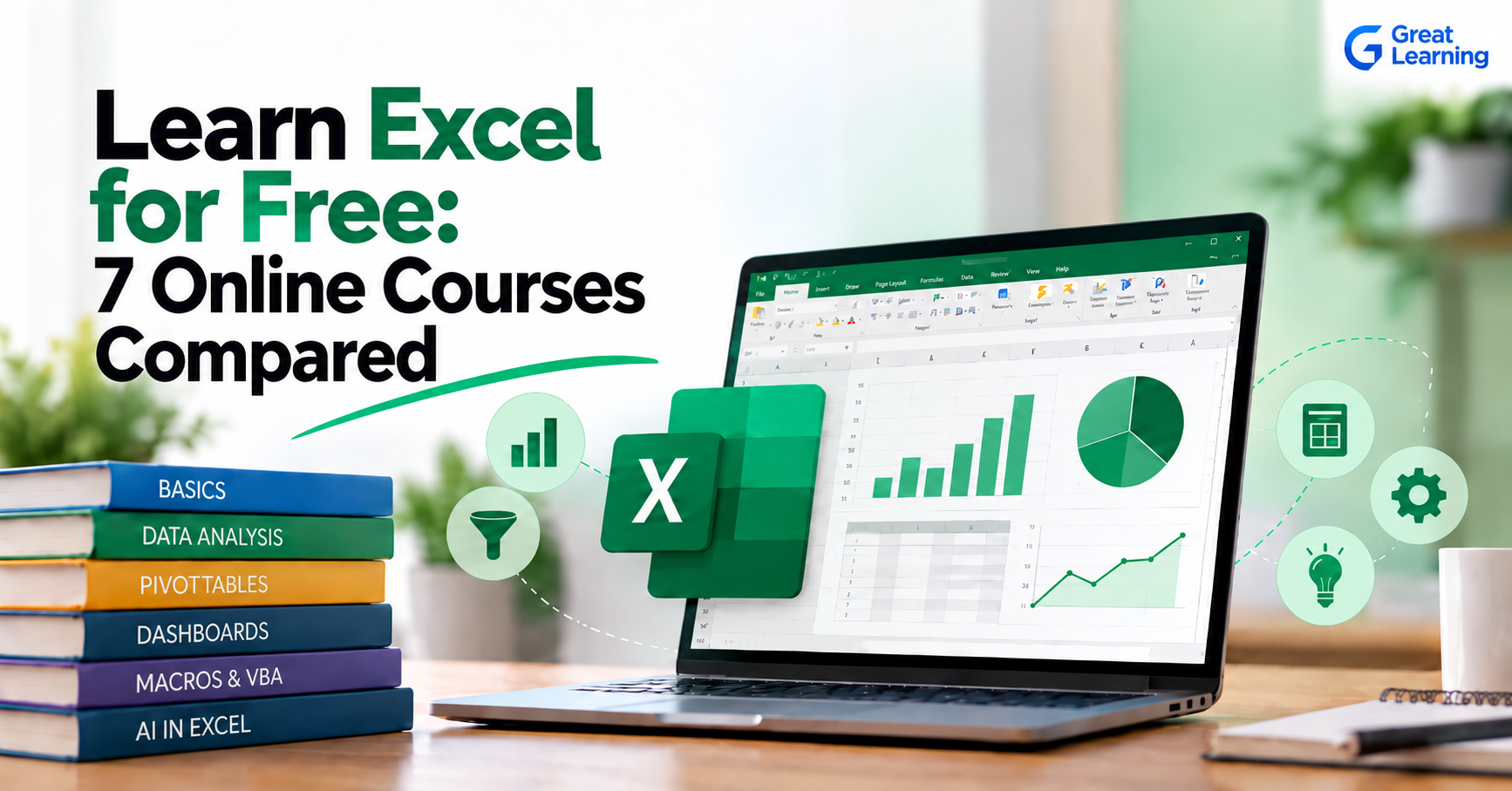
Learning Excel can help with data analysis, reporting, business operations, finance, project management, and everyday productivity. But with hundreds of online Excel courses available, choosing the right one can be difficult.
This guide compares popular free Excel learning options from Great Learning Academy, Coursera, and other learning providers based on publicly available information such as course rating, learner count, learning duration, level, and curriculum coverage.
Instead of simply listing courses, we compared what each course covers so you can choose an option that matches your current Excel goals.
How We Compared These Excel Courses
We compared the courses using information published on their official course pages. The main factors considered were:
- Course level: Whether the course is intended for beginners or learners with existing Excel knowledge.
- Curriculum coverage: The Excel skills covered, including formulas, functions, PivotTables, data cleaning, visualization, dashboards, macros, and VBA.
- Learning duration: The estimated time needed to complete the course or program.
- Practical learning: Whether the course includes exercises, datasets, projects, downloadable resources, or other applied learning components.
- Learning objective: Whether the course focuses on Excel fundamentals, data analysis, reporting, intermediate Excel, or automation.
- Access and certificate terms: Whether course content is available for free and whether certificate conditions differ from content access.
Course details and access conditions change over time, so learners should confirm current information on the official course page before enrolling.
Quick Comparison of Free Excel Courses
These seven courses range from beginner Excel fundamentals to data analytics, dashboards, macros, VBA, and AI-assisted Excel work.
| Course Name | Platform | Level | Duration | Key Coverage |
| Excel for Beginners | Great Learning Academy | Beginner | 6.75 hours | Formulas, formatting, sorting, filtering, charts, data analysis |
| Work Smarter with Microsoft Excel | Coursera, Microsoft | Beginner | About 2 weeks | Spreadsheets, formulas, functions, tables, PivotTables, charts |
| Microsoft Excel Professional Certificate | Coursera, Microsoft | Beginner | About 3 months | Excel, Copilot, data analysis, dashboards, macros, VBA |
| Data Analytics using Excel | Great Learning Academy | Beginner | 3.75 hours | Data cleaning, lookup functions, PivotTables, visualization |
| Excel for Intermediate Level | Great Learning Academy | Intermediate | 4.5 hours | Text functions, conditional formatting, data mapping, charts |
| Introduction to MS Excel | Simplilearn | Beginner | 7 hours | Formulas, PivotTables, data analysis, dashboards, VBA |
| Useful Excel for Beginners | Udemy | Beginner | 9.5 hours | Excel fundamentals, conditional formatting, PivotTables, PivotCharts |
The comparison shows that courses differ significantly in their focus. Some are designed to introduce Excel, while others concentrate on data analysis, automation, AI-assisted workflows, or broader professional skills.
Course information, ratings, learner numbers, and access terms change over time. Check the linked course page for current details before enrolling.
1. Great Learning Academy – Excel for Beginners
Rating: 4.48/5
Learners: 1.8M+
Duration: 6.75 hours
Level: Beginner
Great Learning Academy's Free Excel for Beginners course is designed for learners who want to build their Excel skills from the ground up.
The course covers spreadsheet creation, formatting, sorting and filtering, formulas, data analysis, charts, and conditional formatting. It also covers cell referencing, tables, date and time functions, and IF-ELSE conditions.
The course page currently lists more than 1.8 million enrolled learners and a 4.48/5 rating.
What You Can Learn
You learn how to:
- Create and format Excel spreadsheets
- Work with formulas for calculations and analysis
- Sort and filter data
- Use cell references
- Work with tables and borders
- Apply IF-ELSE conditions
- Use date and time functions
- Apply conditional formatting
- Create basic charts
- Perform basic descriptive analysis
Who Is It Suitable For?
This course can be useful for students, professionals, small business owners, and learners who are starting with Excel or want to strengthen their spreadsheet skills.
Excel for Beginners Free Course
Learn essential Excel skills for data analysis, including functions, formulas, and data visualization techniques. Master cell referencing, sorting, and creating charts and presentations.
2. Coursera – Work Smarter with Microsoft Excel
Rating: 4.7/5
Learners: 312,000+
Level: Beginner
Recommended duration: 2 weeks at 10 hours per week
Microsoft's Work Smarter with Microsoft Excel course on Coursera focuses on practical Excel usage.
The course covers creating spreadsheets, formulas and functions, formatting, workbook management, and data-related tasks. It also includes a hands-on project where learners analyze and present sales data.
Coursera currently lists more than 312,000 enrolled learners and a 4.7/5 rating from 3,396 reviews.
What You Can Learn
You learn how to:
- Create and manage spreadsheets
- Work with formulas and functions
- Sort and filter data
- Format worksheets and workbooks
- Work with tables and ranges
- Analyze data using functions
- Work with PivotTables
- Create charts
- Present spreadsheet data
- Manage worksheets and workbooks
Who Is It Suitable For?
It is designed for beginners who want to learn Excel through a structured course that includes practical application.
Explore: Work Smarter with Microsoft Excel on Coursera
3. Coursera – Microsoft Excel Professional Certificate
Rating: 4.3/5
Learners: 145,000+
Duration: Approximately 3 months
Level: Beginner
The Microsoft Excel Professional Certificate takes a broader approach than a single introductory Excel course.
The program contains four courses and combines traditional Excel skills with newer capabilities such as Microsoft Copilot. Its curriculum includes data cleaning, transformation, analysis, dashboards, macros, and VBA.
What You Can Learn
The certificate program covers:
- Excel fundamentals
- Excel formulas
- Microsoft Copilot
- Data cleaning
- Data transformation
- Data analysis
- PivotTables and charts
- Data visualization
- Dashboard creation
- Macros
- VBA
- Workflow automation
- Prompt engineering
- Data presentation
Who Is It Suitable For?
It may be relevant for learners who want to go beyond basic spreadsheet operations and explore Excel for data analysis and automation.
Explore: Microsoft Excel Professional Certificate on Coursera
4. Great Learning Academy – Data Analytics using Excel
Rating: 4.53/5
Learners: 139,000+
Duration: 3.75 hours
Level: Beginner
If your goal is to use Excel specifically for data analysis, Great Learning Academy also offers a dedicated Data Analytics using Excel course.
The curriculum covers data cleaning, data validation, sorting and filtering, lookup functions, PivotTables, conditional formatting, and data visualization.
What You Can Learn
You learn how to:
- Clean datasets
- Use TRIM and Text-to-Columns
- Remove duplicate data
- Sort and filter data
- Apply data validation
- Use VLOOKUP
- Use INDEX-MATCH
- Use XLOOKUP
- Create PivotTables
- Use slicers and calculated fields
- Apply conditional formatting
- Create histograms and scatter plots
- Visualize data in Excel
Who Is It Suitable For?
This course suits learners who want to use Excel to work with datasets rather than only learn basic spreadsheet operations.
Students, graduates, working professionals, and people exploring analytics-related work may find the coverage relevant, especially after learning basic spreadsheet navigation and formulas.
Data Analytics using Excel Free Course
Learn data cleaning, sorting and filtering, lookup functions, conditional formatting, pivot tables, and data visualization using Excel. Build practical data analytics skills to analyze and present data effectively.
5. Great Learning Academy: Excel for Intermediate Level
Great Learning Academy's Excel for Intermediate Level course goes beyond basic spreadsheet operations to cover data handling, text manipulation, conditional formatting, aggregation, visualization, and charts.
The course currently lists a 4.54/5 rating, 239.4K+ learners, an intermediate level, and 4.5 hours of learning content.
What You Can Learn
The course covers:
- Text manipulation
- Extracting and modifying substrings
- Conditional formatting
- Data mapping
- Data visualization
- Data aggregation
- Creating charts
- Customizing charts
- Summarizing and presenting data
These topics make the course a natural progression after basic Excel training. Instead of repeating spreadsheet fundamentals, the curriculum focuses more on manipulating, summarizing, and presenting data.
Who Is It Suitable For?
Great Learning Academy lists beginners who have completed an introductory Excel course, students, job seekers, and working professionals who analyze data in Excel among the intended learners.
It fits someone who understands basic formulas and spreadsheet operations and now wants to work with Excel at an intermediate level.
Explore: Great Learning Academy Excel for Intermediate Level
6. Simplilearn: Introduction to MS Excel
Simplilearn's Introduction to MS Excel course covers both foundational Excel skills and several topics commonly associated with more advanced spreadsheet work.
The free course currently lists seven hours of self-paced video lessons, 90 days of access, a 4.6/5 rating, and more than 713,000 enrolled learners. Simplilearn also includes a completion certificate.
What You Can Learn
The course covers:
- Sorting and filtering
- Excel functions
- Conditional formatting
- Data validation
- PivotTables
- PivotCharts
- Data analysis
- Macros
- VBA
- Excel dashboards
- Data visualization
- VLOOKUP and HLOOKUP
- Data manipulation
The curriculum starts with fundamental Excel tasks but extends into dashboards, macros, and VBA. This gives learners exposure to a wider range of spreadsheet functions within one course.
Who Is It Suitable For?
Simplilearn lists fresh graduates, sales professionals, marketing teams, business strategists, company executives, and data professionals among the intended learners.
No prior Excel experience is required, making the course accessible to beginners who want to progress from basic functions into reporting and automation concepts.
Explore: Simplilearn Introduction to MS Excel
7. Udemy: Useful Excel for Beginners
Useful Excel for Beginners on Udemy helps first-time and beginner Excel users understand the fundamentals through video lessons and downloadable practice material.
The course currently has a 4.6/5 rating from more than 86,000 ratings and over 852,000 students. It includes 9.5 hours of video and 59 downloadable resources.
What You Can Learn
The course covers Excel fundamentals along with topics such as:
- Basic Excel operations
- Conditional formatting
- Working with spreadsheet data
- PivotTables
- PivotTable summarization
- PivotCharts
- Data visualization
Udemy states that the course is intended for people who have never used Excel and beginner-level users. Learners need Microsoft Excel for Windows to follow the practical work.
Who Is It Suitable For?
This course suits beginners who prefer a longer video-based format and want downloadable resources they can use while practicing Excel.
Check the current course page for access and certificate conditions before enrolling.
Explore: Useful Excel for Beginners on Udemy
What Should You Check Before Choosing a Free Excel Course?
Compare course coverage, learning level, duration, practical work, and certificate terms before choosing an Excel course.
1. Course coverage
A highly rated course may not cover the Excel topics you need.
For example, someone learning Excel for data analysis may want to prioritize courses covering PivotTables, lookup functions, data cleaning, and visualization.
2. Learning duration
Short courses can help you learn a specific skill quickly. Longer programs may provide more extensive coverage and practice.
3. Practical learning
Check whether the course includes exercises, assignments, projects, or real-world datasets.
Practical work can help you apply Excel concepts instead of only watching lessons.
4. Course level
Check whether the course is designed for beginners, intermediate learners, or advanced users.
Starting with an advanced course without the required Excel knowledge can make learning unnecessarily difficult.
5. Certificate
If you need a certificate for your resume or LinkedIn profile, check the platform's current certificate requirements before enrolling. Free access to course content and a free certificate are not always the same thing.
Free Excel Courses from Great Learning Academy
Great Learning Academy has multiple Excel-focused learning options rather than a single Excel course.
For example, learners can find courses covering:
- Excel for Beginners
- Excel for Intermediate Level
- Data Analytics using Excel
- Excel Tips and Tricks
- Pivot Tables in Excel
- Conditional Formatting in Excel
- Excel automation
- ChatGPT for Excel
The Academy's Excel for Intermediate Level course currently lists a 4.54/5 rating and 239K+ learners, while Excel Tips and Tricks lists a 4.55/5 rating and 88.7K+ learners.
This lets learners move from general Excel skills to more specific areas such as data analysis, automation, and AI-assisted Excel workflows.
Start Learning Excel Online
The best Excel course depends on what you want to accomplish.
If you are starting from scratch, look for a beginner-focused course covering formulas, formatting, sorting, filtering, and charts.
If your goal is data analysis, focus on PivotTables, lookup functions, data cleaning, and visualization.
For advanced workplace applications, consider courses covering automation, VBA, dashboards, or AI-assisted Excel.
Compare the curriculum, duration, rating, learner numbers, and practical components before choosing a course.
Ready to start learning Excel? Explore the free Excel courses available on Great Learning Academy.
Frequently Asked Questions
Can I learn Excel online for free?
Yes. Several learning platforms offer free Excel courses or free access to course content. However, certificate availability, projects, and other features can differ between courses.
Which Excel topics should I learn first?
If you are new to Excel, start with spreadsheet navigation, formatting, formulas, functions, sorting, filtering, and basic charts. You can then move into PivotTables, lookup functions, data cleaning, and dashboards.
Which Excel Course Is Suitable for Beginners?
A beginner Excel course should teach spreadsheet basics before moving into advanced analysis or automation.
Great Learning Academy's Excel for Beginners covers formulas, sorting, filtering, cell referencing, charts, and conditional formatting. Microsoft's Work Smarter with Microsoft Excel on Coursera also starts with core Excel skills and progresses into functions, tables, PivotTables, and charts.
Is Excel useful for data analysis?
Yes. Excel is widely used for organizing, cleaning, analyzing, and presenting data. Functions, PivotTables, lookup formulas, charts and other Excel features can support a range of data-analysis workflows.
Can I learn advanced Excel online?
Yes. After learning the core spreadsheet concepts, you can progress to advanced formulas, PivotTables, dashboards, Power Query, macros, VBA, and AI-assisted Excel workflows.
Is Great Learning Academy's Excel course free?
Great Learning Academy offers free access to its Excel course content. Check the individual course page for certificate availability and any associated requirements before enrolling.