
- Learners build practical skills in document creation, data analysis, presentation design, email and calendar management, file sharing, version control, cloud collaboration, and basic workplace automation.
- The course includes 2.5 hours of learning and one guided project, Creating a Remote Work Starter Packet Using Microsoft 365, where learners apply Word, Excel,
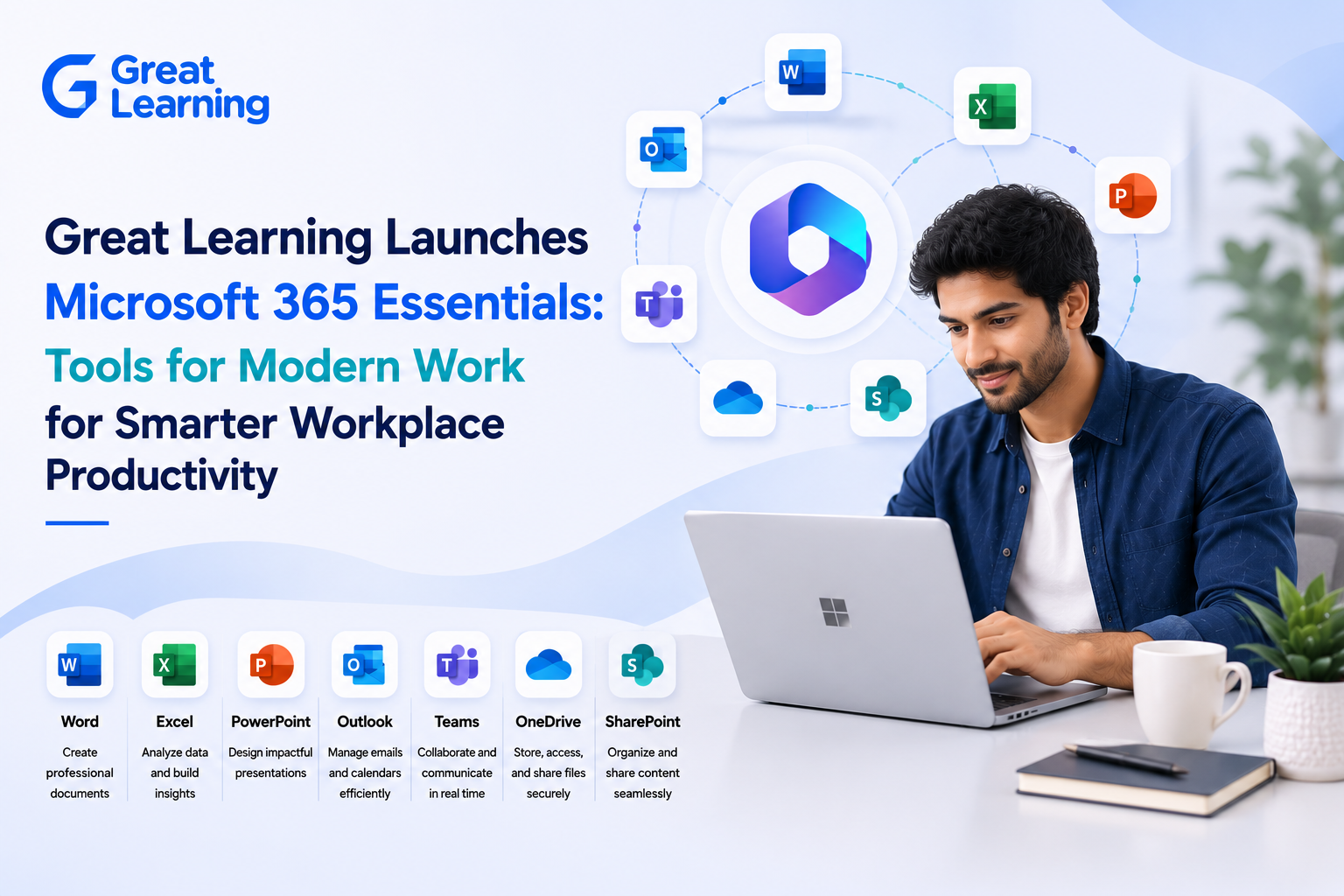
Great Learning Academy Pro has introduced a Microsoft 365 Essentials Course designed to help learners use Microsoft 365 tools for everyday workplace productivity. The course focuses on Microsoft Word, Excel, PowerPoint, Outlook, Teams, OneDrive, and SharePoint, helping learners create, organize, share, and collaborate more efficiently across modern work environments.
Why It Matters Now
Modern workplaces rely on clear communication, organized files, shared documents, structured data, and smooth team collaboration. This course addresses these needs by teaching learners how Microsoft 365 applications work together to support productivity workflows, document creation, data analysis, presentations, email, calendars, cloud storage, file sharing, and light automation.
Curriculum and Learning Outcomes
The curriculum begins with Microsoft 365 Foundations, where learners are introduced to Microsoft 365 applications and cloud collaboration. This module explains how Word, Excel, PowerPoint, and Outlook work together in Microsoft 365 to help users create, share, and collaborate efficiently. It includes an Introduction to Microsoft 365 and an Understanding of the Microsoft 365 Ecosystem.
Learners then move into Planning, Creating, and Collaborating in Microsoft 365. This module covers professional document creation with Word, presentation design with PowerPoint, data analysis with Excel, email management with Outlook, and teamwork through Teams, OneDrive, and SharePoint. It includes Creating Professional Content Efficiently, Working with Data the Smart Way, and Communication and Collaboration in Daily Work.
The final module, Microsoft 365 Productivity in Action, focuses on applying Microsoft 365 tools to real work situations. Learners explore work management, dashboards, light automation, AI awareness for everyday work, best practices, and practical demos. The module includes Automation and AI Awareness for Everyday Work, Best Practices and Next Steps, Microsoft 365 Demo 1, and Microsoft 365 Demo 2.
Applied Project Experience
The guided project, Creating a Remote Work Starter Packet Using Microsoft 365, places learners in the role of an Operations Coordinator responsible for organizing a company’s hybrid or remote work process. Learners create a remote work policy document in Microsoft Word, design a request tracker in Microsoft Excel, prepare a policy presentation in Microsoft PowerPoint, and use OneDrive to organize and share files in the cloud.
Delivery and Learner Experience
The Microsoft 365 Essentials Course is delivered online through structured learning and applied project work. It includes a step-by-step project guide, starter templates, and access to model solutions. Learners practice productivity workflows, professional document creation, presentation design, Excel data analysis, email and calendar management, file sharing, version control, and basic workplace automation.
Certificates and Closing
Learners get access to the course and certificate through an Academy Pro+ subscription. By completing the course, learners build a practical understanding of how Microsoft 365 tools support documentation, spreadsheet organization, presentations, communication, cloud collaboration, and workflow management in professional settings.