PRO
PRO
Microsoft 365 Course
Microsoft 365 Essentials: Tools for Modern Work
Learn document creation, data analysis, and presentation design, email management, and teamwork through Microsoft Teams, OneDrive, and SharePoint. Join the Microsoft 365 course to streamline communication and team collaboration.
Build skills and get job ready
Skill prep
Job prep

50+ Guided Projects

AI Resume Builder

AI Mock Interviews
About this course
Through hands-on projects, you’ll apply what you’ve learned by working on practical tasks that mirror real-world scenarios. You’ll build professional documents, analyze data, design presentations, and automate workflows. By the end of the MS Office course, you’ll have a solid understanding of how Microsoft 365 tools integrate to streamline communication.
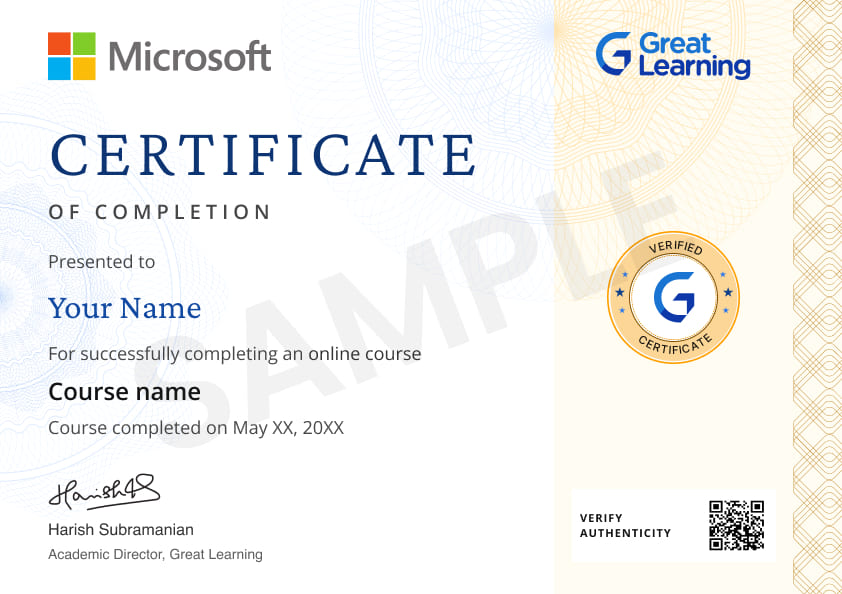
Earn a certificate with an Academy Pro+ subscription

Stand out to recruiters
Share on professional channels
Globally recognised
Land your dream job
Course outline
Industry focussed curriculum designed by experts
Microsoft 365 Foundations
2 items
0.12 hr
- Introduction to Microsoft 365
- Understanding the Microsoft 365 Ecosystem
Planning, Creating, and Collaborating in Microsoft 365
3 items
0.38 hr
- Creating Professional Content Efficiently
- Working with Data the Smart Way
- Communication and Collaboration in Daily Work
Microsoft 365 Productivity in Action
4 items
1.30 hr
- Automation and AI Awareness for Everyday Work
- Best Practices and Next Steps
- Microsoft 365 Demo 1
- Microsoft 365 Demo 2
Get access to the complete curriculum with your free trial
Start 7-Day Free TrialGuided Projects
Solve real-world projects with Microsoft 365 Essentials with a step-by-step guide, starter code templates, and access to model solutions to boost your skills and build a standout resume.
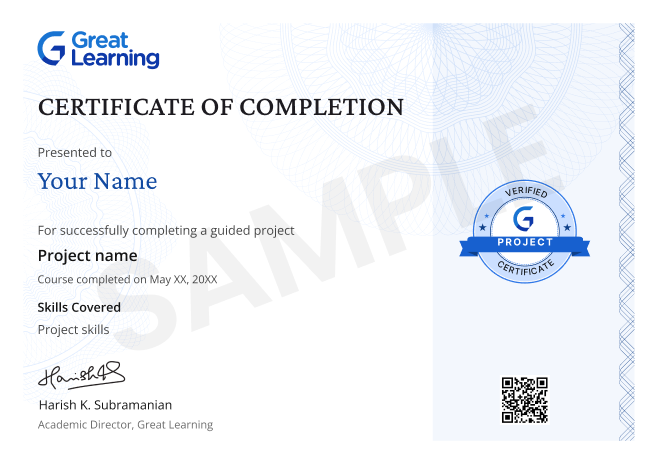
Get a project certificate to add to your resume
Earn a certificate for every project you complete.
- GUIDED PROJECT 1
- Creating a Remote Work Starter Packet Using Microsoft 365
- In this project, you will take the role of an Operations Coordinator responsible for organizing a company’s new Hybrid/Remote Work process. The organization currently lacks clear remote work guidelines, approval tracking is inconsistent, and important documents are stored in different locations. Your task is to create a Remote Work Starter Packet that employees and managers can use as a single reference point. You will use Microsoft Word to create a policy document, Microsoft Excel to design a request tracker, Microsoft PowerPoint to present the policy, and OneDrive to organize and share files through cloud storage. Throughout the project, you will apply workplace documentation, spreadsheet organization, presentation design, and cloud collaboration practices commonly used in professional environments. By completing this project, you will understand how Microsoft 365 tools work together to support organizational communication, documentation, and workflow management.
Gain skills & build your resume with complete access to guided projects in your free trial
Start 7-Day Free TrialCourse Instructors

Ms. Alphonsa Joseph
Our Learners Experience


Frequently Asked Questions
Who should take this Microsoft 365 course online?
This Microsoft 365 course online is designed for learners who want to improve workplace productivity and collaboration. It is useful for students, working professionals, coordinators, administrators, support teams, and anyone who wants stronger day-to-day skills in Word, Excel, PowerPoint, Outlook, Teams, OneDrive, and SharePoint.
What topics are covered in this Microsoft 365 training course?
The following modules are covered in this Microsoft 365 training course, along with a guided
Microsoft 365 Foundations
Planning, Creating, and Collaborating in Microsoft 365
Microsoft 365 Productivity in Action
Which applications are included in this Microsoft 365 Essentials course?
This Microsoft 365 Essentials course provides a working overview of the core Microsoft 365 applications. You will learn how Word, Excel, PowerPoint, Outlook, Teams, OneDrive, and SharePoint work together to support modern work, communication, file sharing, and collaboration in the cloud.
Does this MS Office course focus on practical workplace skills?
Yes. This MS Office course covers the following skills:
Productivity workflows
Professional document creation, Presentation design
Excel data analysis
Email and calendar management
File sharing and version control
Workplace automation basics
Will I learn how to create documents, presentations, and spreadsheets in this online Microsoft Office training?
Yes. This online Microsoft Office training teaches you how to create professional documents in Word, build and organize spreadsheets in Excel, and prepare clear presentations in PowerPoint. These are core skills for office work, reporting, coordination, and communication.
Does the course cover email, calendars, and communication tools?
Yes. The course covers Outlook for email and calendar management, as well as collaboration tools such as Teams. You will learn how to communicate more clearly, manage schedules, and support smoother teamwork in a modern work environment.
Will I learn cloud collaboration in this Office 365 training?
Yes. This Office 365 training helps you understand cloud-based collaboration through Teams, OneDrive, and SharePoint. You will learn how to share files, manage versions, work with others in real time, and keep documents organized across teams.
Does this Microsoft 365 course teach dashboards and automation?
Yes. This Microsoft 365 course introduces simple dashboards and light automation into productivity workflows. You will learn how Microsoft 365 can help streamline repetitive tasks, improve visibility into work, and support more efficient decision-making.
How will this Microsoft 365 training help in real-world work?
This Microsoft 365 training prepares you to handle common business tasks with more confidence and structure. You will learn how to create polished documents, manage data, present information clearly, organize files, and collaborate across teams. These skills are useful in office, operations, support, admin, and business roles.
What additional job preparation resources are included with this ms office training?
Along with the course, Academy Pro+ includes job-focused support such as 50+ guided projects, an AI resume builder, and AI mock interviews. These resources help you apply what you learn, strengthen your resume, and prepare for job opportunities with more confidence.
What are the practical outcomes of completing this Microsoft 365 Essentials course?
By the end of this Microsoft 365 Essentials course, you will be able to use core Microsoft 365 tools more effectively for daily work. You will know how to create professional files, analyze and organize information, manage communication, collaborate in the cloud, and support simple workflow improvements across teams.
Subscribe to Academy Pro+
Build skills and prepare for jobs with access to 500+ courses, certificates and tools.
Subscribe To Pro+ • $29/monthSkill Prep
Build skills with courses, practice with tools and earn certificates.

500+ courses

500+ Coding Exercises

Microsoft & AWS certificates

Job Prep
Work on industry-relevant scenarios, build professional resumes & prepare for jobs with mock interviews
50+ Guided Projects
AI Resume Builder
AI Mock Interviews
Application-driven learning to
Become a Skilled Professional with Pro Courses
Gain work-ready skills with guided projects, top faculty and AI tools, all at an affordable price.









.jpg "Course thumbnail image")

.png "Course thumbnail image")



.jpg "Course thumbnail image")












.png "Course thumbnail image")
.jpg "Course thumbnail image")

.png "Course thumbnail image")
.png "Course thumbnail image")

.jpg "Course thumbnail image")
.png "Course thumbnail image")
.png "Course thumbnail image")
.png "Course thumbnail image")

.png "Course thumbnail image")
.png "Course thumbnail image")

.png "Course thumbnail image")
.png "Course thumbnail image")
.png "Course thumbnail image")
.jpg "Course thumbnail image")



.png "Course thumbnail image")
 (1).png "Course thumbnail image")



.png "Course thumbnail image")
.png "Course thumbnail image")
.png "Course thumbnail image")


.png "Course thumbnail image")
.png "Course thumbnail image")
.png "Course thumbnail image")
.png "Course thumbnail image")
.png "Course thumbnail image")

.png "Course thumbnail image")

.png "Course thumbnail image")
 (1).jpg "Course thumbnail image")

.jpg "Course thumbnail image")
.jpeg "Course thumbnail image")
.png "Course thumbnail image")
.jpg "Course thumbnail image")

.png "Course thumbnail image")