Free Google Tag Manager Course

Google Tag Manager for GA4

Beginner level 3.0 learning hrs

This free Google Tag Manager course shows you how to check whether a GA4 event fires when someone clicks. Enroll to trace a test click through your website tracking setup before you publish a container.
Key Highlights

Get free course content

Master in-demand skills & tools

Test your skills with quizzes

About this course

This free Google Tag Manager course helps you work out why a website action does or doesn’t send an event to Google Analytics 4. Start inside a container, which holds the tracking setup for a site. A tag sends information, a trigger says when it should run, and a variable supplies a value it can use. If you’re setting up tracking for the first time, those distinctions help you decide which part of the setup to review when a click goes unrecorded.


The data layer lessons show how a site can pass details about an action, such as a purchase, into that setup. Once you can trace where the details come from, the GA4 event tracking lessons show how they fit into an event. You’ll use the Preview and Tag Assistant lessons to see which tags ran before you publish. The course also introduces version history, which gives you a way to review what changed between versions of a container.

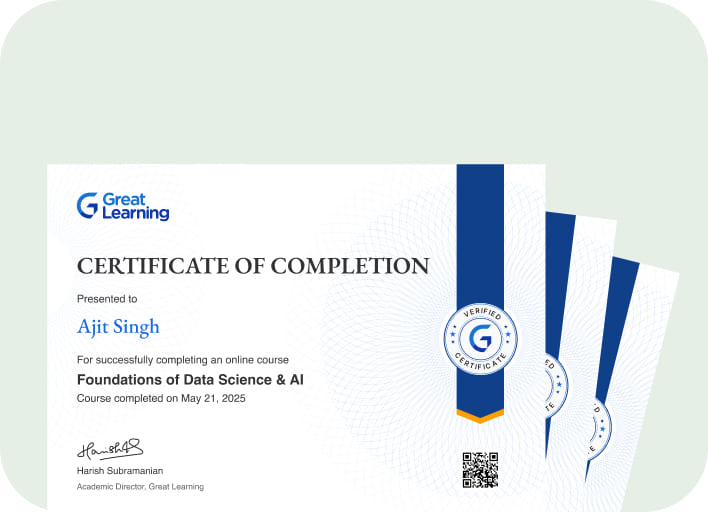
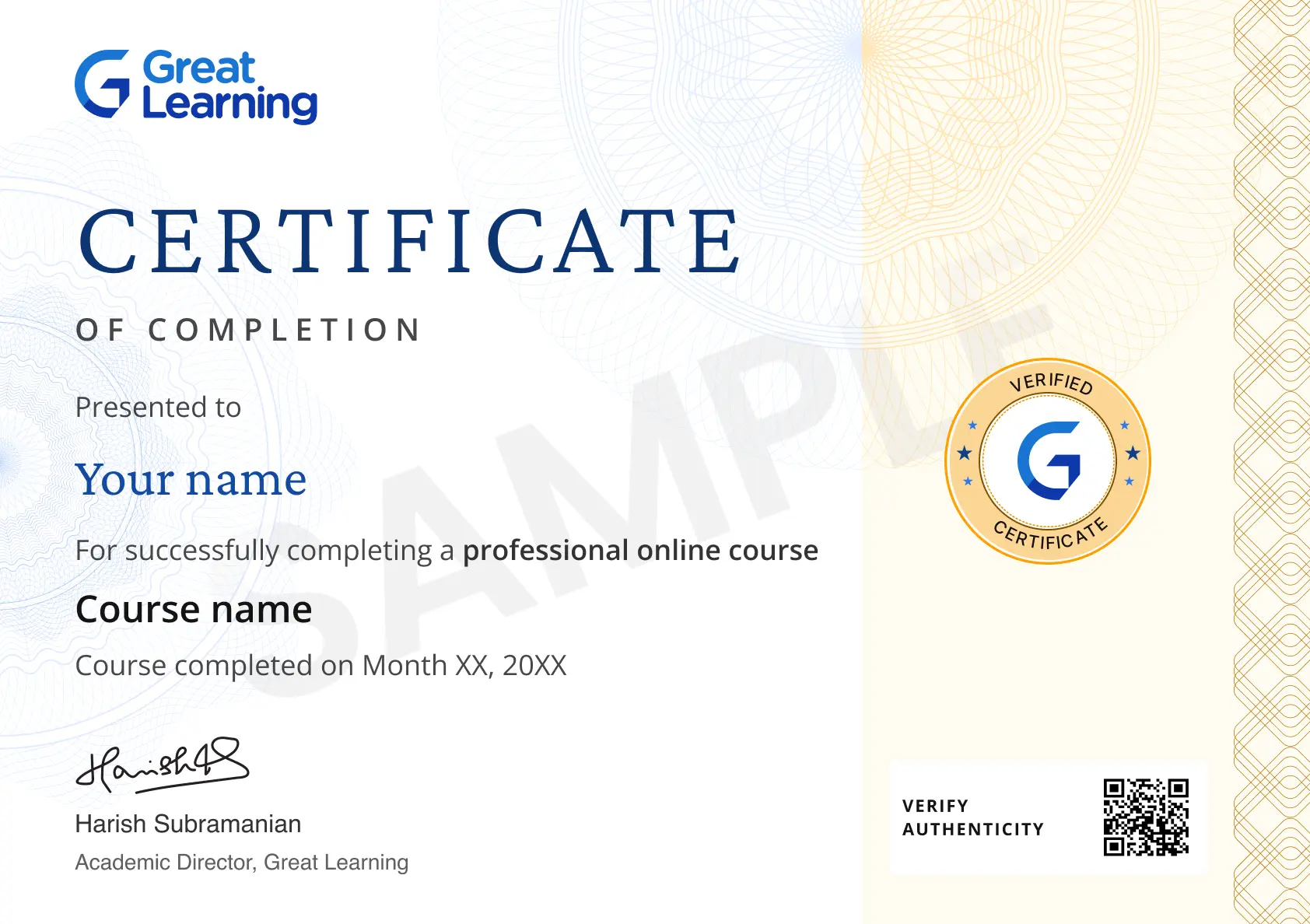
Stand out with an industry-recognized certificate

10,000+ certificates claimed, get yours today!

Get noticed by top recruiters

Share on professional channels

Globally recognised

Land your dream job

Certificate Image

Course outline

Understanding Tag Management and GTM Fundamentals

In this module, you'll learn the role of tag management in the martech stack, core GTM concepts like tags, triggers, and variables, container and workspace structure, container types, and the publishing workflow.

Building Your First GTM Container

In this module, you'll learn how to create a GTM account and container, install the GTM code snippet, verify installation, navigate the workspace, organize tags with folders, manage permissions, and set up environments.

Mastering Tags, Triggers, and Variables

In this module, you'll learn tag anatomy, built-in tag types, page view and click and form triggers, custom event triggers, built-in and user-defined variables, lookup tables and RegEx variables, and tag firing priority.

Working With the Data Layer

In this module, you'll learn the data layer concept, dataLayer.push() syntax, data layer variables, structuring ecommerce data layer events, firing order timing issues, nested data objects, and data layer validation.

Tracking GA4 and Conversions With GTM

In this module, you'll learn the GA4 configuration tag, GA4 event tag setup, enhanced measurement, ecommerce purchase tracking, Google Ads conversion tracking, cross-domain tracking, and Floodlight tags.

Expanding Reach With Advanced Triggers and Custom Tracking

In this module, you'll learn custom HTML tags, custom JavaScript variables, scroll depth and video tracking, form submission tracking, element visibility triggers, link click tracking, and custom templates from the Community Template Gallery.

Debugging, Testing, and Governance in GTM

In this module, you'll learn Preview and Debug mode, Tag Assistant diagnostics, container version history, publishing approval workflows, container auditing, implementation documentation, and pre-launch QA checklists.

Scaling GTM With Server-Side Tagging and Compliance

In this module, you'll learn server-side tagging architecture, server container setup, consent mode configuration, cookie compliance considerations, container performance optimization, tag auditing, and migrating legacy tracking to GTM.

Get access to the complete curriculum once you enroll in the course

Google Tag Manager for GA4

3.0 Hours

Beginner

Get free course content

Master in-demand skills & tools

Test your skills with quizzes

Trusted by 10 Million+ Learners globally

Frequently Asked Questions

Where do I start in the free Google Tag Manager course if my site has no container?

The setup module starts with creating a Google Tag Manager account and container. It then covers installing the code snippet and checking the installation before you configure tracking.

How will I learn to test a GA4 event before publishing?

The testing module introduces Preview mode and Tag Assistant diagnostics. You’ll see how to review what happened during a test interaction and check whether the expected tag ran before release.

Which trigger types does the Google Tag Manager course introduce?

The core module covers page views, clicks, form interactions, and custom events. Comparing those trigger types helps you connect the action you want to observe with the condition that runs a tag.

What do the Google Tag Manager lessons teach about lookup tables?

The variables module introduces lookup tables alongside built-in and user-defined variables. This gives you a way to study how the setup can choose a value based on an input from the site.

What will the data layer lessons teach me about ecommerce event details?

The data layer module covers how ecommerce events are structured and how data layer variables read values. You’ll also study how to validate the information and why the timing of an event matters.

Can I study tracking across domains in the Google Tag Manager for GA4 course?

Cross-domain tracking appears in the GA4 and conversions module. It sits alongside GA4 event setup and ecommerce purchase tracking, giving you a place to study measurement across domains.

Does the advanced tracking module cover actions beyond clicks and page views?

The advanced module covers scroll depth, video activity, and element visibility. You can compare those signals to see how the course approaches actions beyond loading a page or clicking a link.

What will I learn about using versions when several people review a container?

The governance module covers container version history and publishing approval workflows. These lessons show where a team can review a change and how that review fits into a controlled release.

How does the course introduce consent mode?

Consent mode configuration is covered in the final module alongside container auditing and performance. It’s presented as a topic in the tracking setup and fits into the course’s advanced material.

Where should I continue if I want to understand server-side tagging?

The final module introduces server-side tagging architecture and server container setup. It also covers migration from legacy tracking, giving you a starting point for exploring that transition.

Subscribe to Academy Pro+ & get exclusive features

$29/month

No credit card required

Learn from 40+ Pro courses

Access 500+ certificates for free

700+ Practice exercises & guided projects

Prep with AI mock interviews & resume builder

Other Digital Marketing tutorials for you

Enroll For Free